Hello there, JS1050.
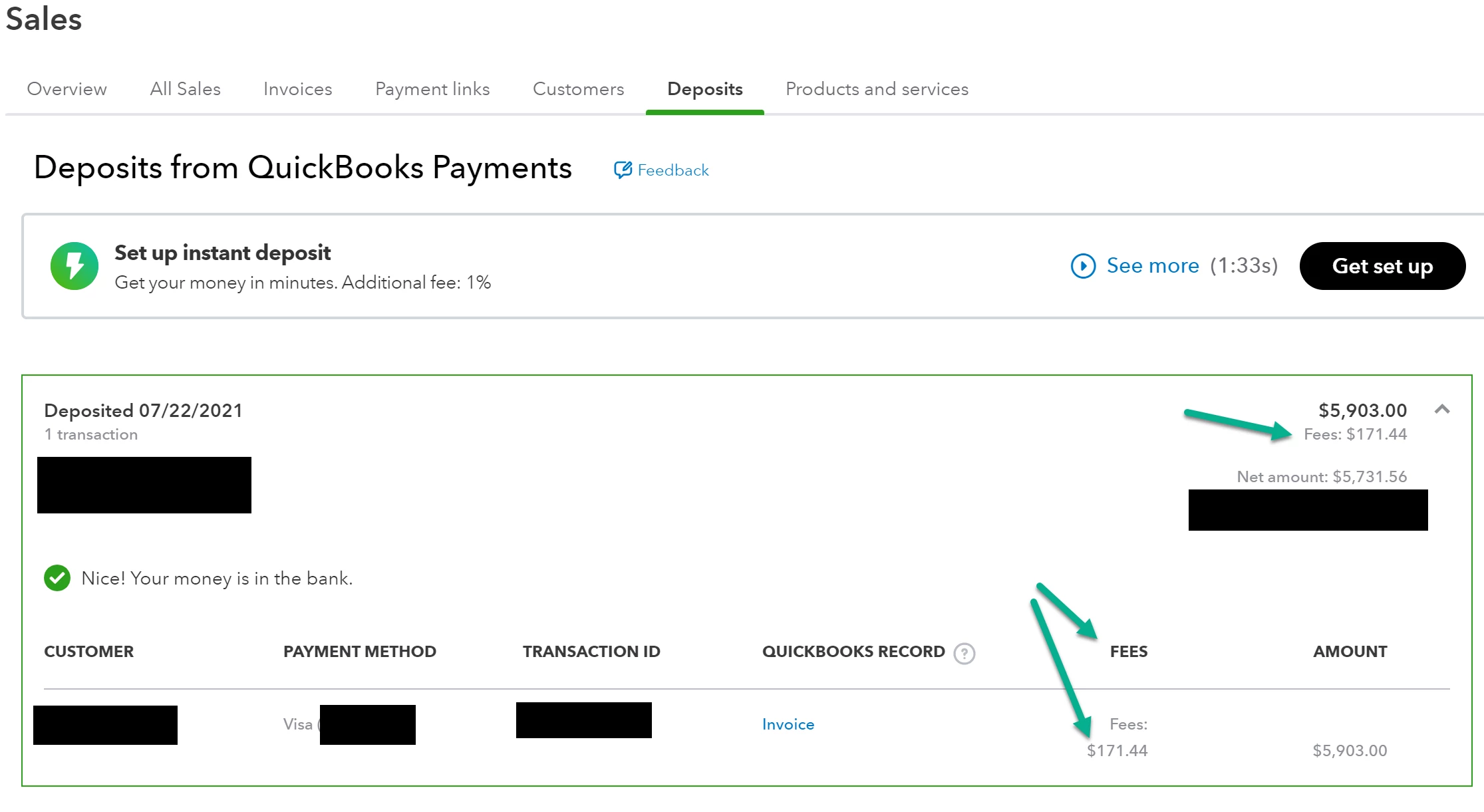
I'd like to share what I know about deposit fees in QuickBooks Online.
QuickBooks Online automatically records your fees that was deducted from your QuickBooks Payments transactions. You can see those transaction fees on the same account you selected as the deposit account in the Chart of Accounts.
To select the accounts:
- Click on the Gear icon ⚙.
- Select Account and Settings.
- Go to the Payments tab.
- In the Chart of Accounts section, choose your accounts and save.
Although, if you are using the Downloaded Transactions feature to connect to your bank, your payment will automatically go into the Undeposited Funds account as soon as you process them.
Once they've settled and are deposited into your checking account in real life, the Batch Deposit will automatically be recorded and a separate fee withdrawal will be automatically recorded in Fees withdrawal account.
I've added this article for frequently asked questions about payment in QuickBooks Online: Common questions about payments deposits in QuickBooks Online.
Don't hesitate to let us know if you still have other questions about payments and fees. We're always here to help. Have a great day!