

October 6, 2022
Question

Can't automatically add expenses

  • October 6, 2022
  • 1 reply
  • 0 views

I've already connected my bank, it shows the balance on the transactions tab.


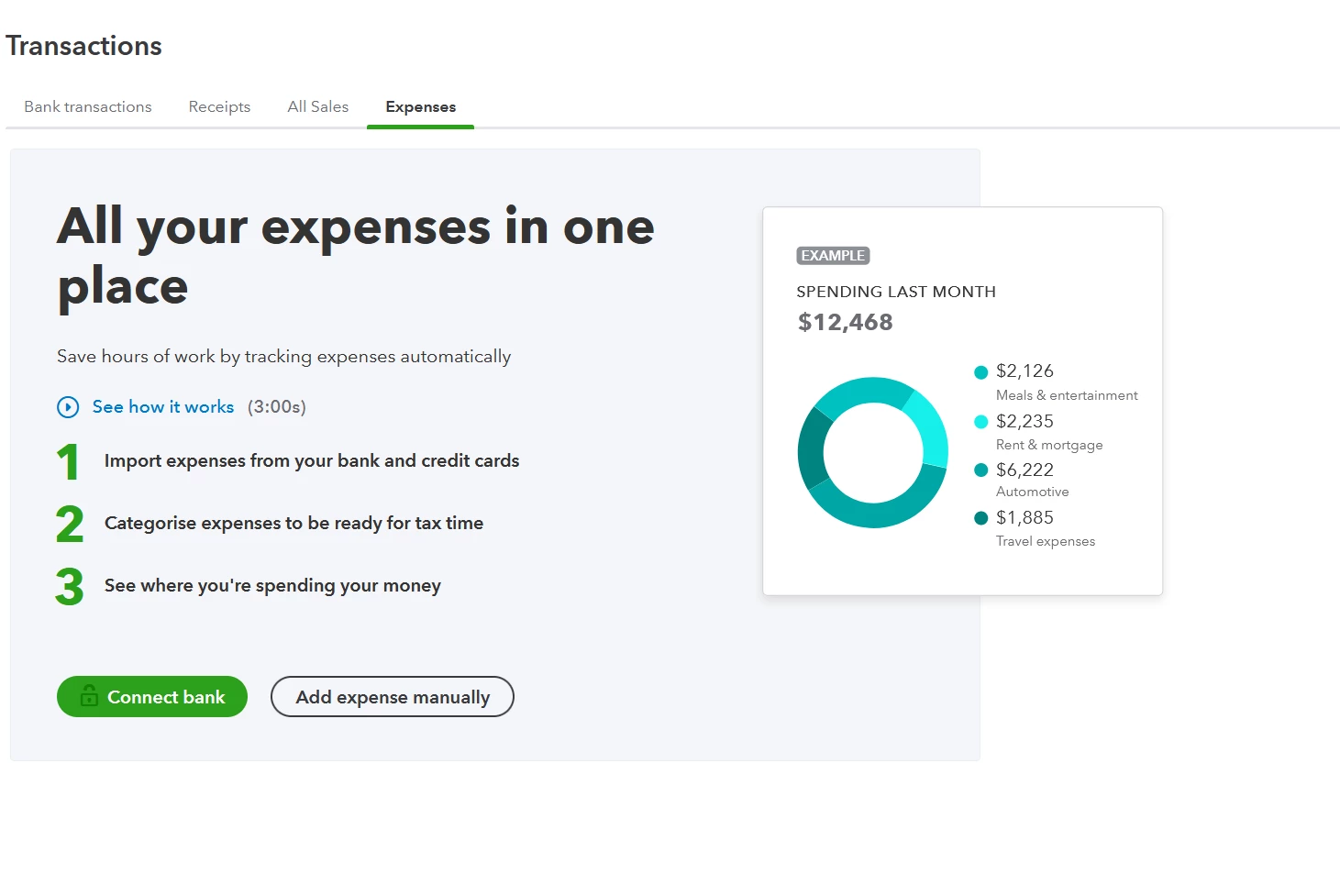
However when I click on expenses tab shown here, it shows this screen. I've tried reconnecting my bank but it doesn't let me readd it
 

1 reply

October 7, 2022

Good day, cogitv. 


Let me make it up to you by ensuring you're able to add expenses automatically in QuickBooks Online (QBO). 


There are times when your browser is full of frequently-accessed page resources causing QuickBooks Online (QBO) to act in unusual behavior. Let's log in to your QBO account using a private browser. This is to rule out any problems related to your browser. 


Here are the keyboard shortcuts:


  • Google Chrome: Ctrl + Shift + N
  • Mozilla Firefox: Ctrl + Shift + P
  • Internet Explorer: Ctrl + Shift + P
  • Safari: Command + Option + P


If you're able to add a new one, it's safe to say your browser's causing this issue. You can fix it by clearing cached data and Intuit-specific cookies. If the issue persists, try using other supported browsers. That way, we can see if this is a browser-integrated issue.


When everything is all set, you might want to check these links on how to categorize your transactions and reconcile your accounts:


Keep your post coming if you have more questions or concerns about managing your expenses. I’ll be around to help you. Keep safe and have a good one!