November 8, 2021
Solved

How do you edit categories within rules?

  • November 8, 2021
  • 1 reply
  • 0 views

Hello,


Apologies if this is a silly question.


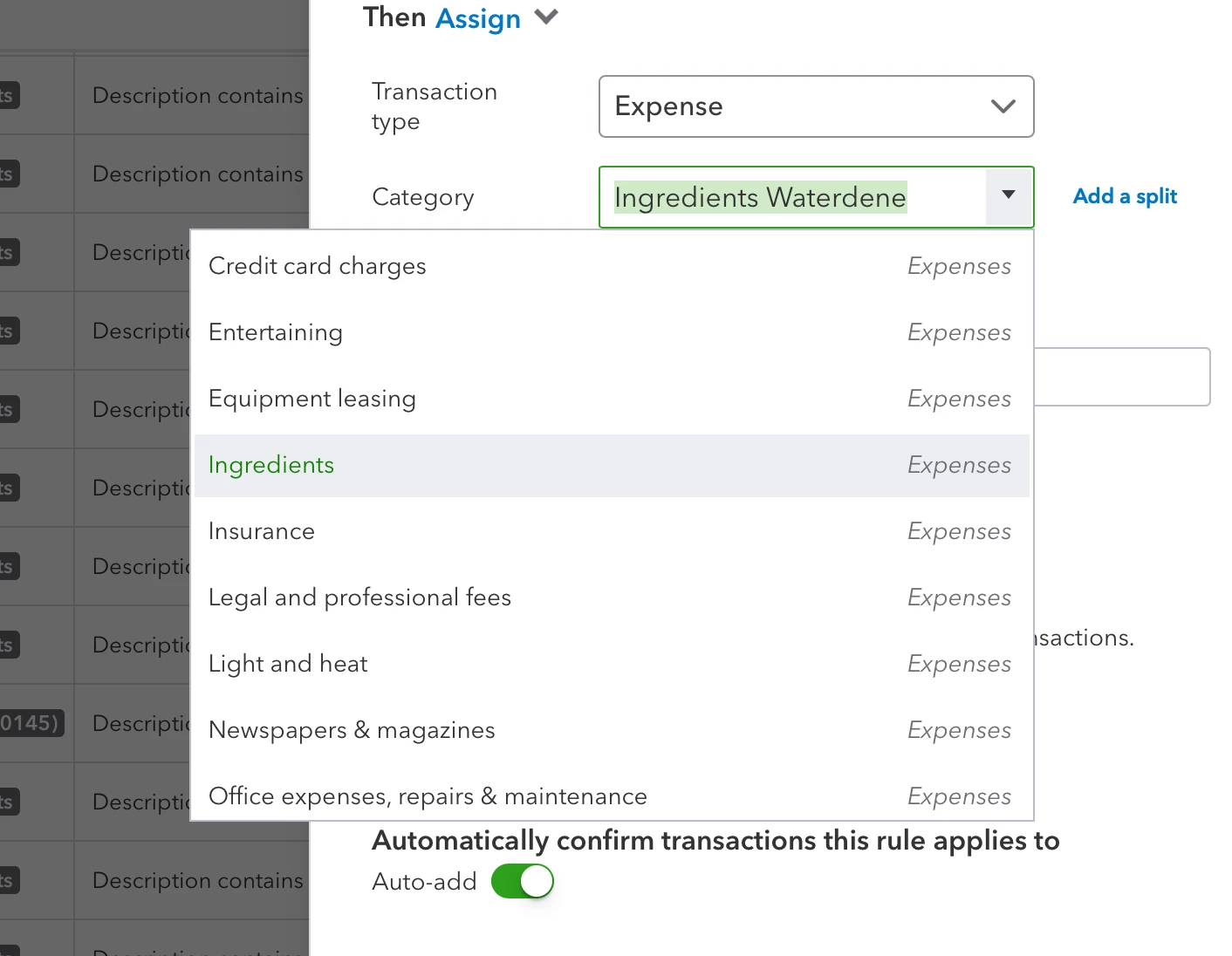
I've created a category called "Ingredients" as an expense. I meant to click cost of sale. Is there a away to edit these categories? All I can see is the Add New option at the top of the list but as the name "Ingredients" is already taken I can't make another.


Thanks.


Best answer by TirzahC

I got your back and I'll show you how we can change the account categories, Dylan Shankland.


Cost of Sales (COS) will only calculate if we use an inventory type of item. Specific accounts are automatically created by default. We can change those categories by editing them in your Chart of Accounts. Here's how to do it: 


  1. Go to the Accounting menu, then click Chart of Accounts.
  2. Locate the account, then click on Edit.
  3. Choose a Category/Account type (Cost of Sales).
  4. Fill in the needed details and click Save & Close once done. 


We can read this reference to learn more about the chart of accounts in QuickBooks. This contains instructions to edit, hide and add account numbers.


I'm just one post away if you need a hand with changing categories or any QuickBooks-related. Feel free to leave a message in the comment section. I'm always around here in the Community to help. Keep safe, and have a good day. 

1 reply

TirzahCAnswer
November 8, 2021

I got your back and I'll show you how we can change the account categories, Dylan Shankland.


Cost of Sales (COS) will only calculate if we use an inventory type of item. Specific accounts are automatically created by default. We can change those categories by editing them in your Chart of Accounts. Here's how to do it: 


  1. Go to the Accounting menu, then click Chart of Accounts.
  2. Locate the account, then click on Edit.
  3. Choose a Category/Account type (Cost of Sales).
  4. Fill in the needed details and click Save & Close once done. 


We can read this reference to learn more about the chart of accounts in QuickBooks. This contains instructions to edit, hide and add account numbers.


I'm just one post away if you need a hand with changing categories or any QuickBooks-related. Feel free to leave a message in the comment section. I'm always around here in the Community to help. Keep safe, and have a good day. 

April 3, 2023

With quickbooks online, Chart of Accounts can be found on the live bookkeeping tab.