March 5, 2023
Question

Invoicing / invoice tracking without sending

  • March 5, 2023
  • 1 reply
  • 0 views

Hi there, 


I'm new to QuickBooks and I'm not quite happy with it ...

I just want to make an invoice with my Customer info, PO number ( that's missing from the invoice menu.. ) e-mail and products BUT I don't want to send it through the QuickBooks. 
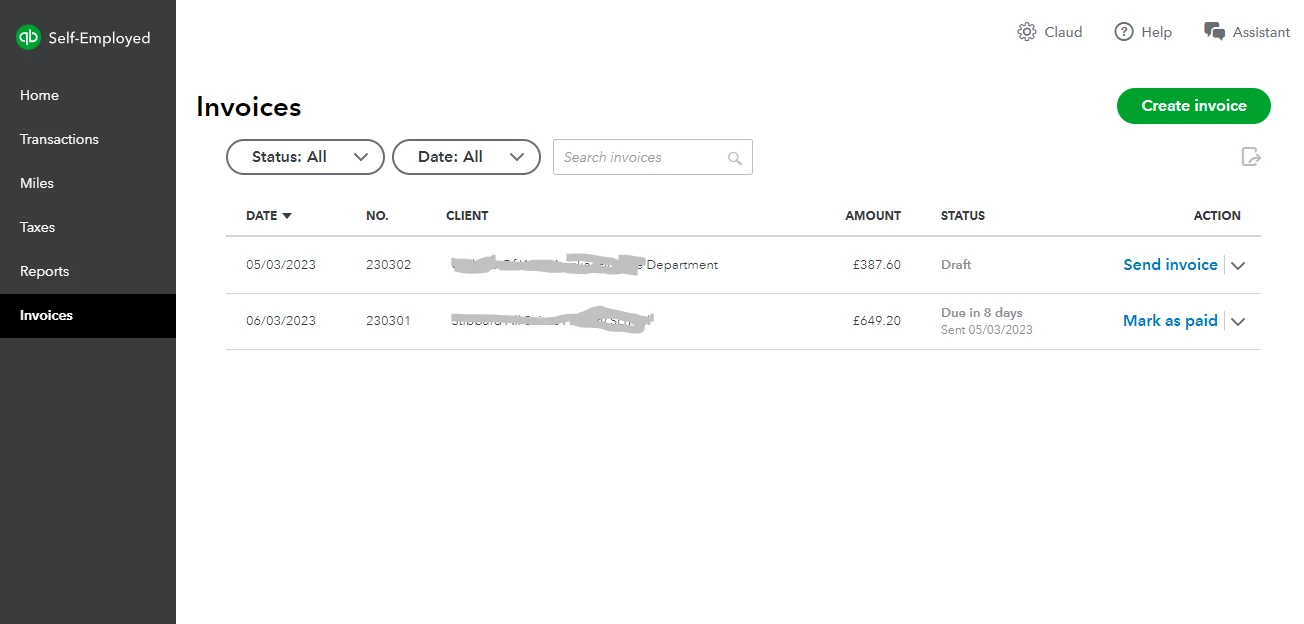
I can save each new invoice or a copy as a Draft... Which is wrong isn't it? 
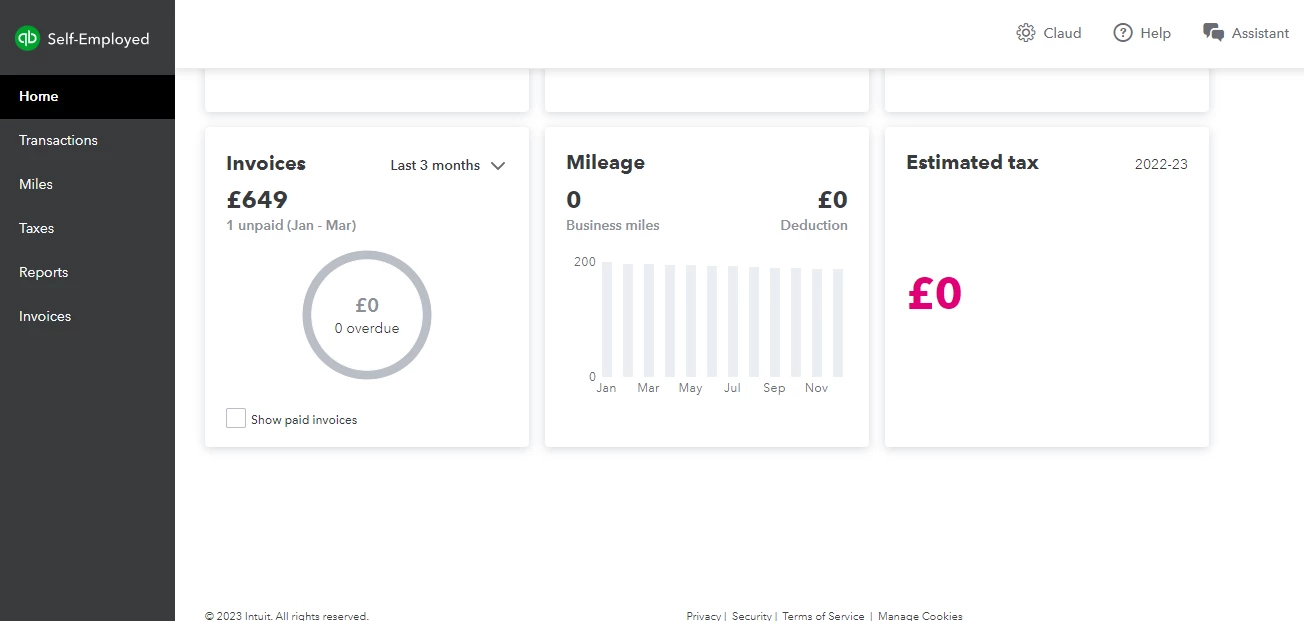
I can't see these ( drafts ) invoices on the HOME page under INVOICES 


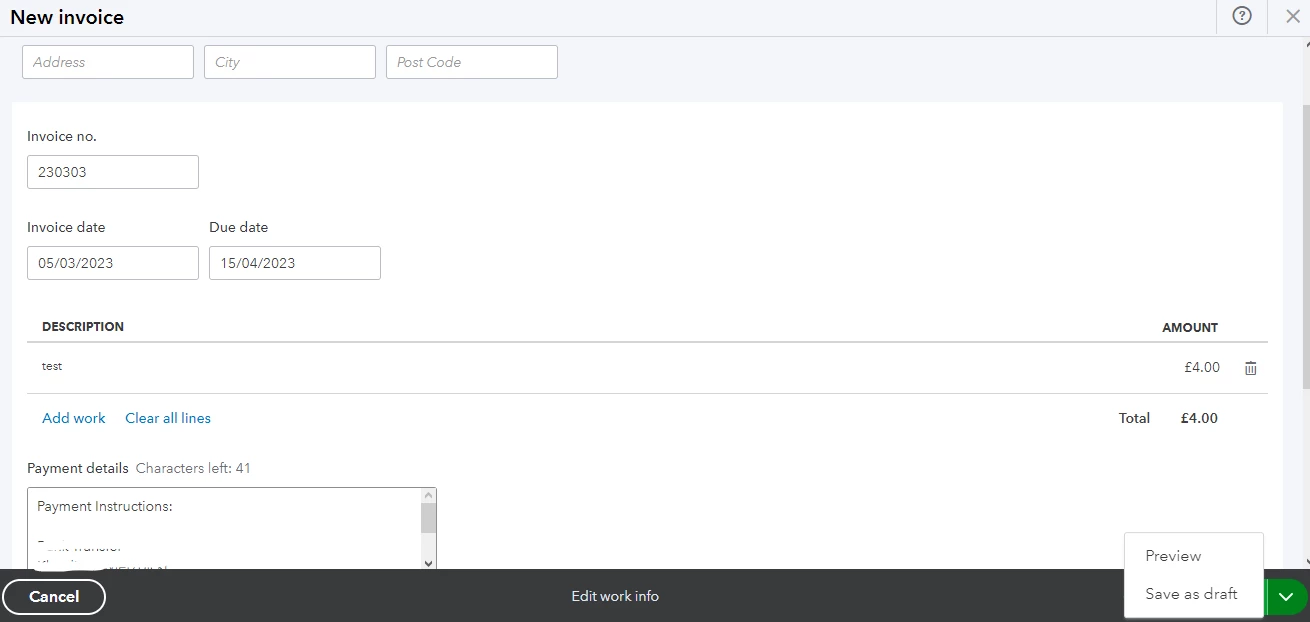
I don't have anything like Create and close or Save and close, it's forcing me to send it to the Customer.. I know I can change e-mail to mine and send it to me but then again trying to change my e-mail address to Customer's making it back to DRAFT.. This is quite useless. 
1 reply

MariaSoledadG
March 6, 2023

I'll share some information about invoicing in QuickBooks Self-Employed (QBSE), PATtesting.


I can see how this feature will give you a more convenient way when creating invoices and help improve your business experience. You'll want to send feedback to our Product Development Team so they'll be able to consider adding it to the next future updates. To do so, you can follow the steps below:


  1. Access your QuickBooks Self-Employed company.
  2. On the top-right corner, click the Assistant button.
  3. Type Feedback, and then choose Add a feature.
  4. Enter a brief description of your feature request and then send it.
  5. Once done, click Yes.


Furthermore, QuickBooks puts your transactions on the correct line of your Schedule C. Learn from this article on how to categorize transactions: Categorise Transactions In QuickBooks Self-Employed.


Let us know if you have any questions about invoices. We'd be happy to help you as always.

March 6, 2023

Missing function with Customer PO it's not the biggest issue... 
How to make an invoice without sending it through the QuickBooks? Without sending them, we can't trace them, coz they can be saved only as a draft... Hope that make sense. 

Fiat Lux - ASIA
March 7, 2023

@PATtesting 

Use a free invoicing app as a workaround and mirror the invoice data into QBO with a connector.