

Paid Bill Still Showing As Open Balance
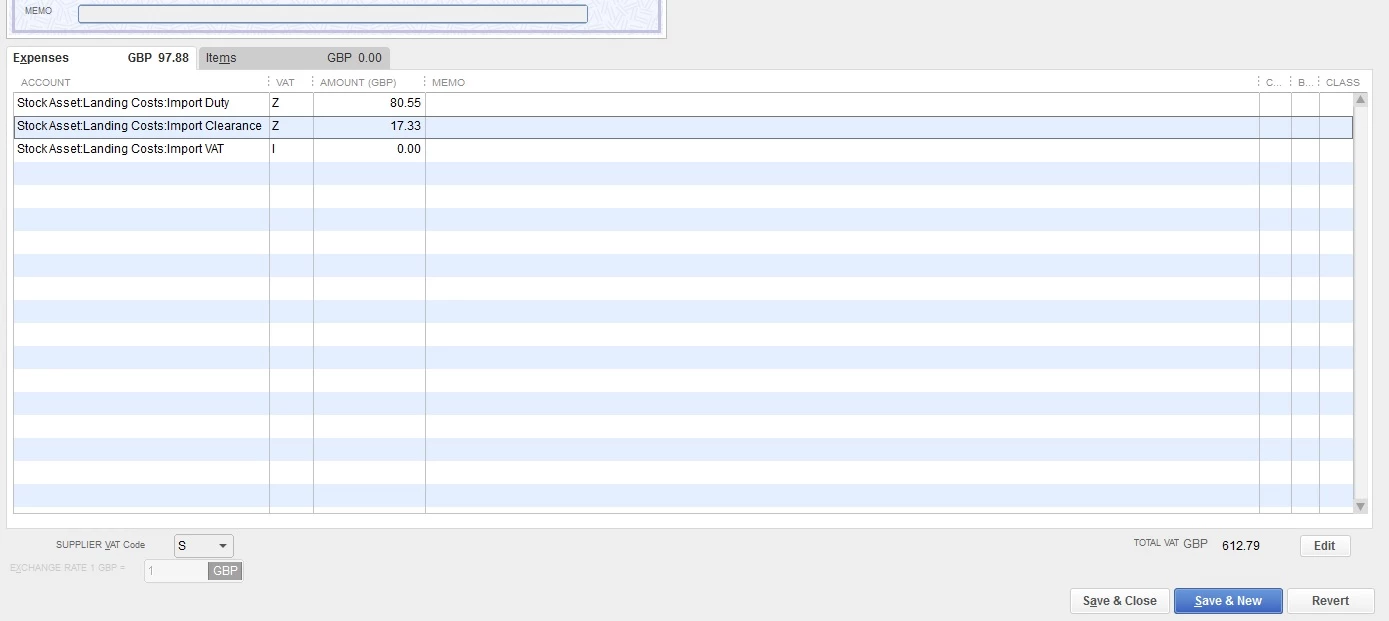
I am using Quickbooks Desktop Premier 2020 with the latest updates installed. I have a problem with a small number of supplier bills. I will list the process below...........
1. Open supplier bill screen
2. Enter all details (I have checked to make sure its correct about 6 times)
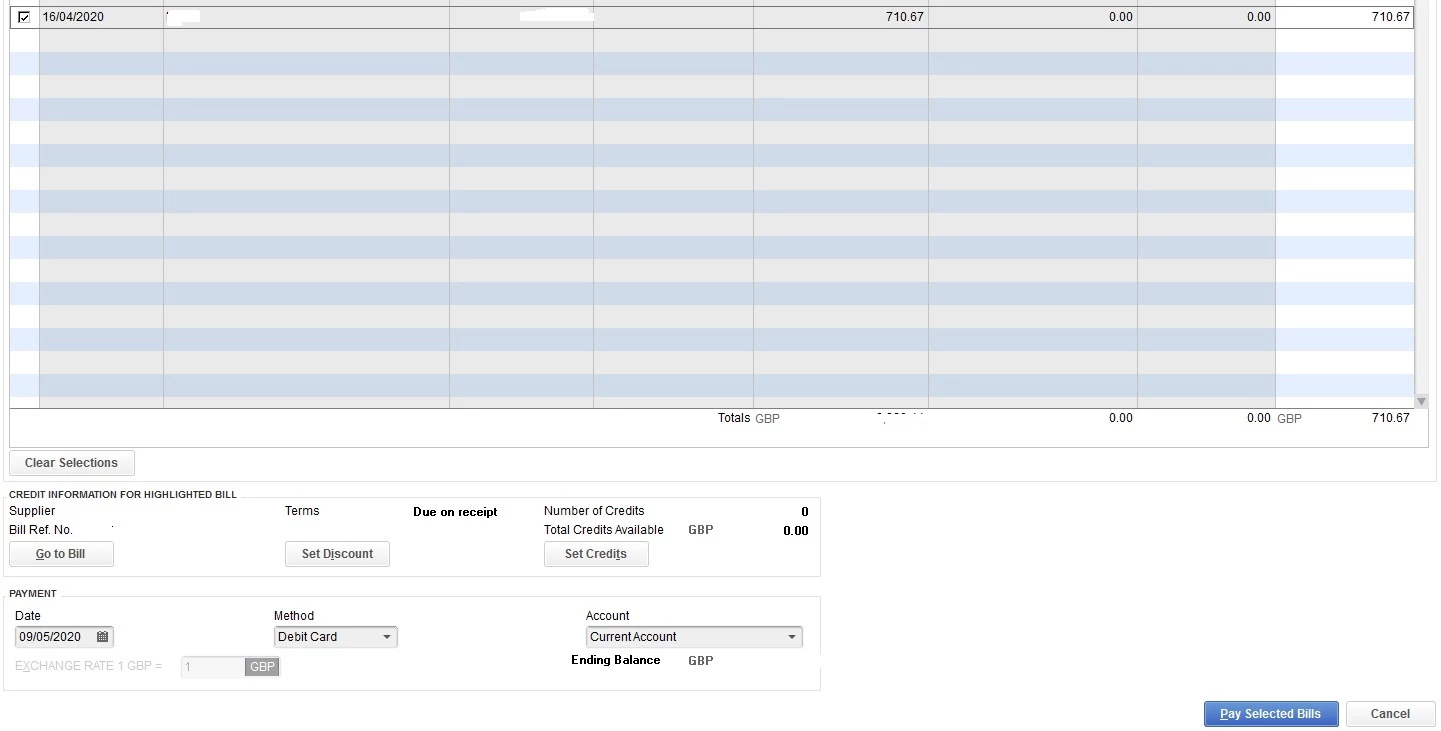
3. Pay supplier bill using pay bills screen and save
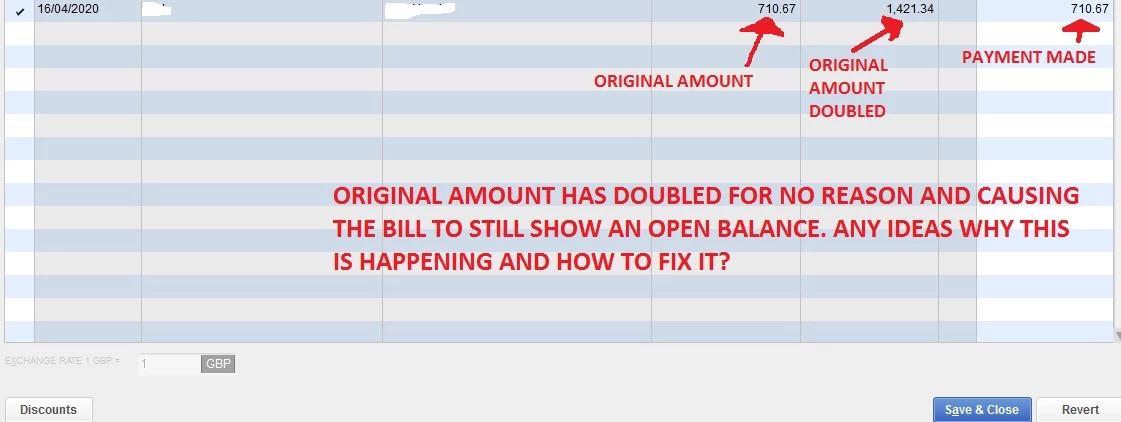
4. Supplier still showing bill open to the full amount
5. Open payment and see the amount has randomly doubled itself, so even though the payment has been recorded for the original amount Quickbooks thinks the bill is for double the amount so still shows an open balance.
I will add pictures to explain better........
I have tried to work it out myself but i`m stuck. Other problem is the bill is in a closed VAT period so I cant just delete the bill and start again. Anyone got any ideas?