Hi @RobB81
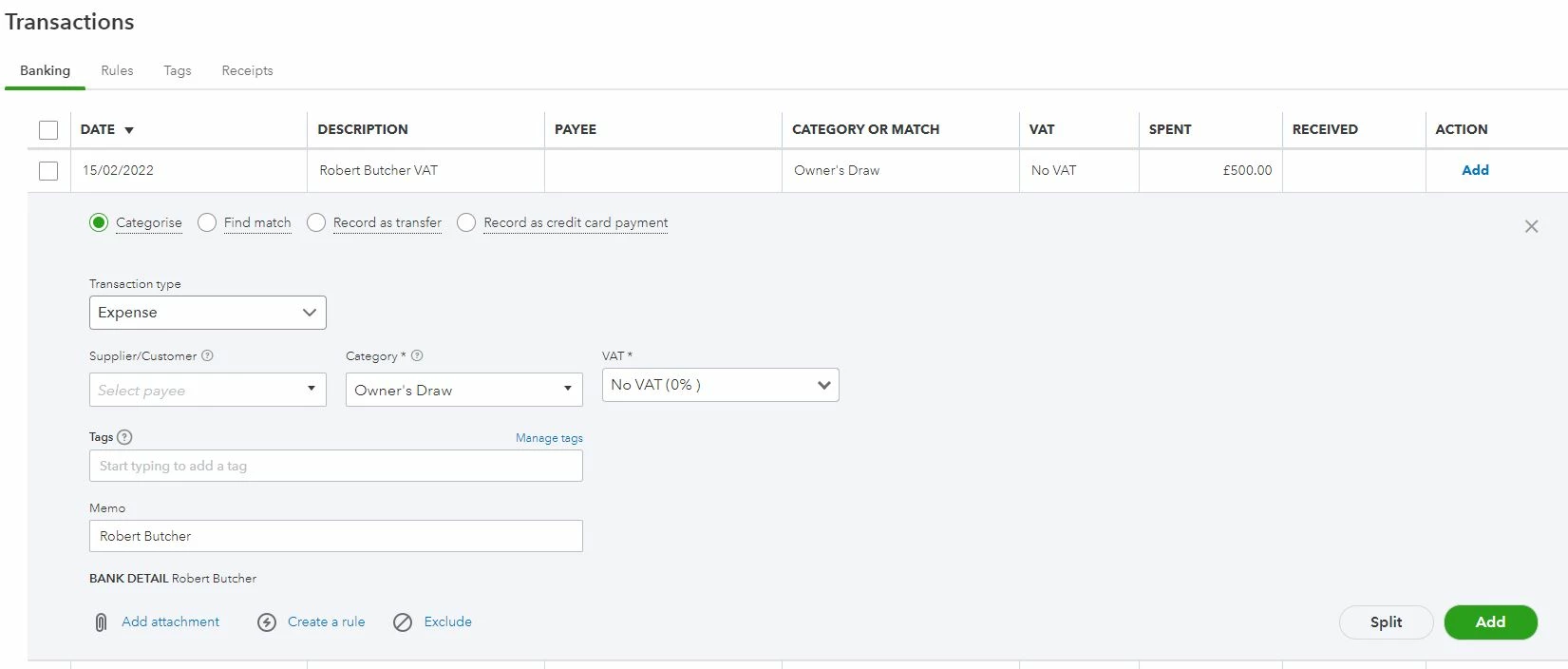
Very simple. It's not an expense yet.
Record as Transfer.
You will need to create a new Bank-type account for the transfer to be sent to.
It's probably not even necessary to recreate this in QB because the money isn't actually going anywhere.
(a Starling Space is not actually a separate account - it's more like a sub-account of the main account).
In your Chart of Accounts, create a new Bank Account (this can be a current or savings account in QB, it doesn't really matter).
If you want it to be able to see the total in your Starling account (including VAT Space), set it as a Sub-Account of your main current account.
If not, leave it as a separate account in QB.
The payment from current to VAT Space is a simple bank transfer ... New > Other > Transfer if you want to enter manually rather than through the bank import/reconcile.
Hope this helps.