Solved
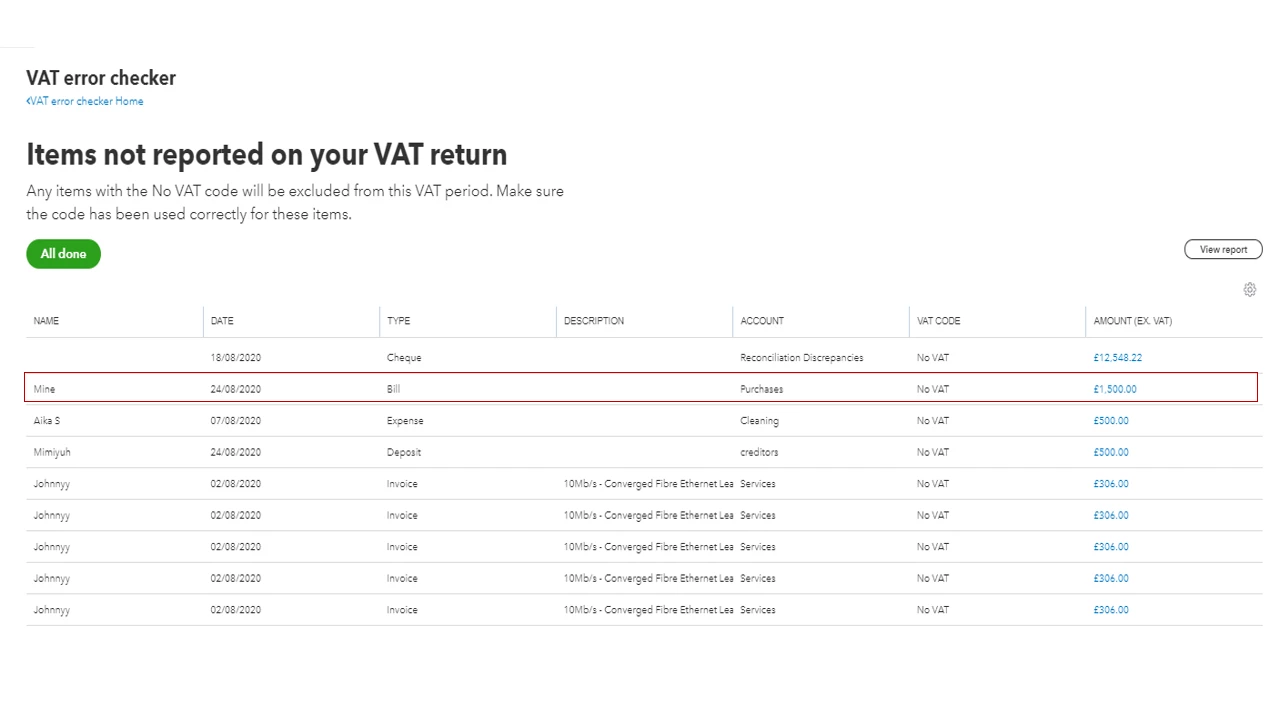
Items not reported on your VAT return
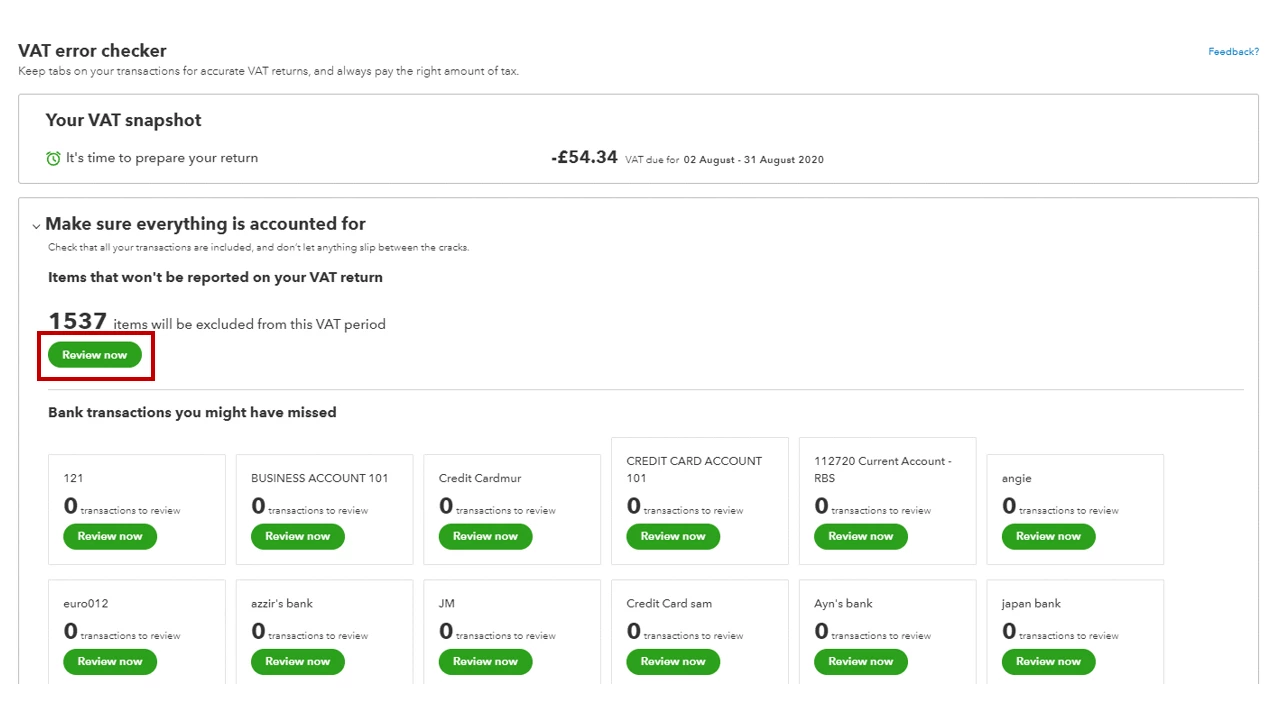
I have recently just started using quickbooks, getting the hang of it slowly. I have been monitoring my VAT etc, and have noticed in the VAT section where you can error check where there are quite a few transactions that say
'Items that won't be reported on your VAT return'
My question how can i sort this out?
It also says '
Any items with the No VAT code will be excluded from this VAT period. Make sure the code has been used correctly for these items.'
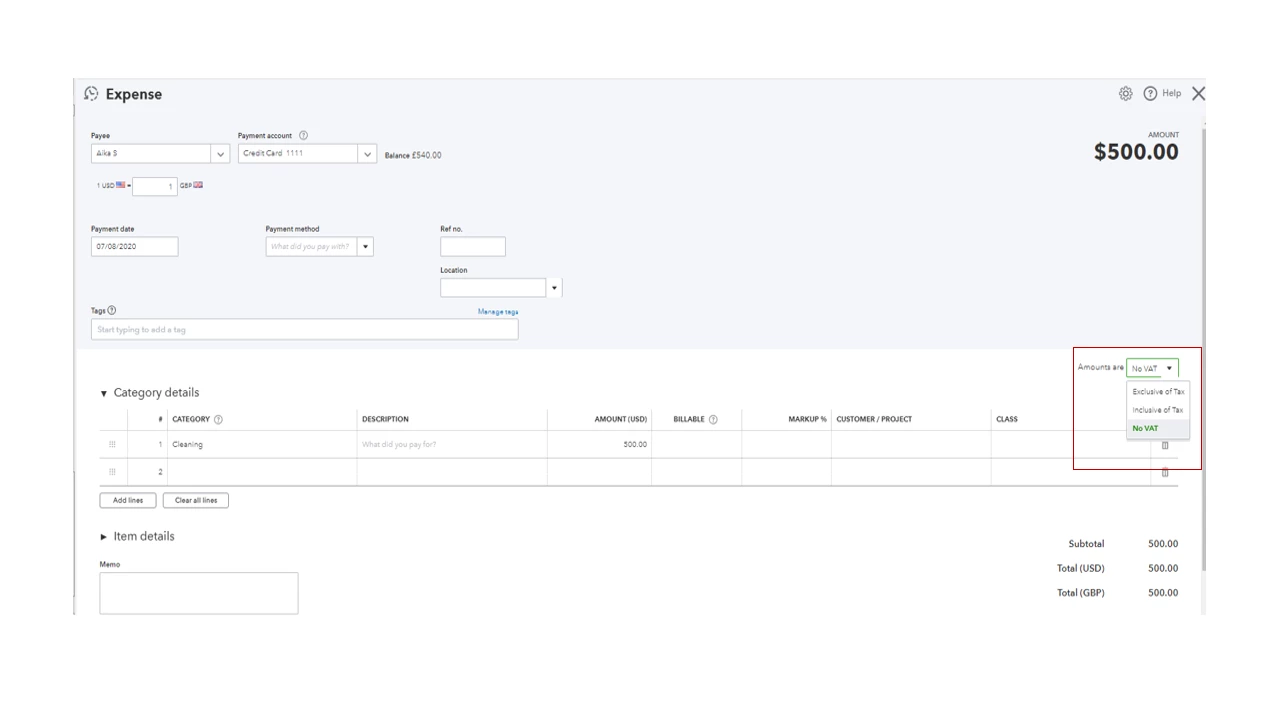
How can i change this at this stage?
any help is appreciated