

April 12, 2021
Solved

Splitting a transaction with different VAT Amounts

  • April 12, 2021
  • 2 replies
  • 0 views

Hi all,

I have only just started using QuickBooks so I am slowly finding my feet.

My current problem is that I buy items at auction and the VAT is only on the buyer's charges and not the full invoice amount. Here is the breakdown of one of the invoices...

Hammer £360.00 
Buyer's Premium £82.08 

Buyer's Charges £17.83

VAT on Buyer's Charges £3.57

Invoice Total £463.48 

I have been told to find the transaction and then split it but the amounts do not seem to work (screen shot attached). Am I doing something wrong here?

Thanks in advance

Mark


Best answer by GeorgiaC

For some reason it won't let me add a photo in my initial posts/replies sorry


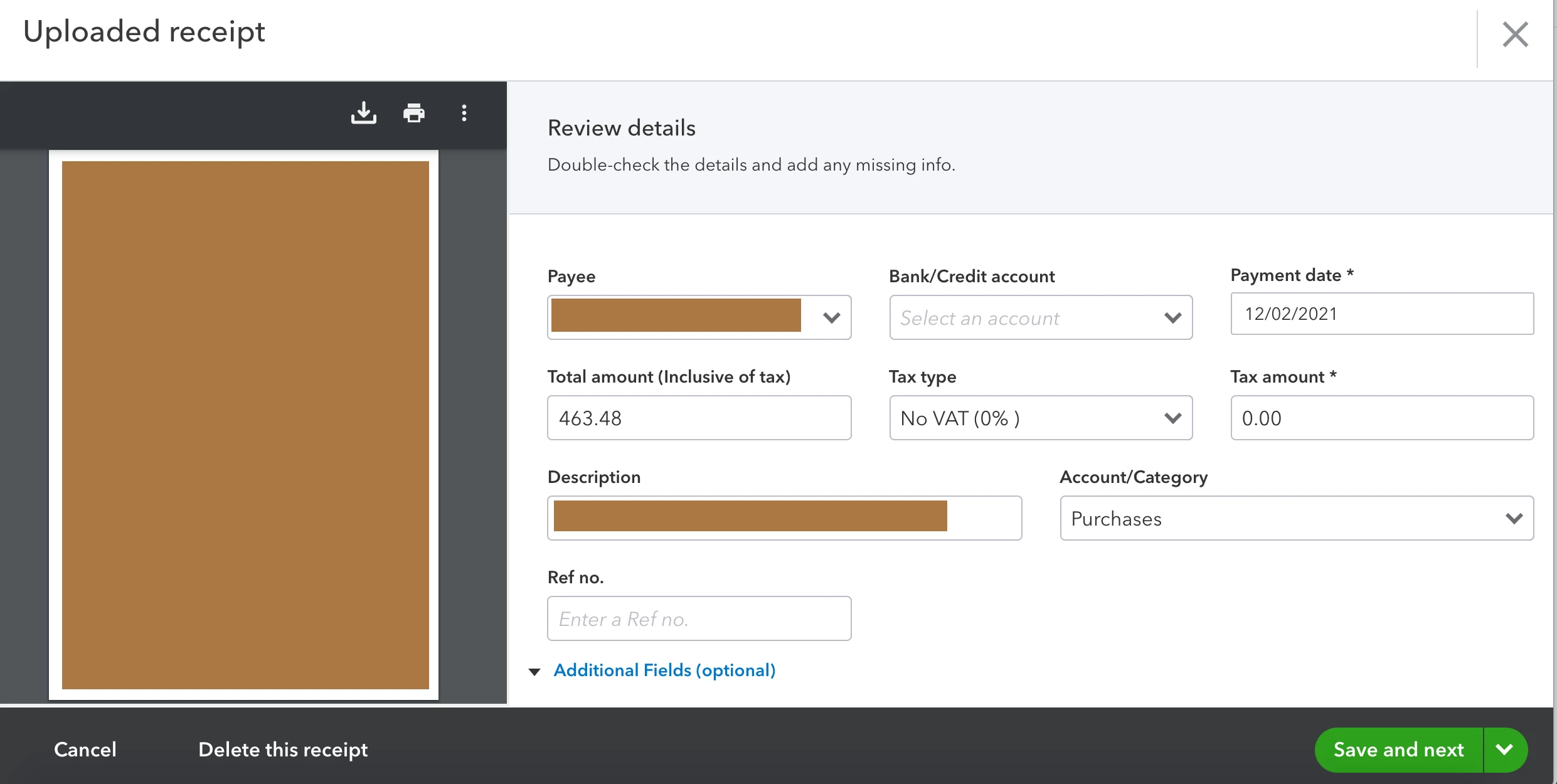
Thanks for getting back to us with that screenshot Mark, when adding transactions from the for-review section of the bank feed, the VAT will always be applied as inclusive of VAT. If you add the receipt with no VAT and then match this to the transaction with VAT, the matched transaction will override what you have selected on the receipt in terms of VAT. 


Please get back to us below if you have any Q's!

2 replies

April 12, 2021

The screen shot did not attach in the first post sorry...


IamjuViel
April 13, 2021

Hello there, @absolutelynicevintage.


You've on the right track in starting the splitting process. Let me share additional information so you'd be able to accurately split your downloaded bank transactions.


You'd want to add together the VAT amount and the buyers charge. This way, the vat on the buyer's charge will be accounted. You can refer to the screenshot below: 


You can read through the following articles to learn more about managing your downloaded bank transactions:

Get back to us here if you have other questions or concerns. I'm always here to help.

April 13, 2021

Hi @IamjuViel,


Thanks so much for replying. 

I take it the £21.40 is inclusive of the VAT then?


Also, when I import/upload the receipt (screen shot below), do I just mark it as no VAT? Then Match the transaction top the receipt?


Thanks again!


April 14, 2021

Hi Mark, sorry for any confusion, there are no issues showing with the calculations above. Once you've matched the receipt to the transaction, please then check your vat report (Taxes > Prepare return > Click into the figure showing against Box 1 > Locate the transaction listed in the VAT detail report that appears) to verify this is posting the £3.57 VAT amount only once on the transaction date. 


If there are any issues please get back to us below :)