

September 5, 2019
Solved

VAT refund

  • September 5, 2019
  • 1 reply
  • 0 views

I started QBO on 1 August.  I have received a refund from HMRC on 7 August which relates to the July return.


How do I record the refund, which category do I attribute it to as at present I have only the VAT control account showing the VAT items input from 1 August onwards.


Thanks in advance.
Best answer by payment after leaving


Hi M for TF


As the refund relates to a period not filed within QuickBooks you will have to create a deposit and allocate it to a separate income account, which you can create and call e.g. Historic VAT Refund.

1 reply

September 5, 2019

Hello there, @M for TF.


Good to see you here in the Community. I can help walk you through on how to record a VAT refund from HRMC in QuickBooks Online (QBO). 


To do this, please follow these steps below:

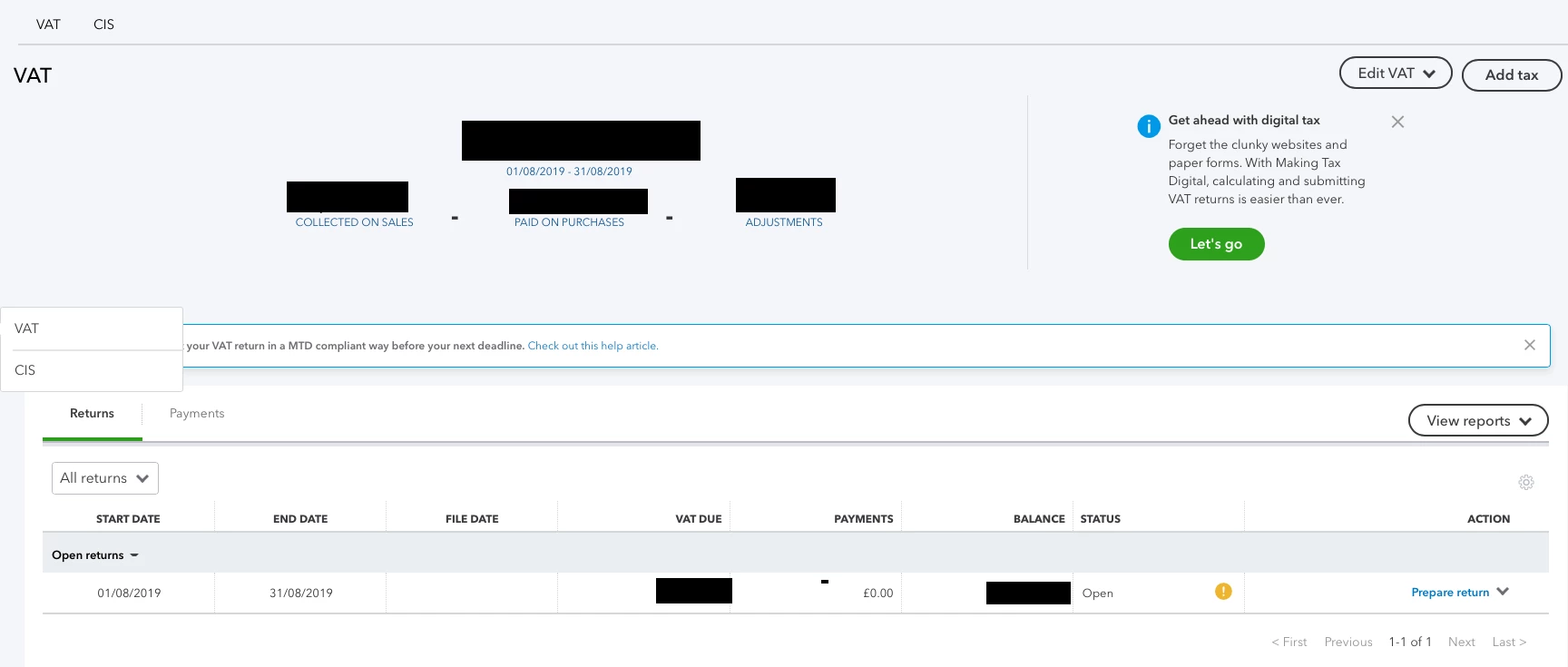
  1. Go to Taxes and click on the arrow next to View Return for the specific VAT period you need.
  2. Select Record Refund.
  3. At the top, select the bank account the refund has gone into.
  4. Make sure you've selected Refund under Payment Type.
  5. Enter the Refund date and amount.
  6. Add a memo if needed.
  7. Click Save.

This will create a new transaction on your books. If you are adding transactions from your bank feed, you will need to record the VAT payment here first, then match it to the transactions on the Banking page.


This will get you on the right track. Feel free to leave a comment below if you have any other questions about recording VAT transactions in QBO. I'd be happy to answer them for you. 


M for TFAuthor
September 6, 2019

I do not have that option as I have not yet filed a return on QBO.  The previous return (and subsequent refund) are from the period prior to QBO.


M for TFAuthor
September 6, 2019