I recognize that the charge isn't reflecting on the customer's account, Susan607 I'm here to lend a helping hand on handling your bounced check in QuickBooks Desktop for Mac. I'll provide a few steps to take to troubleshoot this issue.
When you use the Bounce Check feature, an invoice will be automatically created for your customer for the fee you’re charging them. Let's review your customer transaction list to verify if the bank charge fee is there.
Here's how:
- Go to the Customers menu.
- Click the appropriate customer.
- Take note of the transaction list of the left side of the window.
- Select All transactions from the View drop-down.
- Choose Show all from the Filter by drop-down.
- Set the correct date, then locate and open the invoice.
Nonetheless, if you've noticed that the bounced charge fee wasn't there, I suggest running a verify rebuild tool to detect and fix any damage within the company. Check out this article for detailed instructions to verify and rebuild data in QuickBooks Desktop for Mac.
If you still have questions about how to track bounced checks in QuickBooks Desktop for Mac, let me know by adding a comment below. I'm here to aid any concerns you may have.
My version of QB for Mac doesn't have your sequence:
- Navigate to the Reports menu. This is my report menu:
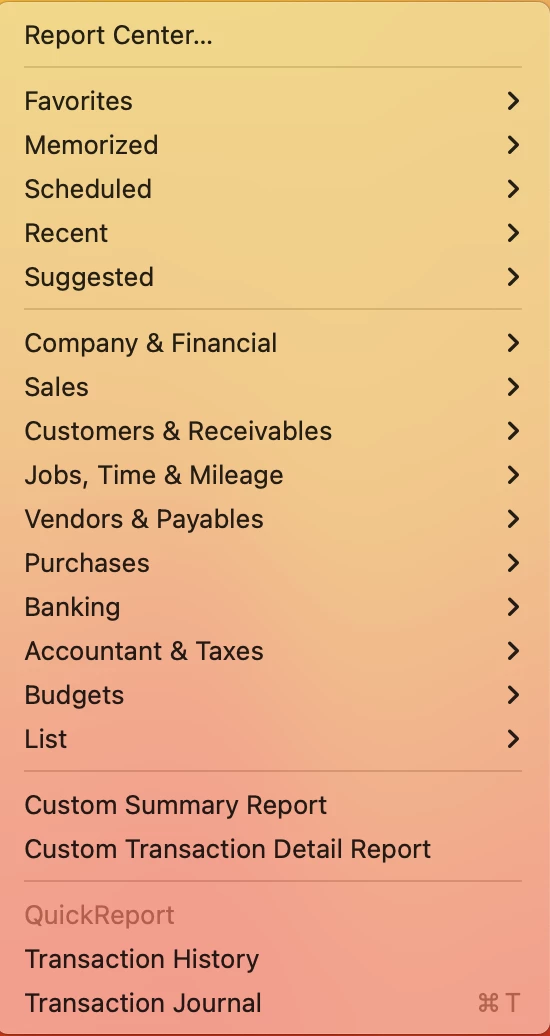
- Choose the Custom Reports and then Transaction Detail.
- These two choices are not available - I selected "Custom Transaction Detail Report"
- This is what came up:
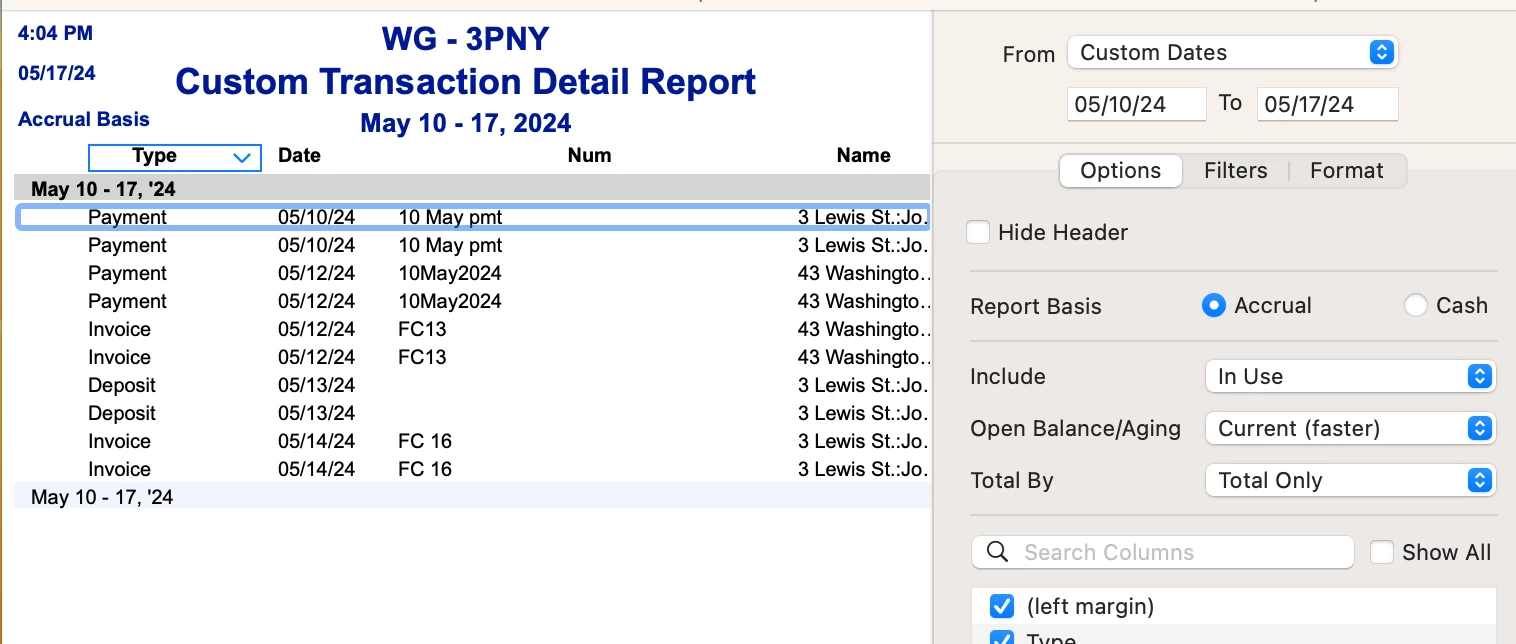
- On the Display tab, set the date range. I take it that the customize panel is the Display tab
- Tap the Sort by dropdown and select Num. There is no "Sort by" dropdown. I sorted by the NUM dropdown - ascending. No big change.
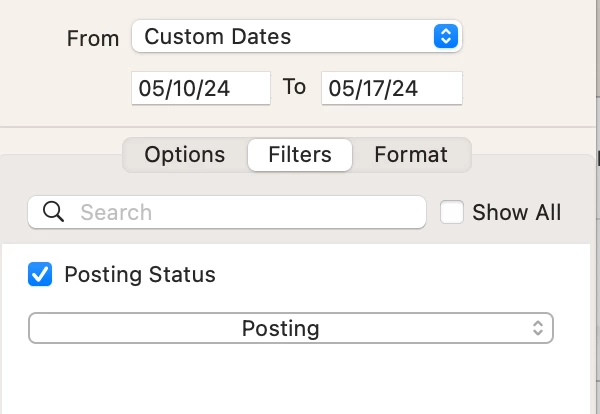
- Go to the Filters tab. Below is the filters tab which has none of the following items on it.
- Press the Transaction type and then Invoice and Bounced check.
-
- Select OK. Not available to select
-
- In the mean while, I got rid of the GL entry that reversed the payment. I went back to the payment that needed to be reversed and tried it again. When I did so I again put in amount of bank fee and amount that tenant was to be charged. After selecting an amount and recording the transaction the finance charge came up as a new separate invoice. I'm thinking I had not put an amount for the customer to be charged in the bounced check window, rather only in the bank fee amount, because now it is there. So the situation is corrected now.

