

January 19, 2022
Question

How to Delete a Quickbooks Online Account (Company ID) From My Login Permanently?

  • January 19, 2022
  • 1 reply
  • 0 views

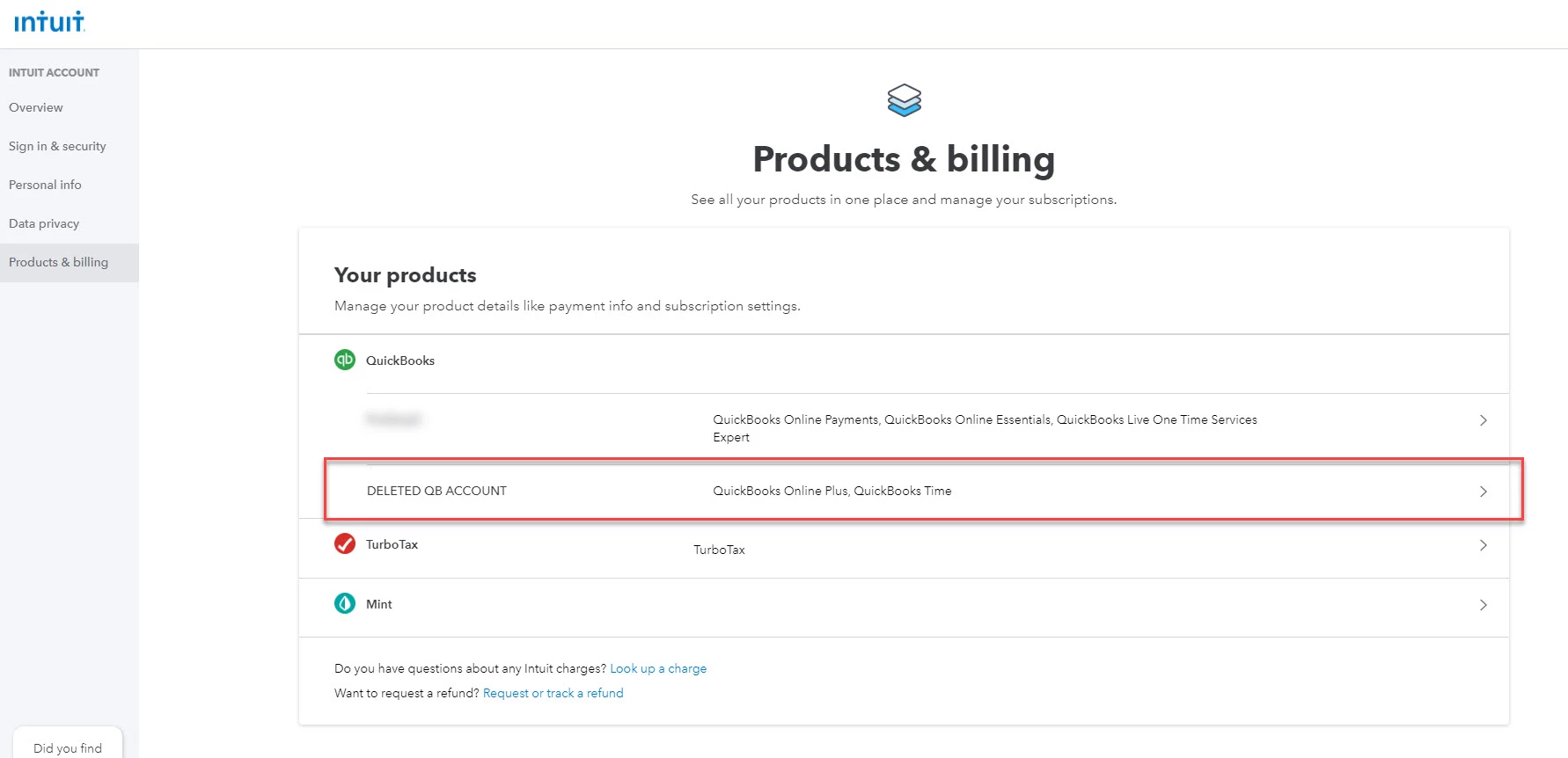
I go to: Manage your Intuit Account > Products and Billing


On this page, I can see my two Quickbooks Online accounts - one I use, one I made when I was testing Quickbooks Online out.


Now I want to delete the unused Quickbooks Online account.


Can I do this myself? If not, can customer service / customer care do this for me? Can it be done at all?


Thanks
 

1 reply

Candice C
January 19, 2022

Good afternoon, @jaradc


It's great to see you back in the Community. I hope your day is going well so far. 


After doing this myself, with my accounts/companies, I've determined that the account won't remove itself from the Intuit Account information. However, I do suggest contacting our Customer Support Team to double-check on their side to see if they can delete this for you. Here's how to get in touch with them: 


  1. Go to the Help icon in the top right-hand corner of your account. 
  2. Press the Contact Us button. 
  3. Enter your question and tap Let's talk
  4. Choose to Get a callback


It's that simple. 


I hope this helps. Let me know how the call goes. I'm only a comment away if you need me again. Have a wonderful day!