I'd be glad to help with your question about running reports, finance@stchrisn.
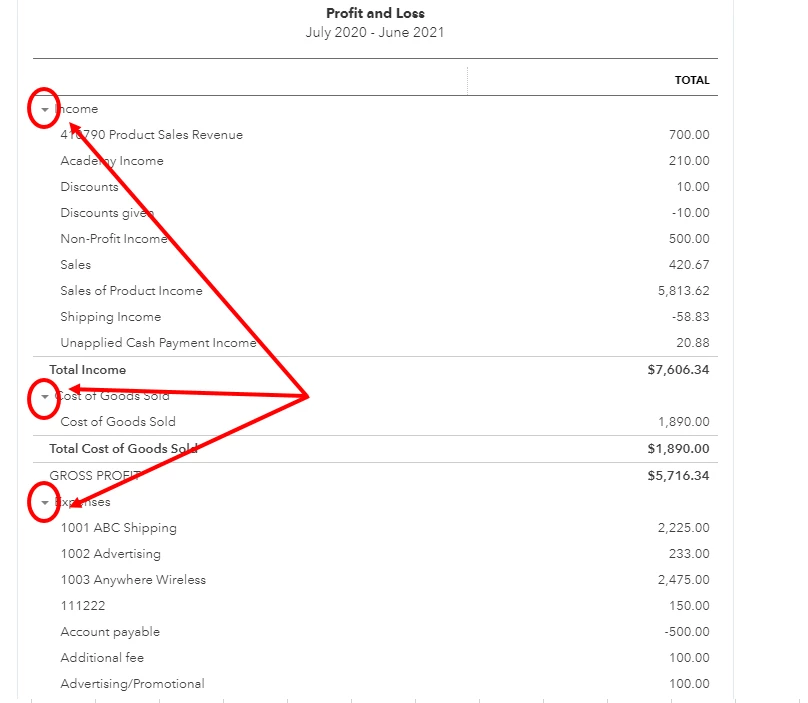
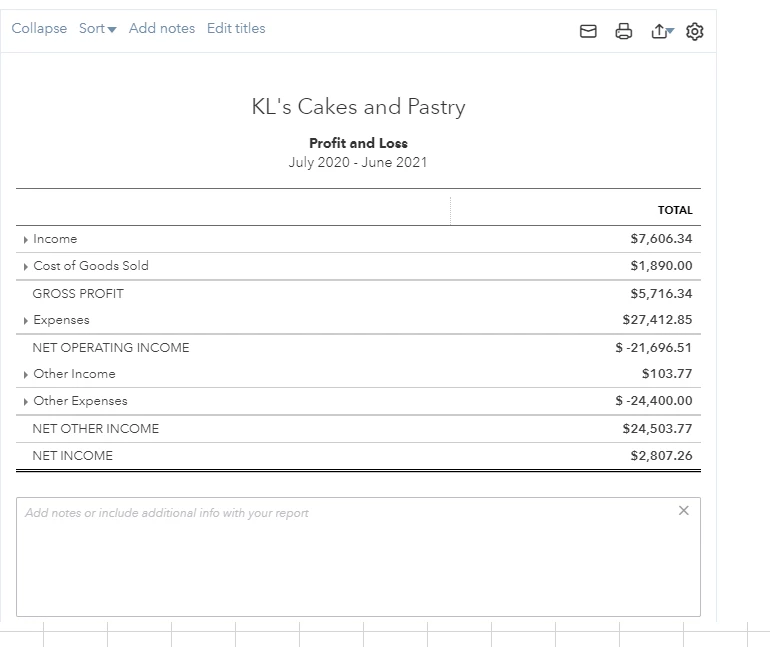
You can use the collapse feature to hide the sub-totals in the report but still show the correct totals of each category. Here's how:
- Go back to your Profit and Loss report.
- Go to the left side of each parent account, then click the drop-down or collapse arrow to collapse the section.
Please take note that this will only hide the sub-accounts in the report. The amounts are still part of the parent accounts. You'll need to export it to Excel if you want to completely remove them.
Let me also share these articles that you can use as additional guide and reference when running reports in QBO:
Don't hesitate to ask more questions if ever you need more help with QuickBooks. We'll make sure everything is sorted out.