

September 1, 2021
Question

Quickbook self-employed: Charged after cancellation!

  • September 1, 2021
  • 1 reply
  • 0 views

I realized that even though my Quickbooks Self-Employed subscription was cancelled in April I have been getting charged for it every month. 


I looked up Quickbooks support and checked the other responses on these forums and the only solution appears to be to go through support in the Quickbooks Self Employed app. But my subscription is cancelled and it wants me to pay to reactivate my account! This screen below is the only thing that appears when I try to sign in to Quickbooks Self Employed. I see a similar blocking message on the mobile app too. So I cannot access the recommmended QB Assistant
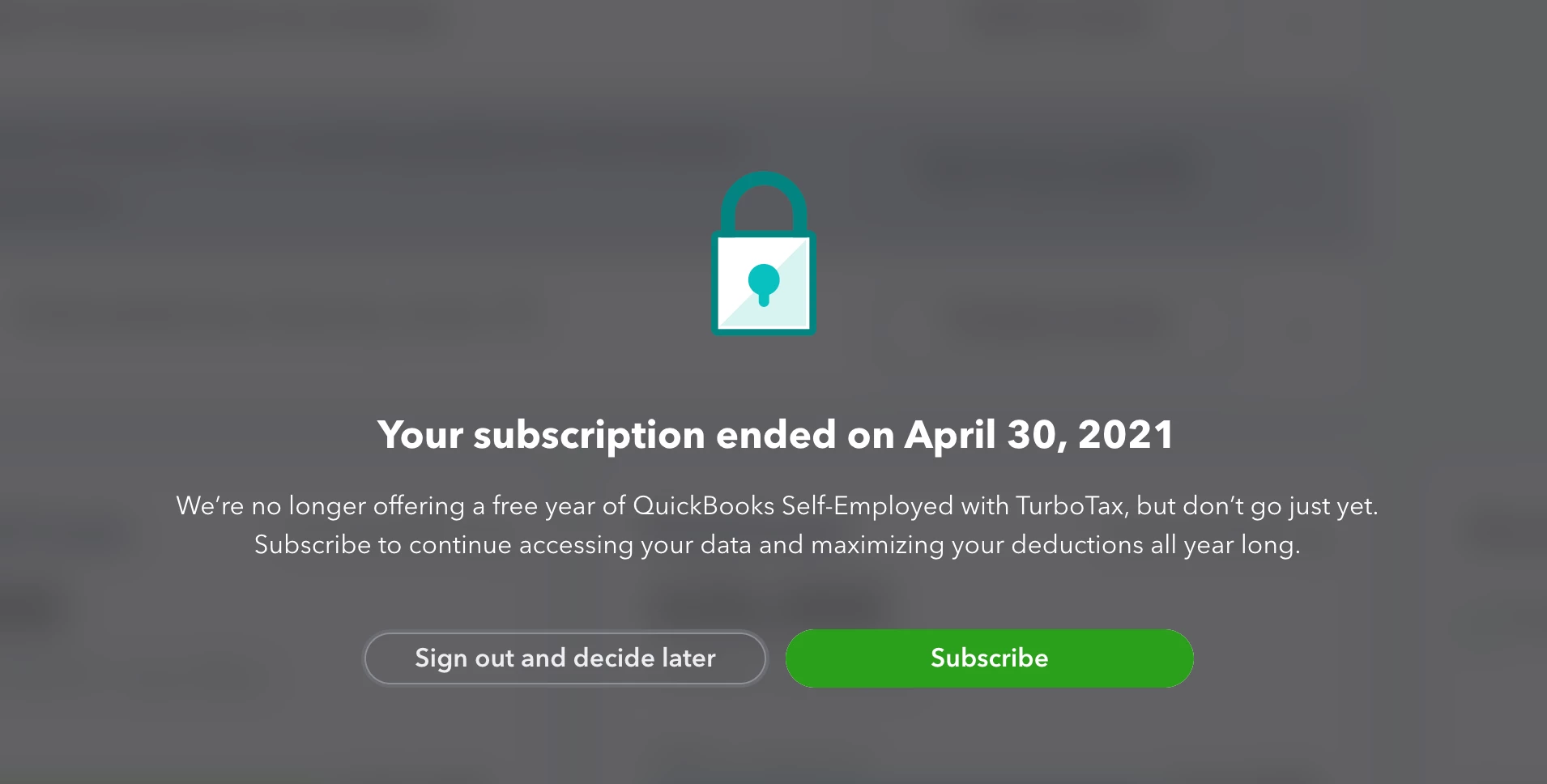


I tried going through the phone number listed in the help docs (https://quickbooks.intuit.com/learn-support/en-us/manage-intuit-subscriptions/contact-quickbooks-self-employed-support/00/185820) - the number is 800-446-8848 - and when I try to ask for a representative it tells me to go to the QB Assistant in the app!


How do I get to a human directly to get Quickbooks to stop charging me even though it is cancelled??  


1 reply

AlcaeusF
September 1, 2021

Hi @adiunni,


I appreciate you for dropping by here in the Community. I completely understand that you're unable to contact support by logging into the expired QuickBooks subscription.


I'm here to help you get the needed support to sort this out. Your issue with the charges may be related to a different active subscription linked to the credit card. Since you're advised to contact support through the Assistant tab, I suggest using our test drive.


This way, you can contact our support by requesting a callback or seeking help via chat. Our Customer Support Team for Self-Employed users is available from 6 AM - 6 PM PT (Monday - Friday) and 3 AM - 3 PM PT (Saturday).


You can reach them through these steps:


  1. Go to: https://selfemployed.intuit.com/createTestDriveUser.
  2. Click the Help option in the upper-right corner.
  3. Select Contact Us
  4. Enter your concern, then press Continue.
  5. Scroll down and choose Chat with us or Have us call you


For additional reference, I've attached a link you can use to get more details about the Intuit charges on your credit card: Understand Intuit charges on your credit card or bank statement.


Fill me in if you have additional questions about canceling your QuickBooks subscription. I'm always here to help. Take care always.