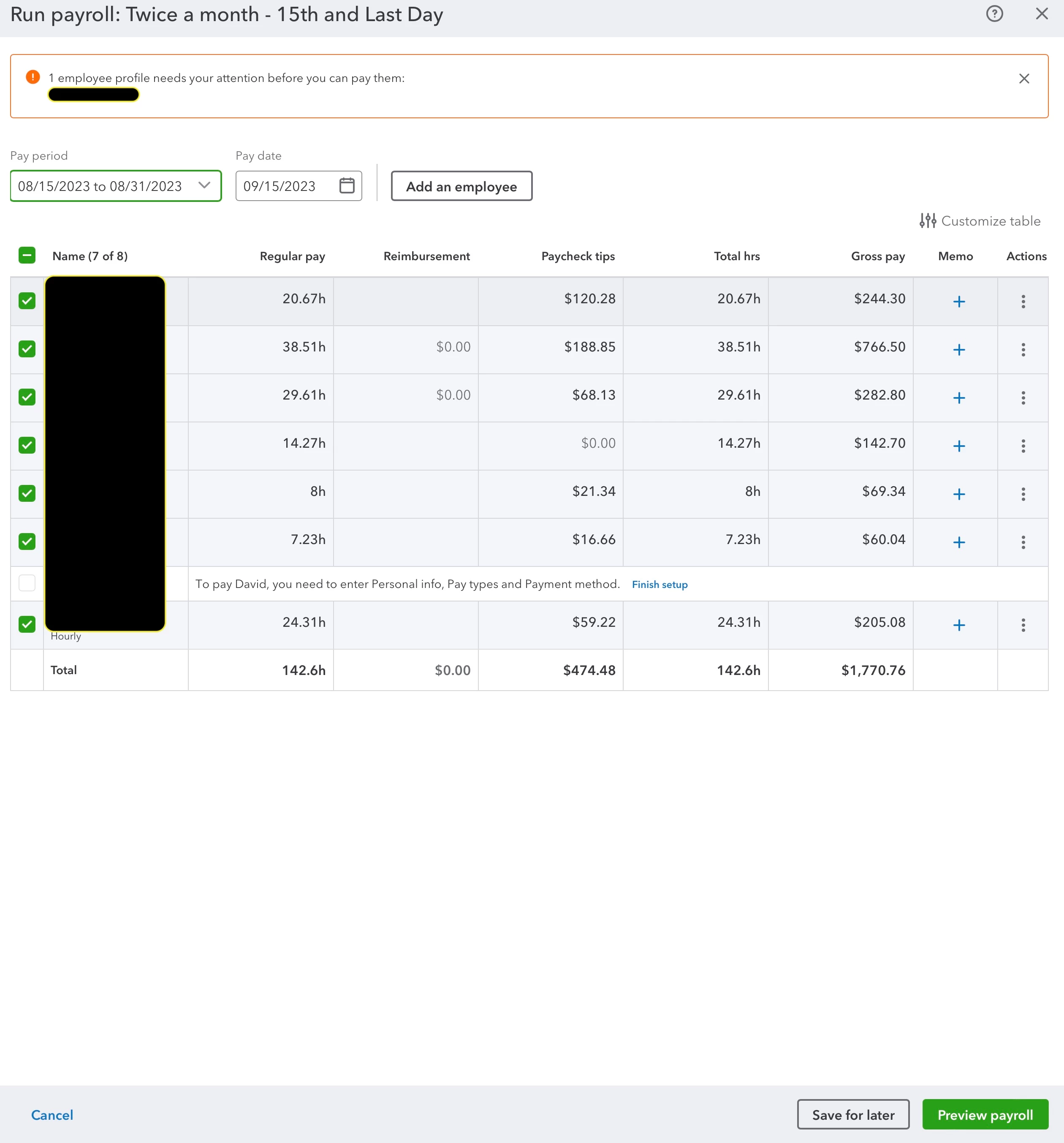
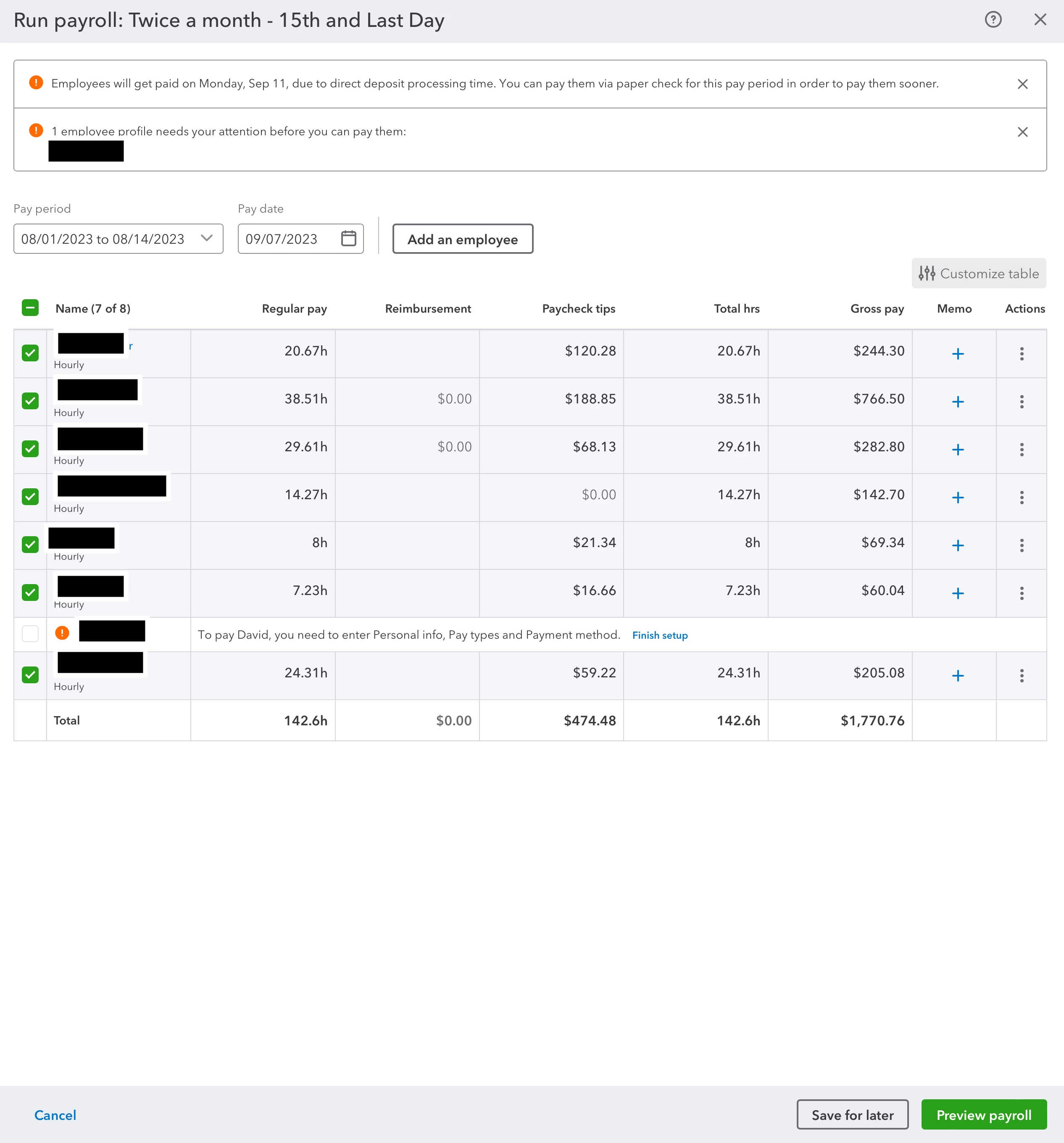
What if I am trying to create two new paychecks covering separate pay periods?
Thanks for getting back here in the thread, @elly307.
Before anything else, we'd like to thank you for the time you've put into this and for allowing us to help you with your concern. Please know that creating new paychecks to cover separate pay periods may cause issues. As a workaround, you can either create an unscheduled payroll or temporarily change the pay schedule for your employees. We'll gladly write down the steps to get you going:
- Go to Payroll and select Employees (Take me there).
- Click the ▼ dropdown, and select one of the following options: Bonus only, Commission only or Fringe benefits only.
- Based on your selection you may be asked additional questions. Enter any info about taxes or paycheck calculations (if applicable). Once complete, select Continue.
- Select or review the pay period (if applicable) and pay date.
- Click the employees you'd like to pay.
- Select the column, or select Actions ⋮, then Edit paycheck to enter your pay details. You can enter hours, compensation, memos, or any other paycheck info as necessary. If you use QuickBooks Time select Review Approved Time.
- Select Preview payroll.
- Click or review the QuickBooks bank account to track your payroll.
- Select Preview payroll details, Save for later or Submit payroll.
- Click Close.
See this article for more details: Create and run your payroll.
If you wish to change the pay schedule of your employees, see this page: Edit or change employee info in payroll.
Furthermore, here are some articles about adding pay history, prepare for this year's payroll, and ensure your data stays accurate inside the program:
@elly307, we've got your back if you have any additional QuickBooks-related queries or a task you'd like to accomplish inside the program. Feel free to visit us anytime. We'll be here to assist you. Stay safe, and have a good one!