1 reply

Feb 13, 2024 5:11 PM UTC

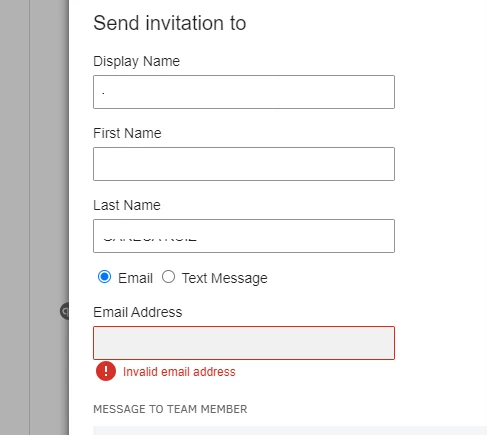
I appreciate for including a screenshot of your issue, @naveed11. Let me share information on how to enable your invitation in QuickBooks Online(QBO). 

Firstly, to add users in QBO, you need to login as a Master administrator. Always ensure email accuracy by following the tips below:
 

  • Ensure that there are no additional spaces after entering the invitee's email address.
  • Verify whether there are any special characters (@$%*!^&).
  • Check the email domain is correct and format has no missing elements or obvious typos (e.g. .com, @, @exapmle.com).

Also, you can refer to these links if in case you need to learn how to add new user in QBO:
 

I've added these articles that provide more information on how to manage users in QBO:


Please keep me updated on any concerns related to QuickBooks. I'm here to help. Have a great day!