Solved
How do I transfer my data to Turbo Tax when there is no "Tax Checklist" to click on?
Original commenter did not share additional details


A warm welcome to the Community, steve-bleymaier.
The "Tax Checklist" in QuickBooks Self-Employed isn't an option for now. Rest assured that this will be made available anytime this January 2021.
In the meantime, you can check this article for the other tasks you can do to prepare your taxes: QuickBooks Self-Employed - Annual taxes guide.
Once you have the option to transfer your data, ensure that both accounts (QBSE and TurboTax) are connected for it to work. Make sure to review the information before you send them to TurboTax.
Here's how:
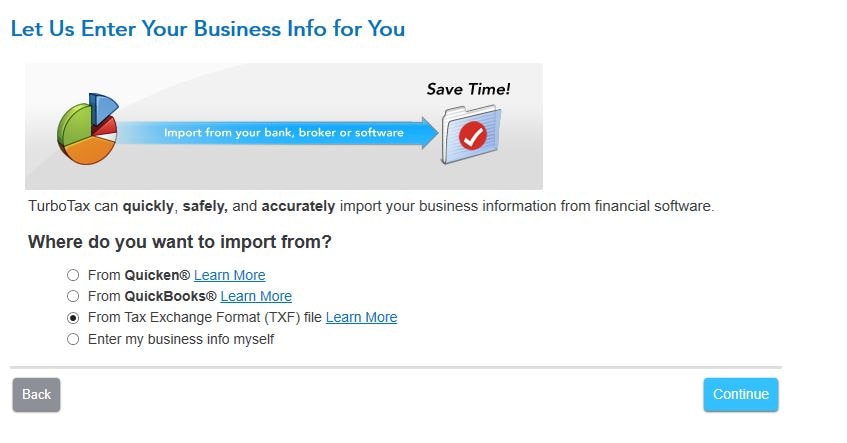
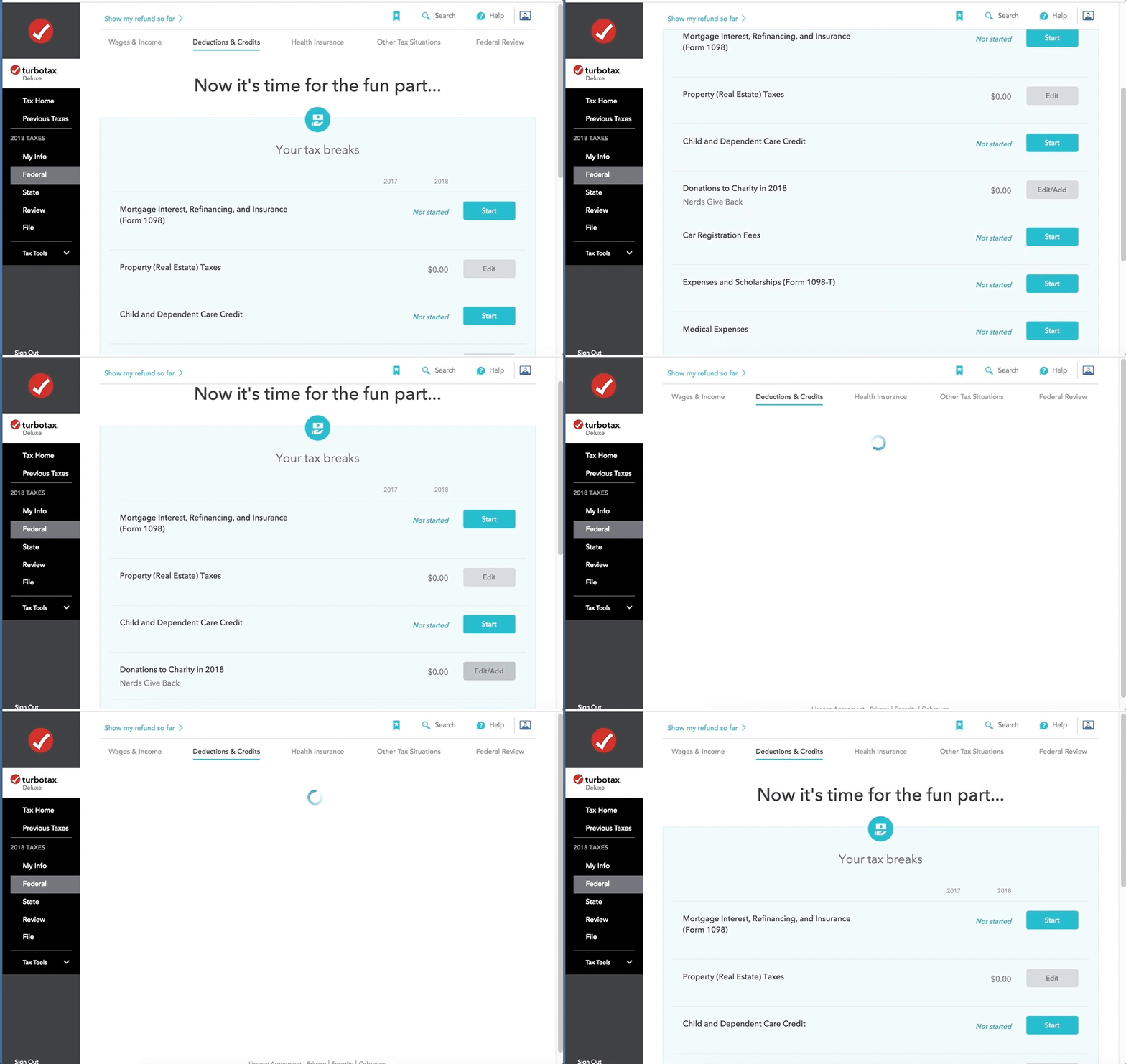
You can refer to this article for the detailed steps and instructions: Send QuickBooks Self-Employed tax info to TurboTax Self-Employed or Live.
Feel free to post an update in the comments section or if you need further assistance with transferring your data to TurboTax. I'll be here to lend a helping hand. Have a lovely week!
Enter your E-mail address. We'll send you an e-mail with instructions to reset your password.