October 8, 2024
Question

Reports for eddservices.edd.ca.gov

  • October 8, 2024
  • 1 reply
  • 0 views

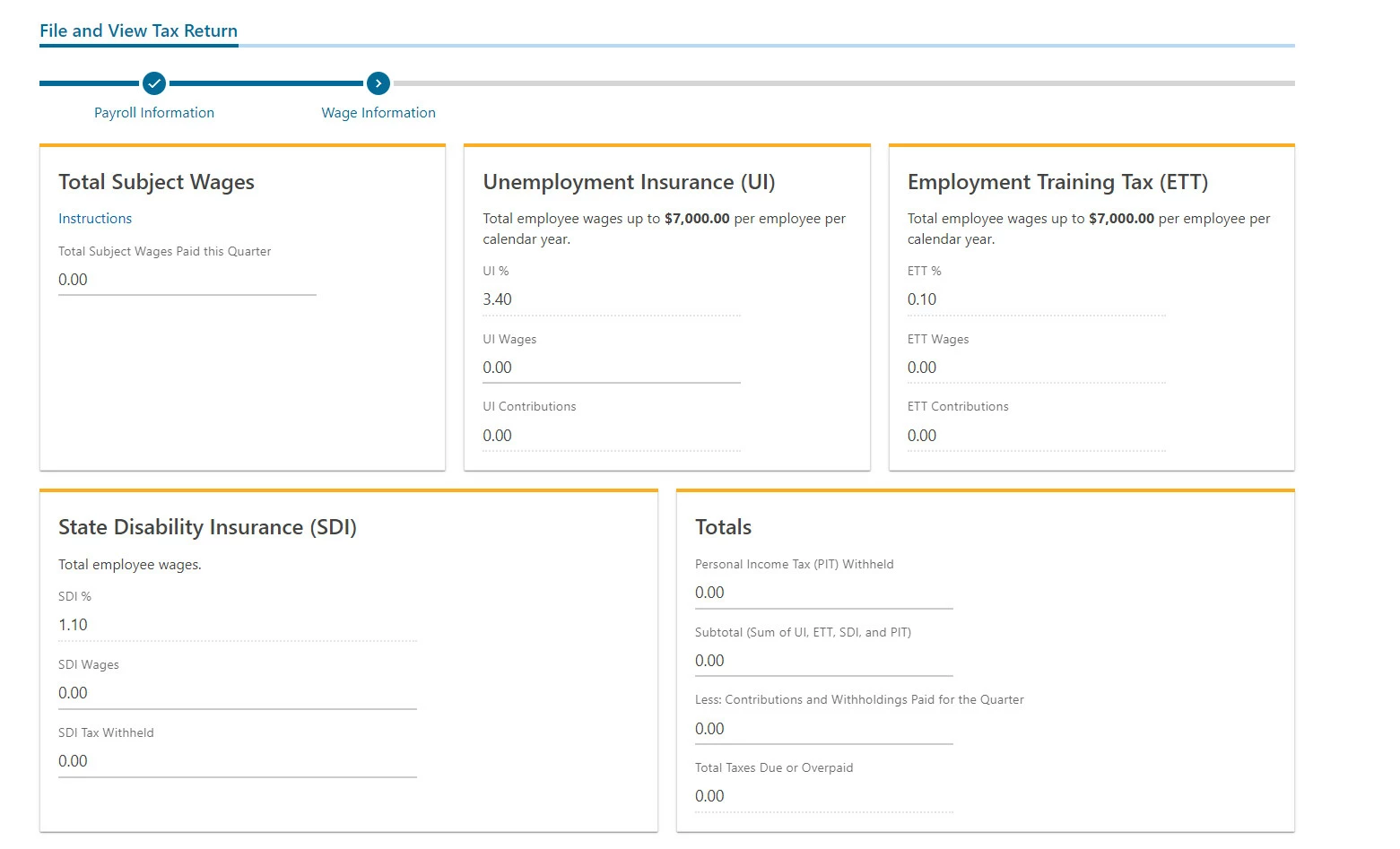
Hello! I use QB Payroll Online and processed my first payroll last month. I've also registered my new employees on eddservices.edd.ca.gov (https://eddservices.edd.ca.gov/). Now I see that I have to file some reports there.

Is there a way to fill these forms automatically?



1 reply

October 8, 2024

Let’s work together on streamlining the process of filing reports with EDD and integrating compliance into your payroll seamlessly, Alex.


Currently, QBO doesn't offer direct integration with EDD services. If you want automated filing, you must have one of these payroll subscriptions so that QuickBooks can efficiently handle your form payments and filings.


To explore them, you can create a trial account for free within 30 days. See this link for the available plans: QuickBooks Payroll.


Once settled, use this reference to manage employees efficiently: Create and run your payroll.


I'm always prepared if you have more questions or concerns about payroll subscriptions or taxes. Kindly leave a comment below, and I'll promptly lend a hand. 

October 9, 2024

Thank you for your answer! But I still don't understand the procedure.


I have a QuickBooks Online Payroll Core subscription. I've already paid my first payroll. How can I file my taxes with the EDD?

October 9, 2024

Hello, Alex. Let me clarify this further. You can choose how you want your payroll taxes and filings handled in QuickBooks Online.
 

QuickBooks Online Payroll Core, Premium, or Elite will automatically generate and process your payroll tax forms only if you have opted in to have us file them for you.
 

Let's verify if the Automated Taxes and Forms feature is enabled. QuickBooks will file the taxes and forms on your behalf if this is on.
 

  1. Go to the Gear icon. Click Payroll Settings
  2. Head to the Taxes and Forms section. 
  3. Confirm if the Automated taxes and forms is enabled. 


If you have chosen to opt out and selected the I'll pay and file the right agencies through their website or by email, you must file and pay your taxes outside of QuickBooks.


Since you've already paid your first payroll, I suggest seeking advice from your accountant or a tax professional.
 

To download your form, please follow these steps:
 

  1. Navigate to the Payroll menu, then Payroll Tax
  2. Hover to the Filings tab. Locate the form you want to file.
  3. Press the File option and Preview
  4. Download the form. Manually submit it to the EDD website.


If you want to look closely at your business's finances in the future, run a payroll report. This will provide a detailed summary of your company's expenses, including employee salaries, bonuses, taxes, and other related costs. 


I’m committed to helping you through this, ensuring we find the best path forward. Consulting your accountant will also help ensure you can file your taxes seamlessly, Alex. If you have other queries, let me know below.