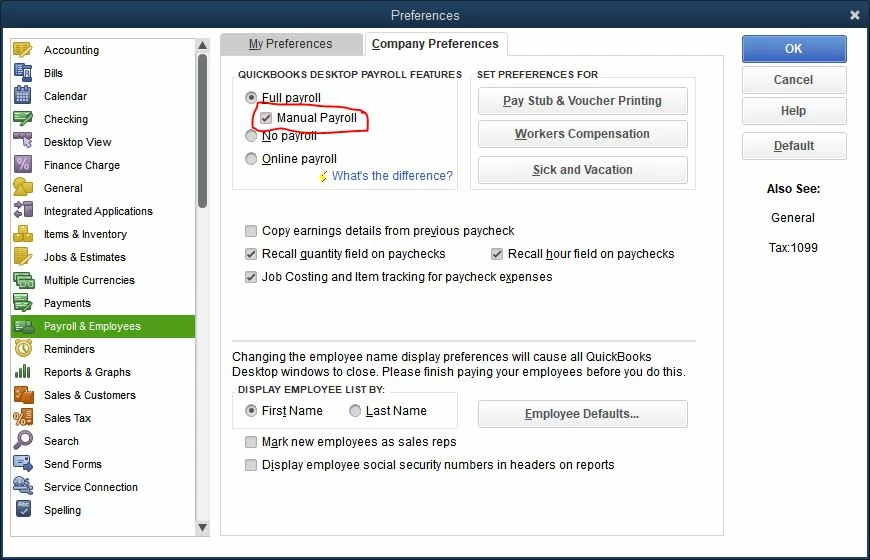
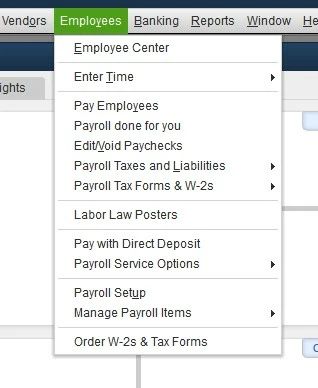
@RenjolynCthank you so much for the input but the lack of payroll scheduling is a bit disappointing.
My business is in the service industry and payroll is a big chunk of my expenses (about 80%). Without scheduling, I assume quickbooks will not include payroll in the cash flow projection forecast. That would produce meaningless results.
Could you please confirm or provide a workaround about how to include manual payroll in the cash flow projections? Or should I open a separate post for that question?
I hope I'm wrong but it almost seems that intuit is
Let me provide information on how the cash flow projection works, lrossi.
QuickBooks Desktop will look at your cash on hand, incoming cash, and expenses. If you track your payroll manually while using the liability account, it will not show on the projection. However, if you're using the expense account, these transactions will show.
Here's how to set up cash flow:
- Go to the Company menu, then select Planning & Budgeting.
- Select Cash Flow Projector, then click Next.
- Select the cash accounts to use for your projection, then enter any adjustments to the beginning balance, click Next.
- Choose a projection method, and make any weekly adjustments to the Cash Receipts Summary, then select Next.
- Select an existing account or enter an expense description, and enter an amount. Make additional weekly adjustments in the Business Expenses Summary then select Next.
- Make any adjustments to your accounts payable expenses that need to be cleared in the coming weeks, then select Finish Projection.
- To share or view the cash flow projection outside of QuickBooks select Print or Save as PDF.
Here's an article for more information: Track your cash flow in QuickBooks Desktop.
I'll be right here if you have more questions.