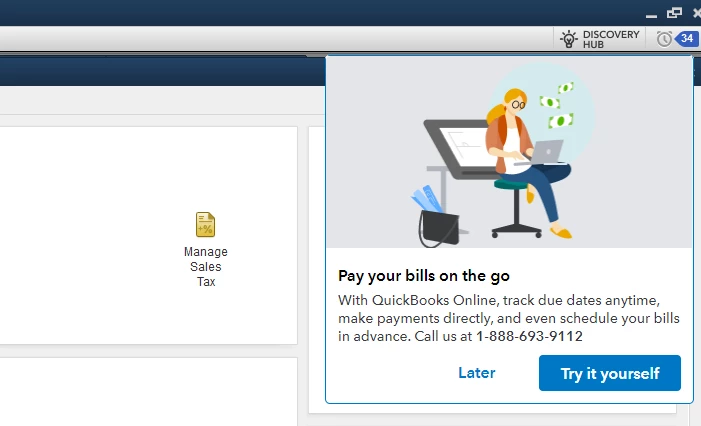
Welcome back to the Community. I'll be happy to show you how to turn off the pop-up notifications in QuickBooks so you can continue to enjoy the amazing features offered in the program.
Here's how to turn off product and service pop-up:
Open your QuickBooks and go to Edit menu.
Select Preferences.
Then choose General on the left-side panel.
Click the My Preferences folder.
Check the box next to Turn off popup messages for products and services.
Once done, click OK.
Make sure to restart your QuickBooks so the change can take effect after following the steps above. Give this a try and let me know how you make out. I'll be here in case you have other questions.
I have the same problem. Turn popups off has been ticked for years. It's just since I upgraded to QB 2024 that those new messages have begun appearing every time I open a new window. It's very annoying.