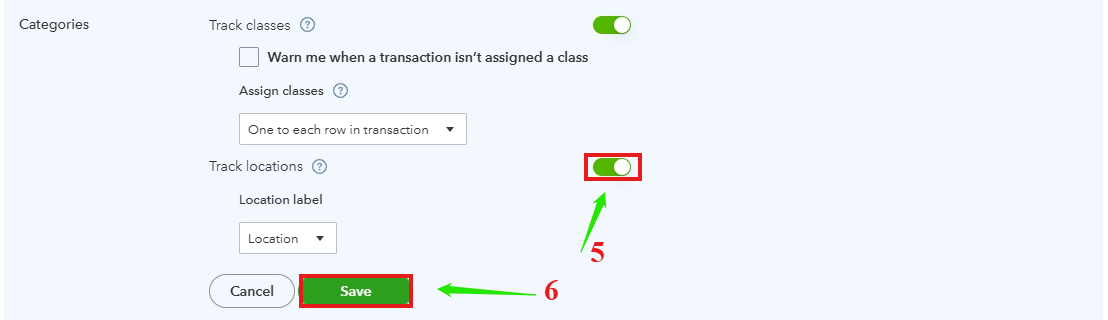
Assigning classes to entire transactions isn't working
Hello. My client upgraded to Plus yesterday to start using classes, but I've encountered some problems when trying to set the feature up properly. The section in Account and Settings for choosing the various options seems to be normal, and allows me to select "One to entire transaction" as the "Assign classes" option. But when I try to actually create any transactions (or to edit past transactions), classes remain line items rather than being placed in the header to apply to the whole transaction. (I've also confirmed this by entering a class for just one line of a multi-line transaction and then clicking save -- when I do so, QBO gives me the warning that I haven't assigned classes to the entirety of the transaction.) See the attached screenshot.
I've tried this in multiple browsers, after clearing cookies and my cache, on multiple computers, in incognito mode, in my own company's file, in the sample company file, and have also had my client try it on his own computer, and the same issue always occurs. Can anyone else replicate this?
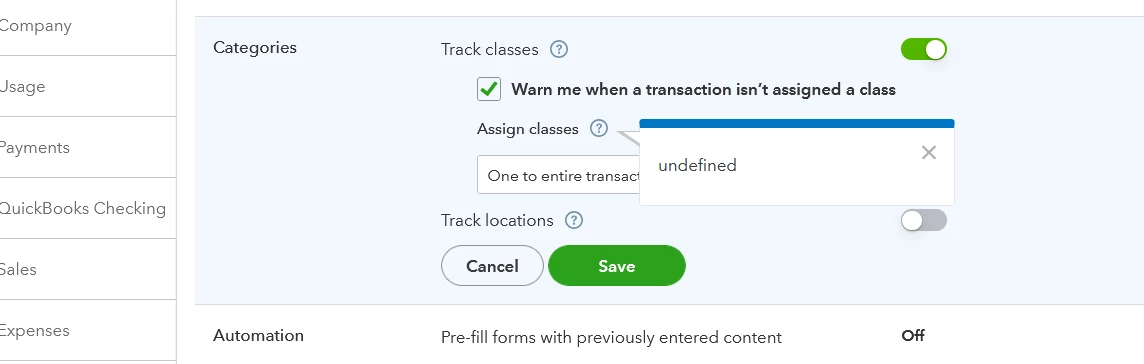
One other issue which may be connected, and I wonder if it means this is some kind of bug, is that if I click on the question mark next to "Assign classes" in Account and Settings, the popup reads "undefined" instead of explaining what the option means:
Any help would be greatly appreciated. Thank you!