January 18, 2019
Solved

Can QBO automatically send statements to customer with balances due?

  • January 18, 2019
  • 3 replies
  • 0 views

Is there a way to automatically generate statements to any clients with open receivable balances in QBO?  Thanks

Best answer by vpcontroller

For future reference, you can check this article: How to create memorized A/R reports with email reminders.


@JanyRoseB


This future reference article has NOTHING TO DO with how to automatically send statements to customers. This is mainly for internal reporting.


@Janfromearth1


Currently, such an option to automatically send customer statements is not available in QBO yet.

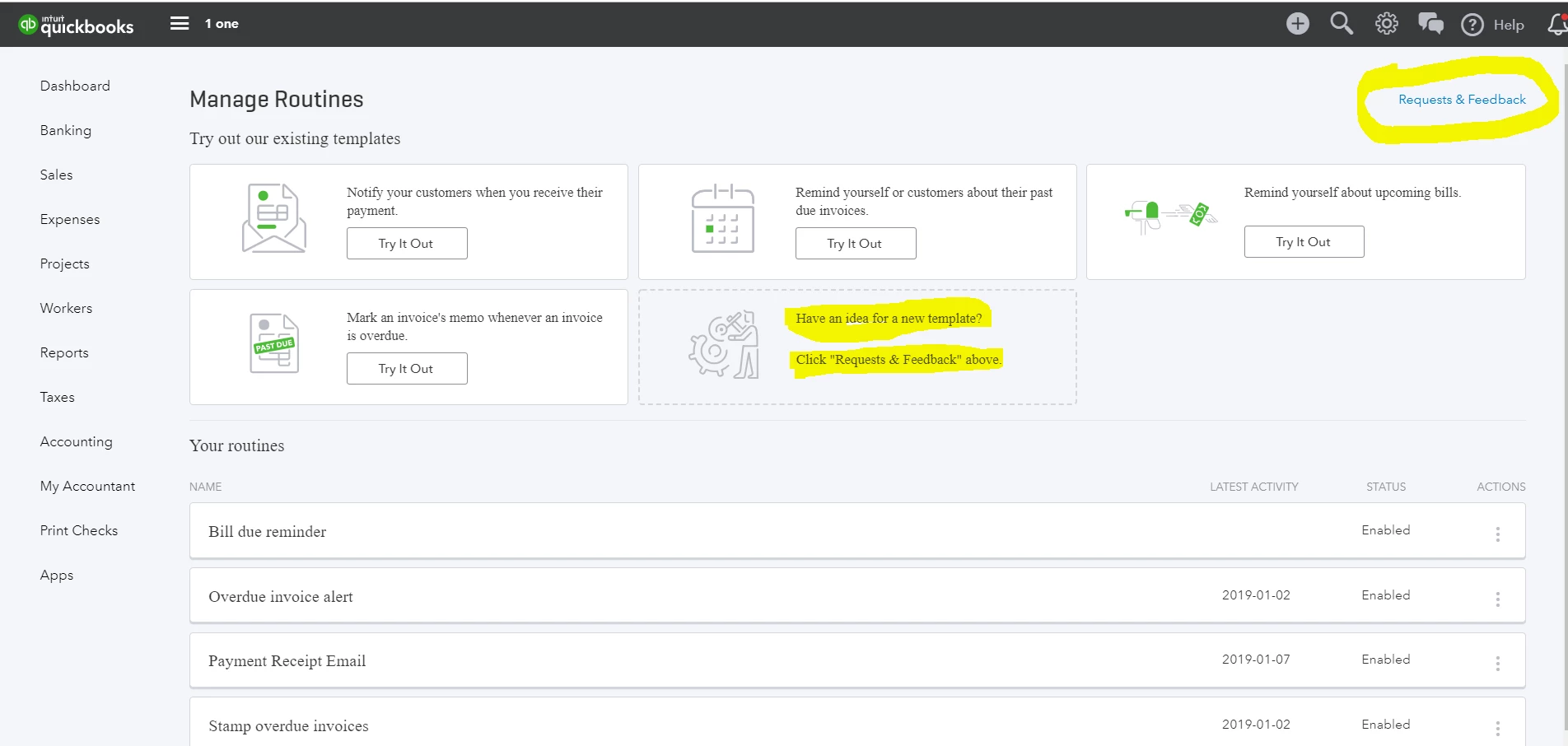
They have recently added a new feature template on sending customers about their past due invoices (but not for statements that you want). This feature is still at the QuickBooks Labs.


If you're sending feedback requests for adding a new template on automatically sending customer statements, this's where you should send that counts! Hopefully!


.


.


3 replies

January 18, 2019

Hello there, @Janfromearth1.


Thanks for taking the time to reach out to us. Allow me to address your concern, so let me get this straightened out.


As of now, QuickBooks Online doesn't have an option to send statements with a balance due automatically to your customer. I can see how this feature would be helpful for you, I'd recommend sending feedback directly to our product developers for future updates.


Here's how you can send feedback: 

  1. Click the Gear Icon.
  2. Select Feedback
  3. Click Next and choose Feedback under Category option.
  4. Select Save

For future reference, you can check this article: How to create memorized A/R reports with email reminders.


Please know that you're always welcome to post if you have any other concerns. We're always here to help. 

vpcontroller
January 19, 2019

For future reference, you can check this article: How to create memorized A/R reports with email reminders.


@JanyRoseB


This future reference article has NOTHING TO DO with how to automatically send statements to customers. This is mainly for internal reporting.


@Janfromearth1


Currently, such an option to automatically send customer statements is not available in QBO yet.

They have recently added a new feature template on sending customers about their past due invoices (but not for statements that you want). This feature is still at the QuickBooks Labs.


If you're sending feedback requests for adding a new template on automatically sending customer statements, this's where you should send that counts! Hopefully!


.


.


Kristine Mae
January 21, 2019

Hey there, Mrjan.


As what my colleagues provided, QuickBooks Online is unable to email customer statements on a specific day. 


Though, you can follow @vpcontroller's suggestion. 


If you have other questions, you can always go back to this thread. 

January 19, 2019

Did you mean statements or invoices?

Automatic statements is not a good idea, because it may be that not all transactions have been posted on the scheduled send date.

You can schedule automatic sending of open invoices, in Labs/Routines 


January 19, 2019

I wanted to know if QBO can be set up to email customer statements on a certain day.  Do you know?

October 9, 2021

I want to know the same thing!


@Janfromearth1 wrote:

Is there a way to automatically generate statements to any clients with open receivable balances in QBO?  Thanks



Kristine Mae
October 10, 2021

I'll add a few pieces of information about statements, Magarton.
 

We're unable to send the statements automatically. You'll have to check each client with open balances or receivables. Then, send the sales form manually.
 

Let me include this reference to help you manage customer statements: Create and send customer statements in QuickBooks Online.


If you have additional questions, feel free to click the Reply button. We'll get back to this thread as soon as we can. Keep safe!