Can't regenerate payroll reports that are built when payroll is being run
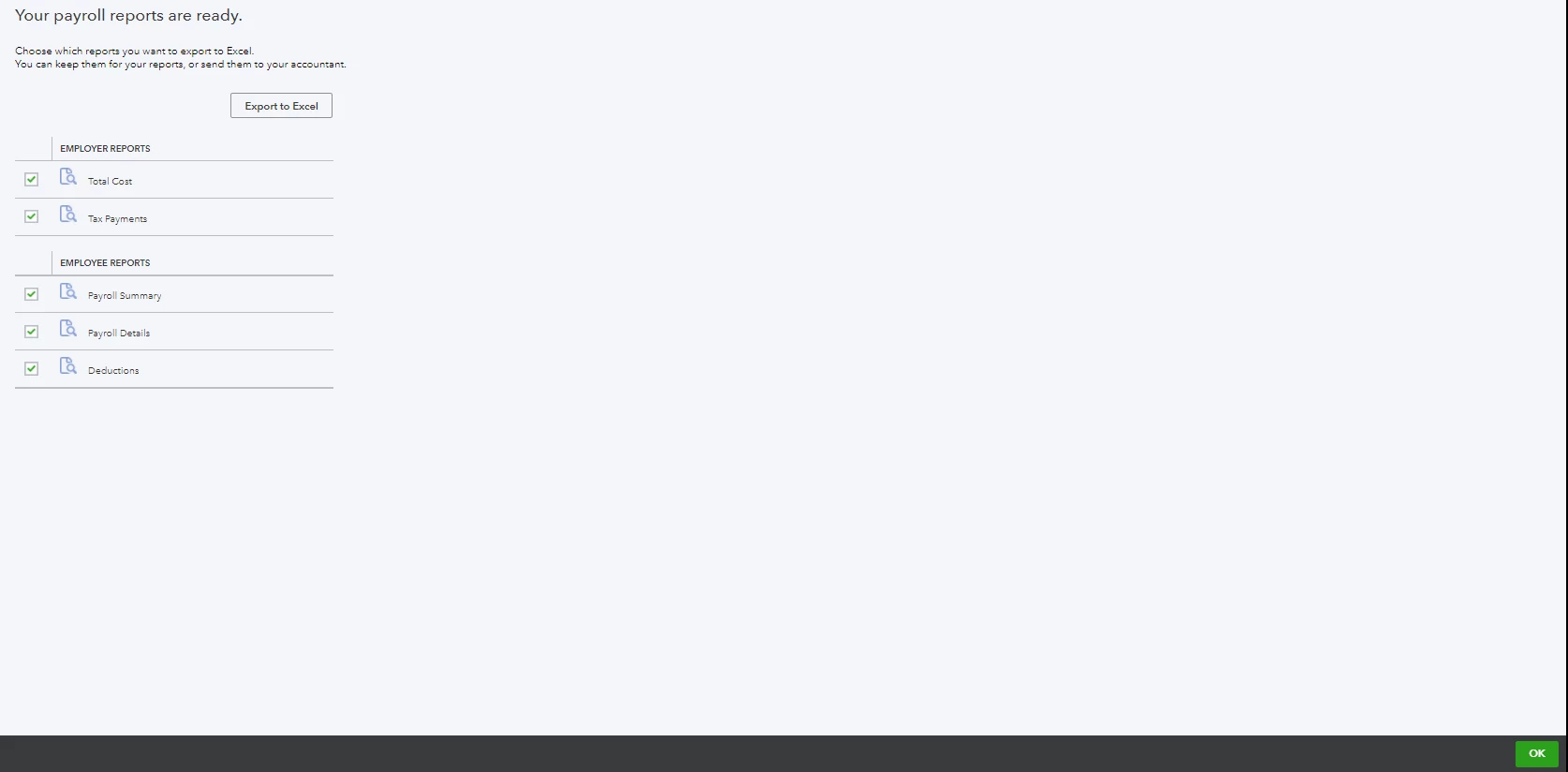
When I used to use IOP for payroll after downloading and saving paystubs the next step was the ability to export a suite of 5 payroll reports into one worksheet to be saved. The format was not excel so it needed to be saved as such. If for some reason something disrupted or I closed out by accident I could still go back into the reports area in IOP and generate reports that looked exactly like the ones that were generated had I not closed out. Now that IOP is gone and I'm using Quickbooks Online Payroll Premium I made this same mistake the first payroll I ran. I tried to use the reports in the system but they didn't look the same. I contacted your help desk to get assistance and there was no resolve so I had to do the best I could to recreate the reports and make a worksheet that looked as close as I could.
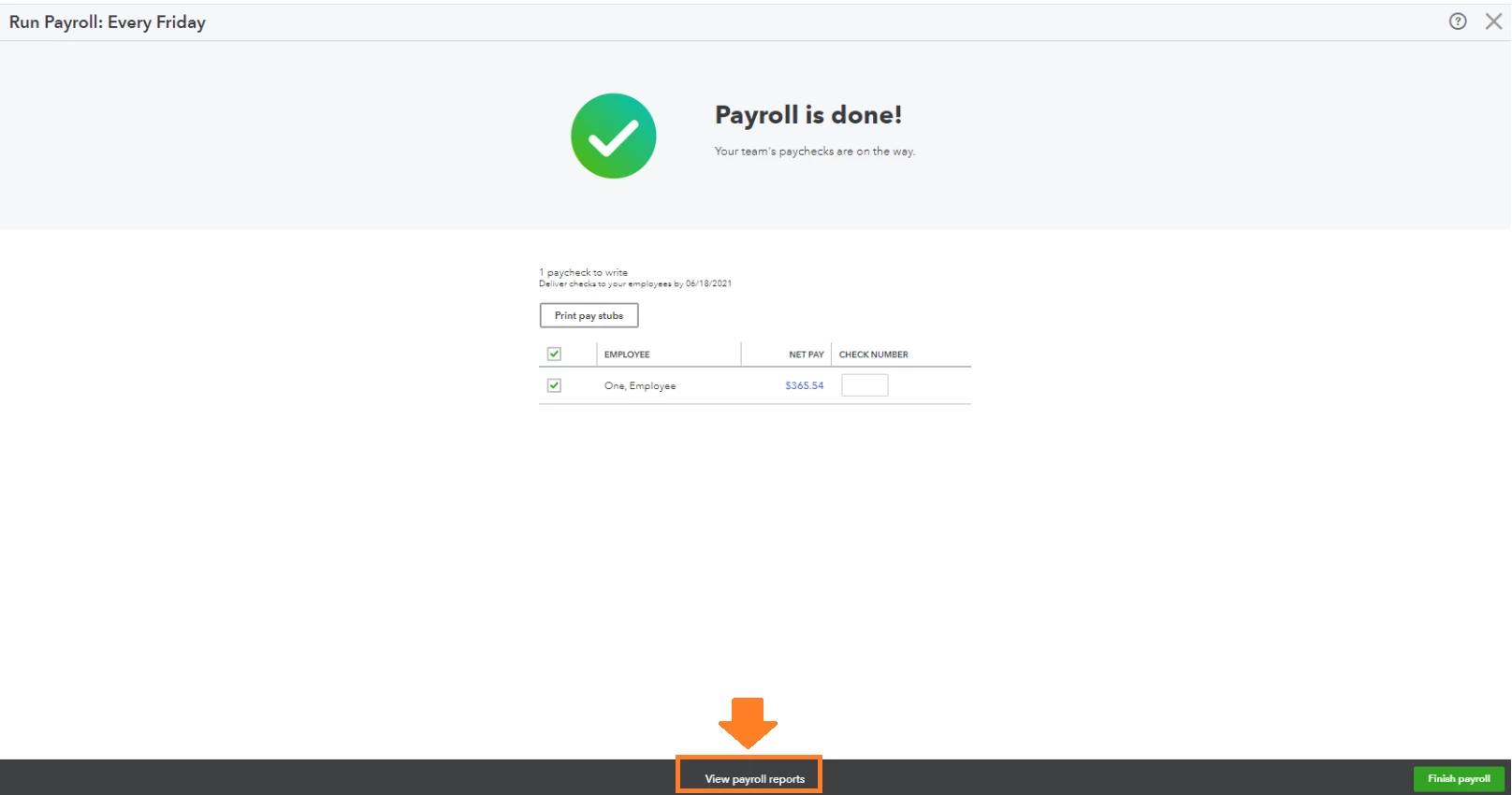
With this in mind I make sure to close the proper tab so it automatically moves on to the report suite so I can export. However, this payroll run, the system chose to screen pop a window asking me if I would recommend Quickbooks to anyone and when I closed that screen it then took me to a screenpop asking me if I wanted to opt to use your service to create payroll which I don't. Why would you choose to pop these windows in the middle of such a sensitive task as running payroll? Because of all of this it again bypassed the suite of reports and I had to create my own worksheet with the 5 inadequately formatted reports.
Is there some other way I go back and generate that one worksheet that includes the 5 reports? If I can't do that then why can't I at least create reports that mirror what would have happened had I been given the ability to do the export? If I'm remembering correctly the export is in XML and I have to save as an excel workbook.
If you can't tell me how to get back to that export can you please explain how I can recreate that and have it look exactly the same as if I had exported it?
Thank You