Delete a Company in QB 2019 on a MAC
I have two Companies I no longer need and wish to remove from the Listing. All of the examples I can find apply to the Windows environment.
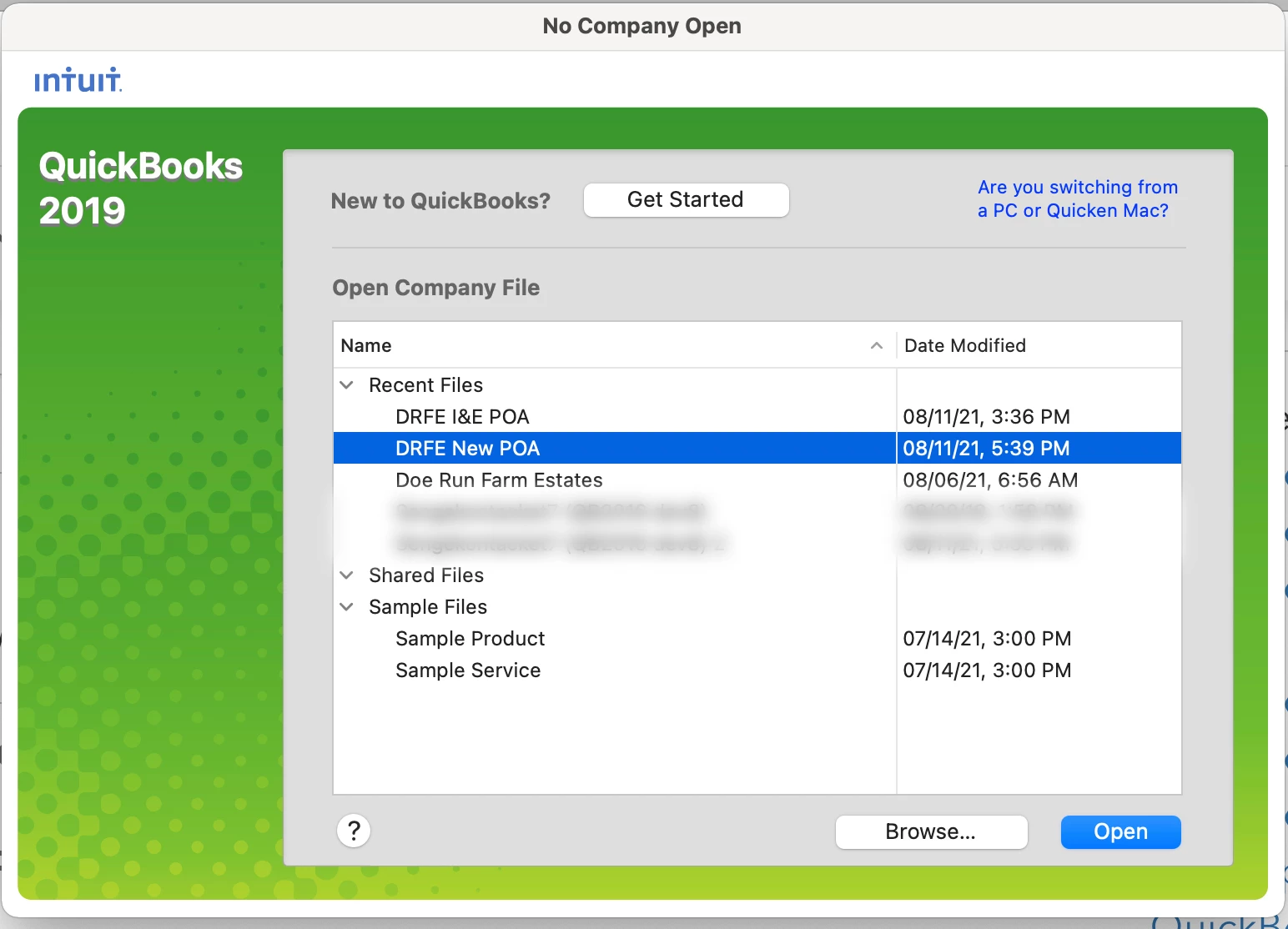

I have two Companies I no longer need and wish to remove from the Listing. All of the examples I can find apply to the Windows environment.

I can guide you through the steps on how to delete those two company files, cthomas38.
You can delete those companies like any other files on your computer. Here are the steps:
Step 1: Locate the file
Step 2: Delete the file
Before deleting your company files, you can create a backup copy of them so you can go back and restore them.
Stay in touch with me if there's anything else I can help you in deleting your old files in QuickBooks. I'm always right here to provide for your needs.
Enter your E-mail address. We'll send you an e-mail with instructions to reset your password.
