Solved
How can I match an invoice with a payment when the payment has already been added (from bank to chart of accounts)? If I do "received payment" it adds a new transaction.
Original commenter did not share additional details


Thanks for reaching out to the Community, catherine3. I appreciate your detailed information.
Occasionally, you may match the wrong transactions or categorize them into an incorrect account. You'll be able to make changes after your review, in case anything needs to be corrected.
Here's how to unmatch a downloaded transaction:
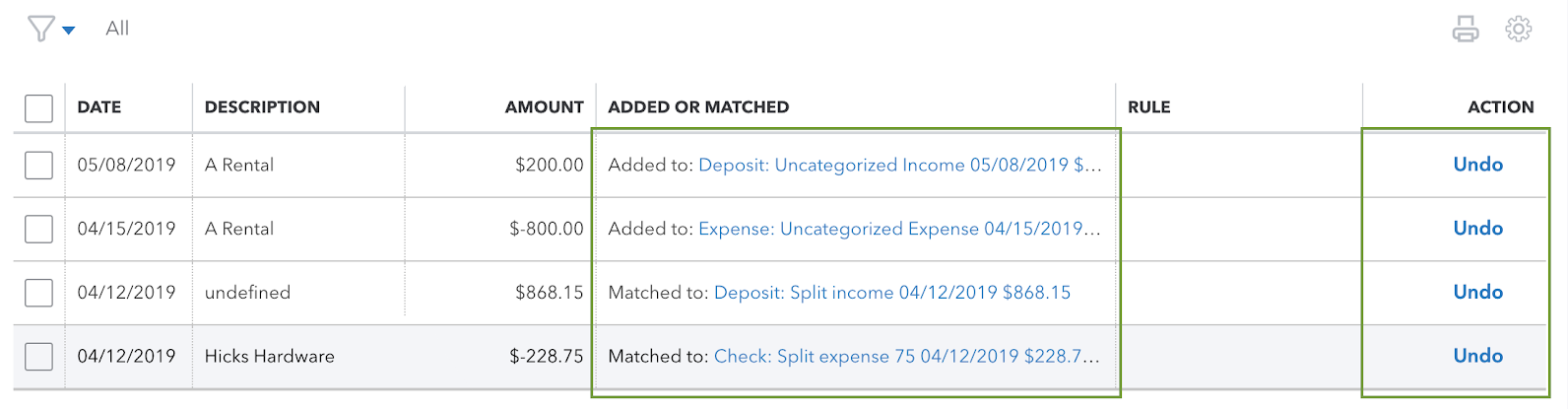
After unmatching transactions, they can be matched again with different records.
I've also included a detailed resource about working with bank transactions which may come in handy moving forward: Unmatch downloaded bank transactions or move them to another account
If there's any additional questions, I'm just a post away. Have a great Monday!
Enter your E-mail address. We'll send you an e-mail with instructions to reset your password.