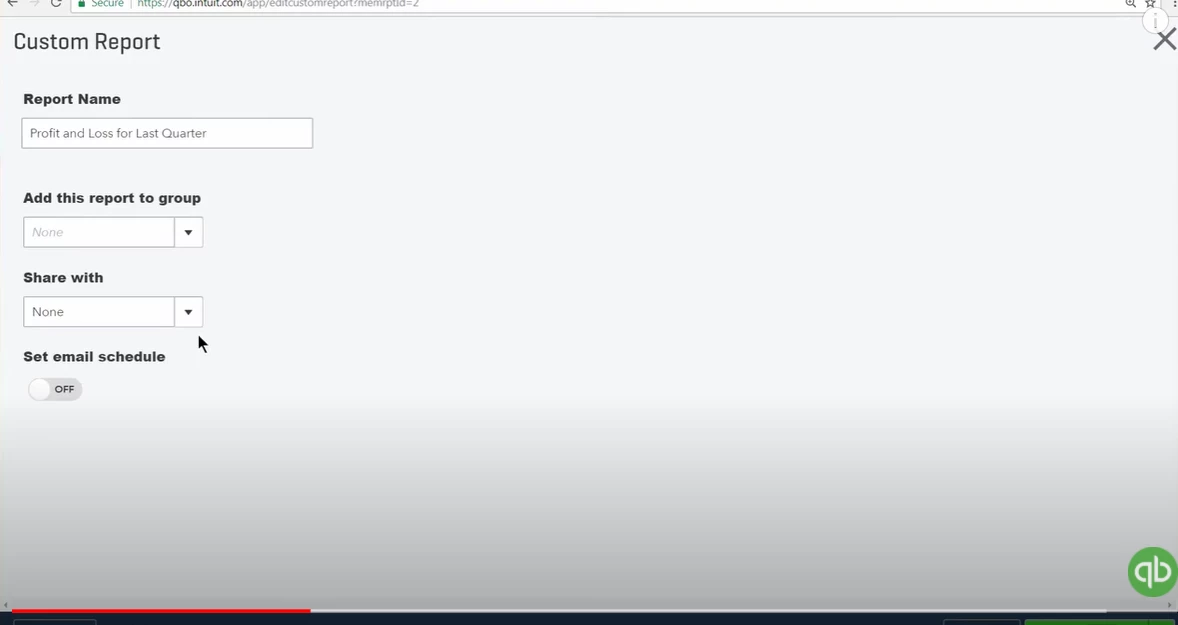
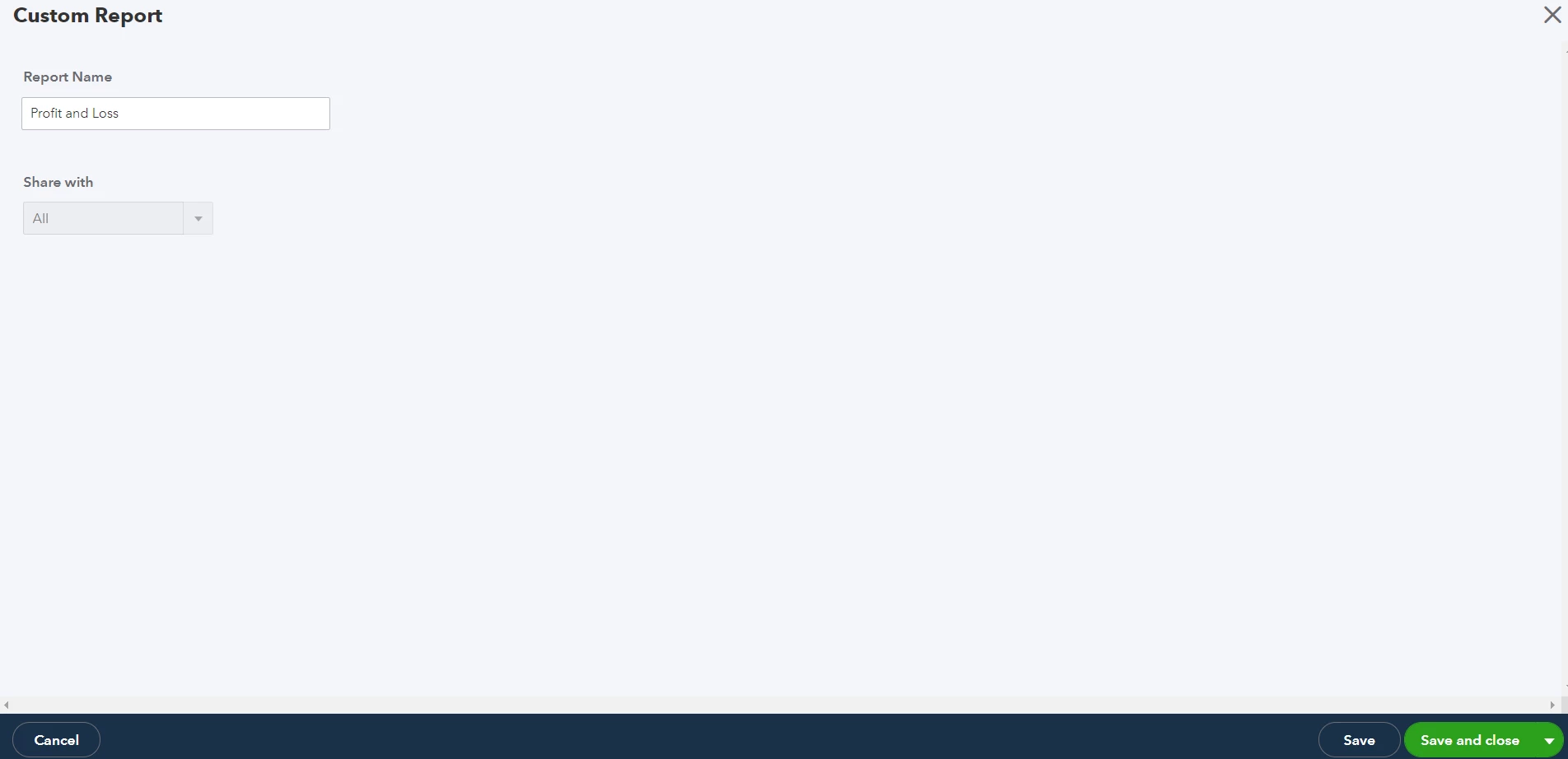
Unfortunately, when I click "edit" on a custom report, it doesn't show the "Set the email schedule for this report" checkbox.
This what I see:
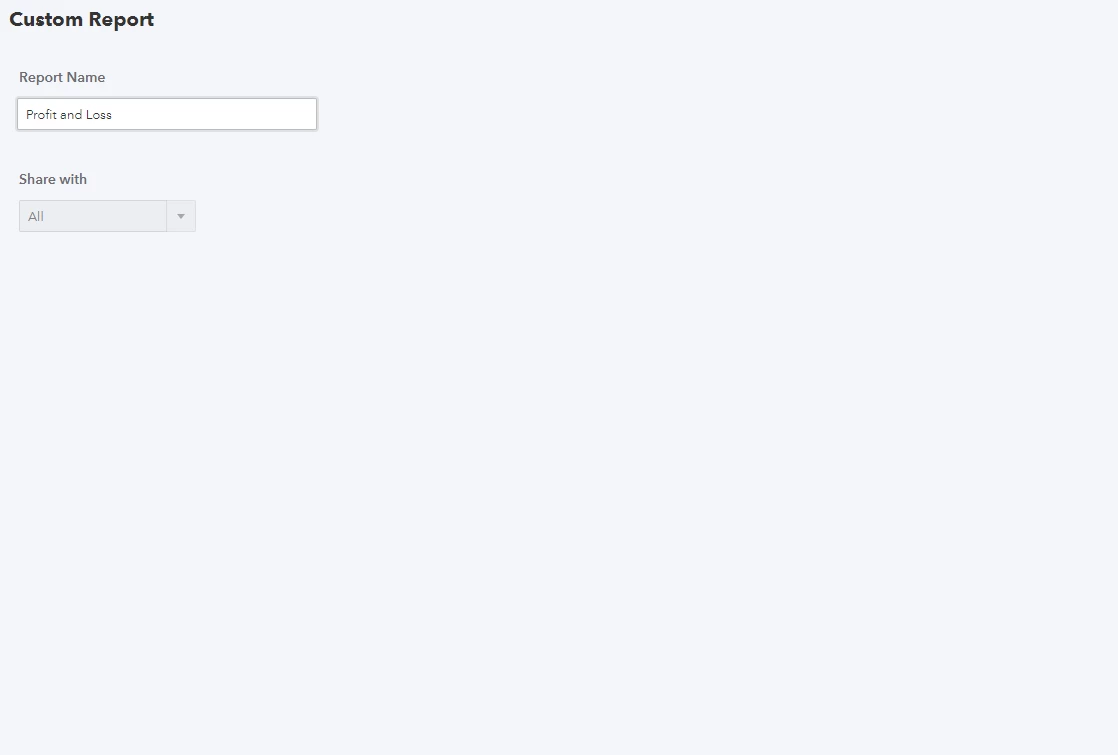
Let me join this thread and provide information why you aren't seeing the Set email schedule option, ero213.
The Set email schedule feature is available in QuickBooks Online Essentials, Plus, and Advanced versions. Based on your screenshot, you're likely using the Simple Start version.
You might want to upgrade your subscription to have this feature. You'll also be able to access more reports and other functions that can help you manage your business. Here's a link you can browse based on your plan: Reports included in your QuickBooks Online subscription.
If you don't want to upgrade your subscription, you can manually email the report. Let me show you how:
- Open the report you want to email and click the Email option (envelop icon).

- Click the Email button.

- Enter the necessary details.

- Click Send.
Stay in touch with me if there's anything else I can help you with today. I'm always around to help you.