Solved
How to hide summary rows from budget vs actual report
Hi,
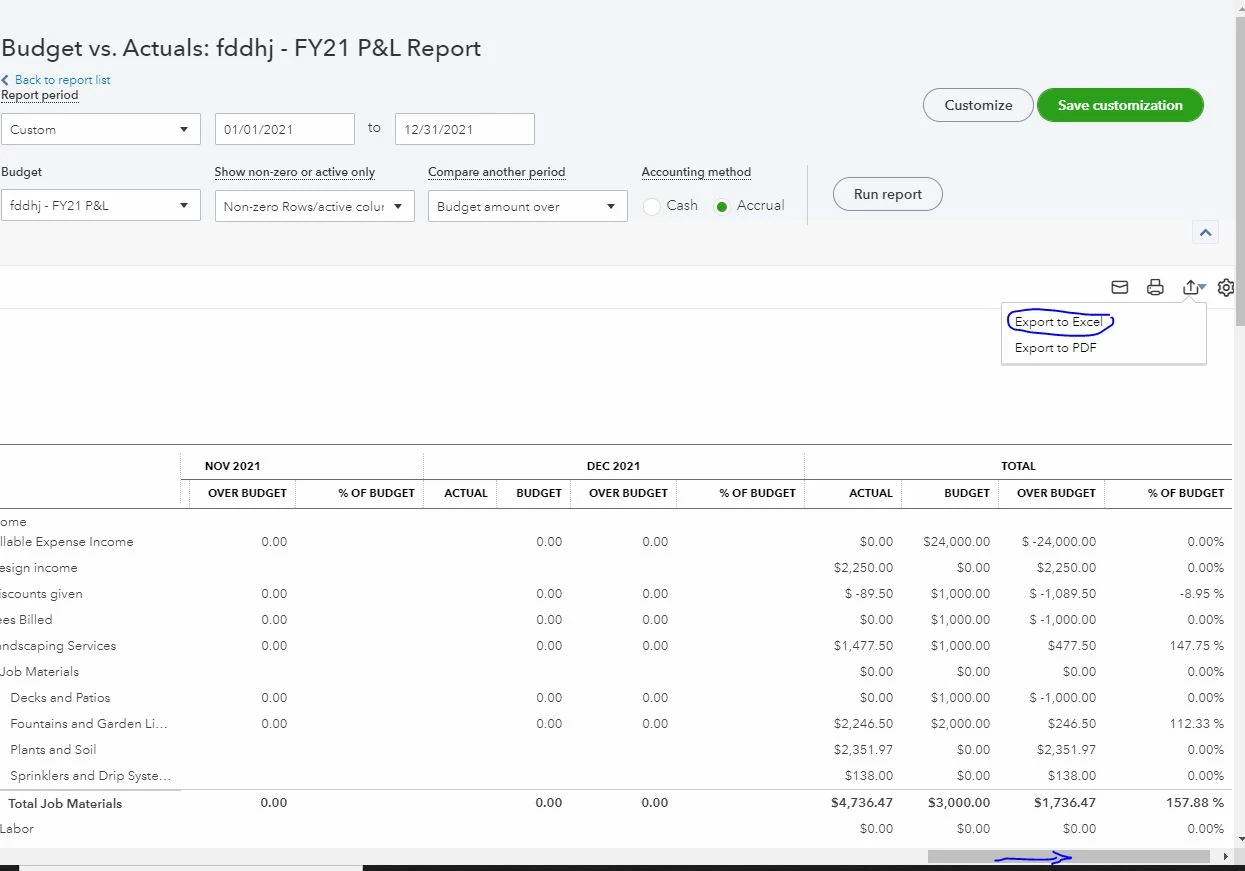
I would like to create budget vs actual reports for budget holders of various GLs. That said, I do not want them to see the summary rows below:
Total Income
Total Expenses
NET OPERATING INCOME
NET INCOME
How can I do that in a budget vs actual report? I was able to filter by the GLs just fine, but these summary rows remain.
Thanks,
Ivan