How to remove the shading in reports?
Dear All
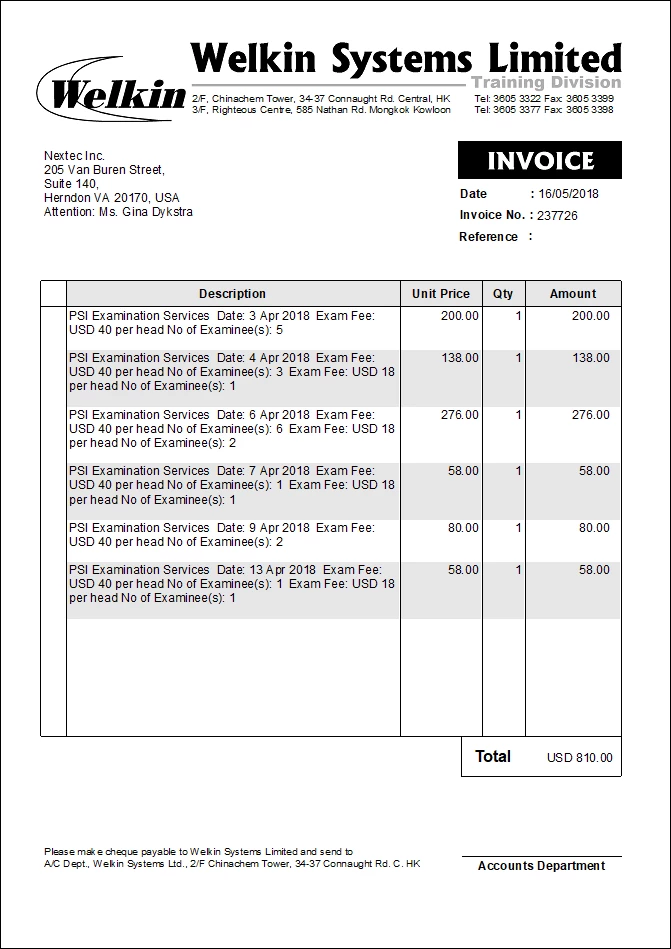
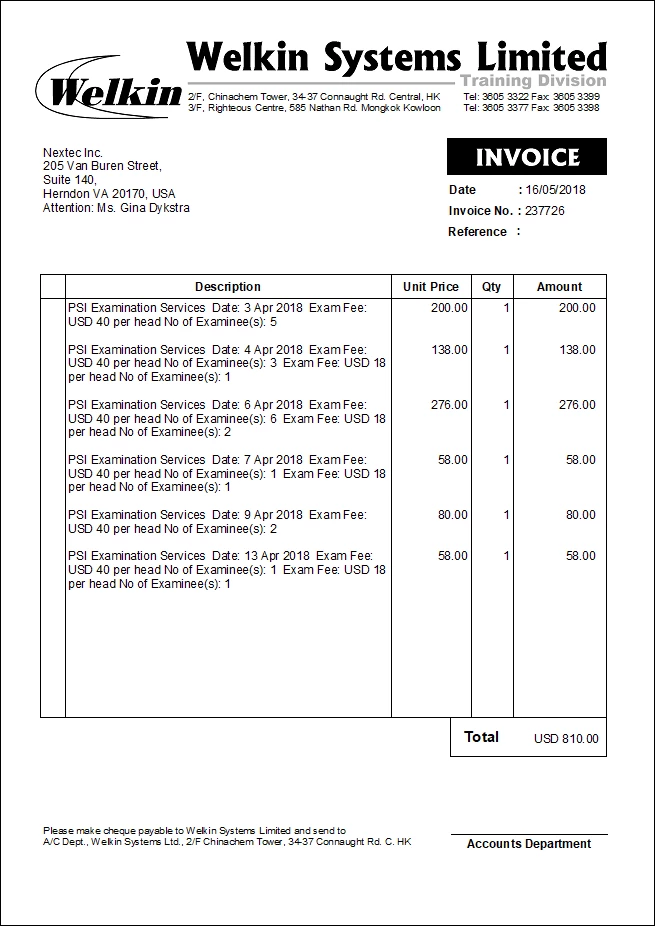
How to control the shading on report? When I log on as Admin, there are shadings on alternative Items. However when I log on as Ben, no shading appears.
TIA

Dear All
How to control the shading on report? When I log on as Admin, there are shadings on alternative Items. However when I log on as Ben, no shading appears.
TIA


Hi @BenTam ,
1. What QuickBooks Desktop version do you use?
Because I use Enterprise Solution 19.0
2. I have found several another suggestions in community how to get rid of shaded lines.
1) It should go away once you make an Edit to the template, Save the change. Then, put the template back how you want it.
2) Open a completed document (e.g Invoice), click on the drop down box of PRINT, clicked on the 2nd option, change from the default printer to Microsoft Print to PDF and print the document as a PDF, and the issue was sorted. You can do this separately for Invoices, Estimates, etc.
Try this variants. Hope it will help you!
You can see more info and comments in conversation below:
Get-rid-of-alternate-shaded-lines-on-printed-forms
Enter your E-mail address. We'll send you an e-mail with instructions to reset your password.