
Solved
I forgot the way to add a new project under an existing customer for doing invoices/payments received
Original commenter did not share additional details


No worries, @art.kennedy. Adding a new project under an existing customer in QuickBooks Online is straightforward.
Here's how to do it:
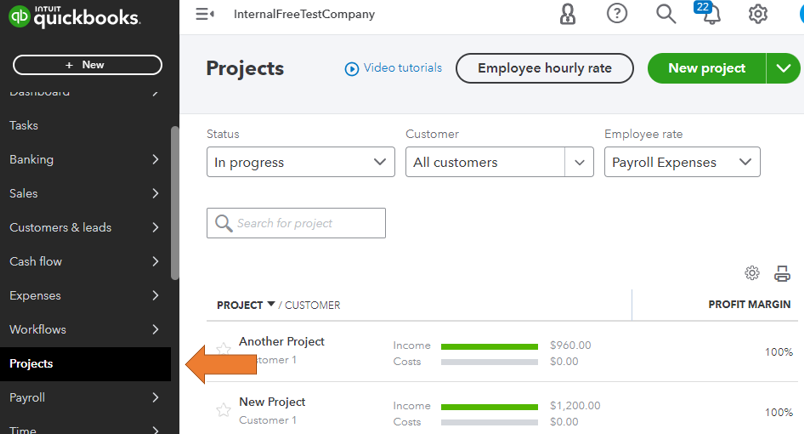
When you create invoices or record payments received for this customer, you can select the appropriate project to associate the transactions with the specific project. You can also add existing transactions to projects.
You'll also want to check out this article to learn more about managing projects: Projects FAQ.
Get back to me if you have other concerns about projects. I'll be around to answer them all for you. Keep safe and have a good one!
Enter your E-mail address. We'll send you an e-mail with instructions to reset your password.