Solved
I have QuickBooks self-employed and I need to create 1099 forms for my contractors. They are both individuals (SSN) and businesses (EIN). What should I do?
Original commenter did not share additional details


I'll help you send your 1099s to the IRS, @springsbarb.
QuickBooks Self-Employed (QBSE) helps track your income, expenses, mileage, and tax info. However, creating 1099 forms for your contractors inside the program is unavailable.
Although, you can sign up to our E-file service (standalone) website. This way, you can add your contractor's details and file their 1099-MISC forms to the IRS.
Here's how:
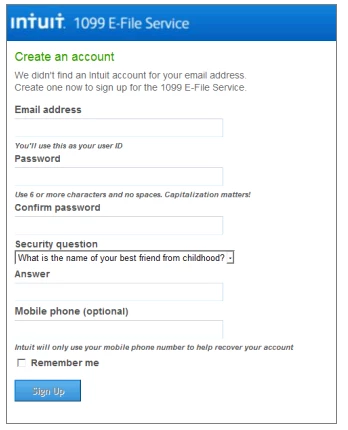
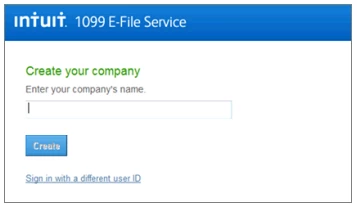
You can also check our 1099 E-file service fees on this link: http://payroll.intuit.com/additional-services/1099/efile-1099/.
For more details, please see this article: How to file 1099-MISC forms using an e-file service.
I'm still here if you have other questions in regards to filing taxes. Just post your questions here, I'll respond as soon as possible. Have a good day.
Enter your E-mail address. We'll send you an e-mail with instructions to reset your password.