Solved
I've updated my business email in QuickBooks Self-Employed, however, when I create a new invoice, the email reflected is still my old business email address.
Anyone know how to fix this? Thanks.


Hello, jdshyman.
I appreciate for following the steps provided by my colleague. I have another steps to help you reflect the new email address when creating the invoice. The new email address has to be added on the Your Work Info page. The information in this section will be the basis for the outgoing messages.
Here's how:

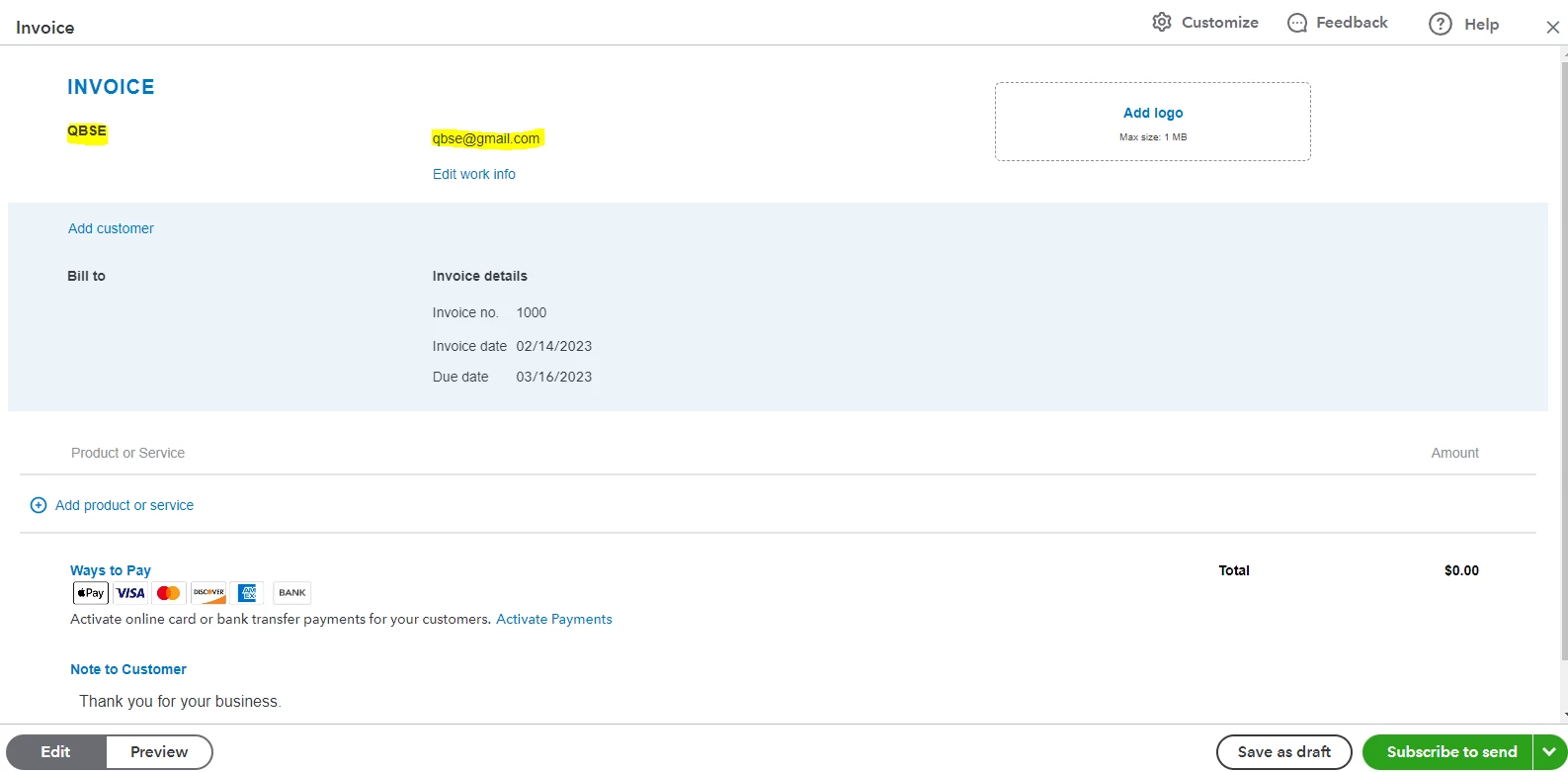
Moving forward, the system will deliver your invoices on your new email address.
I'm adding this article for more information about sending invoices in QuickBooks Self-Employed: Create invoices in QuickBooks Self-Employed. You can also find other help articles here for guides and tutorials.
I'd like to know how you get on after trying the steps. We're right here if you need another help. Feel free to reach out to us again. Have a great day!
Enter your E-mail address. We'll send you an e-mail with instructions to reset your password.