December 9, 2021
Solved

Import Exel IIF

  • December 9, 2021
  • 1 reply
  • 0 views

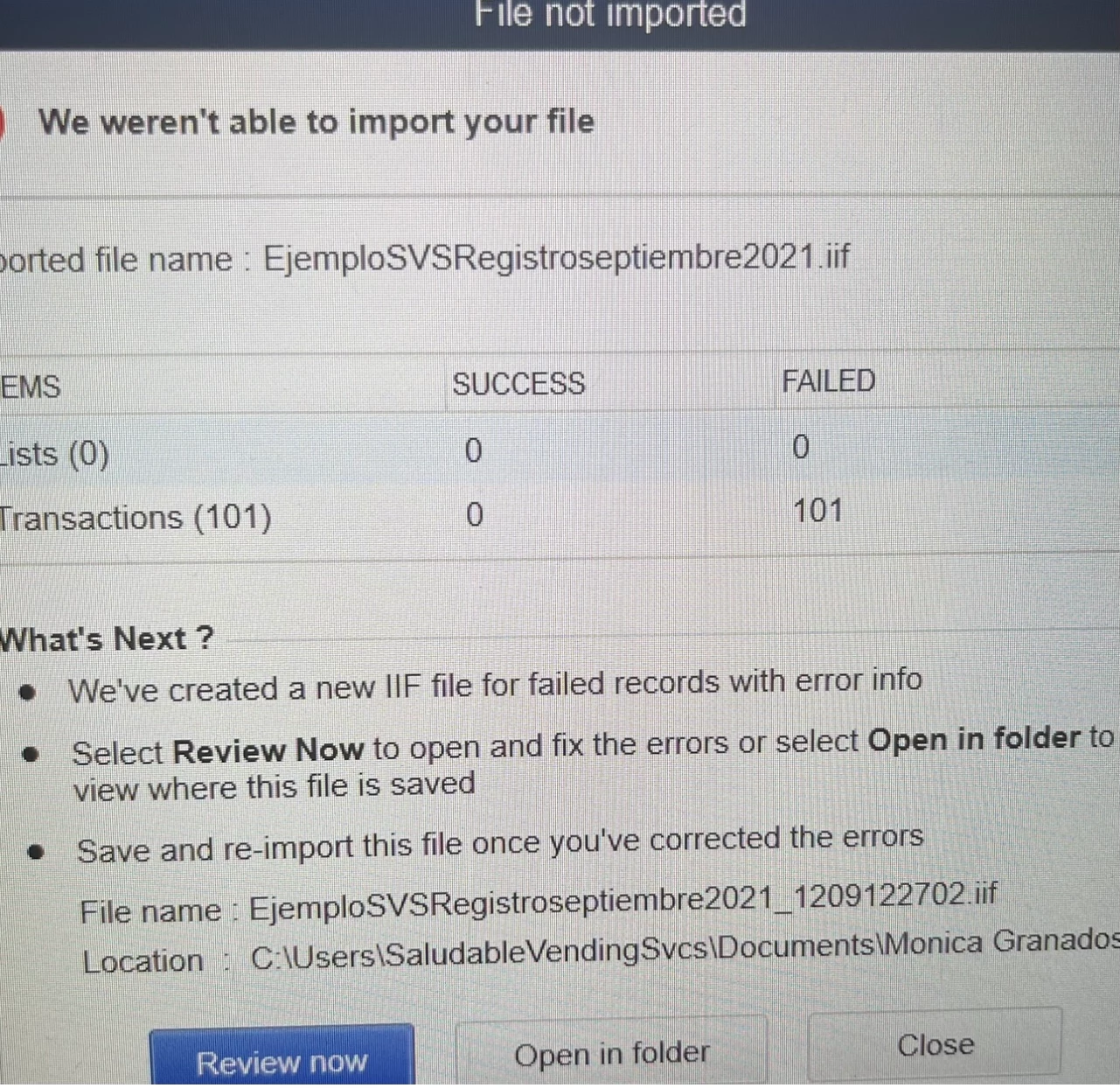
Please! I prepared an excel file (because I have a software that gives me some information) to import it as IIF to quickbooks desktop. I get an error, I am using propersoft, I follow all the instructions and I have not been able to import it. Any suggestion? the file is for uploading transactions to a Journal entry


Best answer by BigRedConsulting

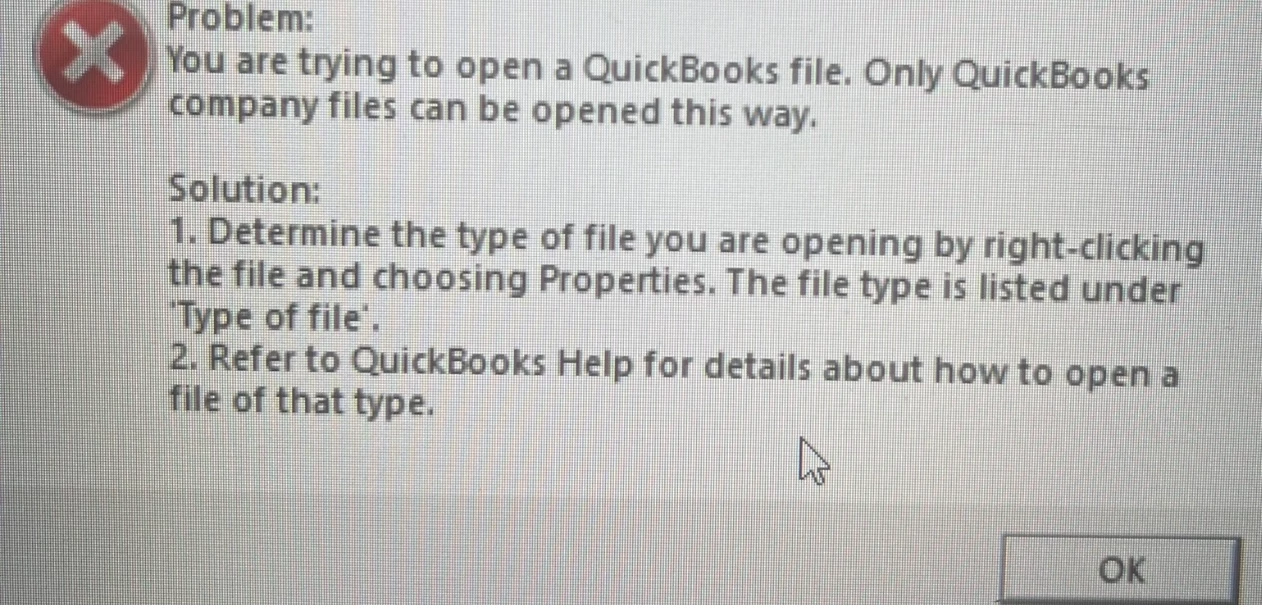
Yes, that review button never works for anyone because when you install QuickBooks it registers .IIF files as belonging to the QuickBooks application, and so when you try to open one Windows thinks it should call QuickBooks, and then QuickBooks puts up this message. Clever, huh? You'd think someone at Intuit would have tested this and they would make it work (it's been this way for four versions now, since 2019...) QuickBooks could easily load the .IIF file in notepad or could have given the troubleshooting file a .txt extension in order to avoid the error. But no, that would make too much sense.


In any case, you can open the file in notepad or other text editor, or in Excel, to see what QuickBooks is objecting to.


1 reply

BigRedConsulting
December 9, 2021

Yes, that review button never works for anyone because when you install QuickBooks it registers .IIF files as belonging to the QuickBooks application, and so when you try to open one Windows thinks it should call QuickBooks, and then QuickBooks puts up this message. Clever, huh? You'd think someone at Intuit would have tested this and they would make it work (it's been this way for four versions now, since 2019...) QuickBooks could easily load the .IIF file in notepad or could have given the troubleshooting file a .txt extension in order to avoid the error. But no, that would make too much sense.


In any case, you can open the file in notepad or other text editor, or in Excel, to see what QuickBooks is objecting to.