October 26, 2023
Question

Job Cost Report - Total by Vendor

  • October 26, 2023
  • 1 reply
  • 0 views

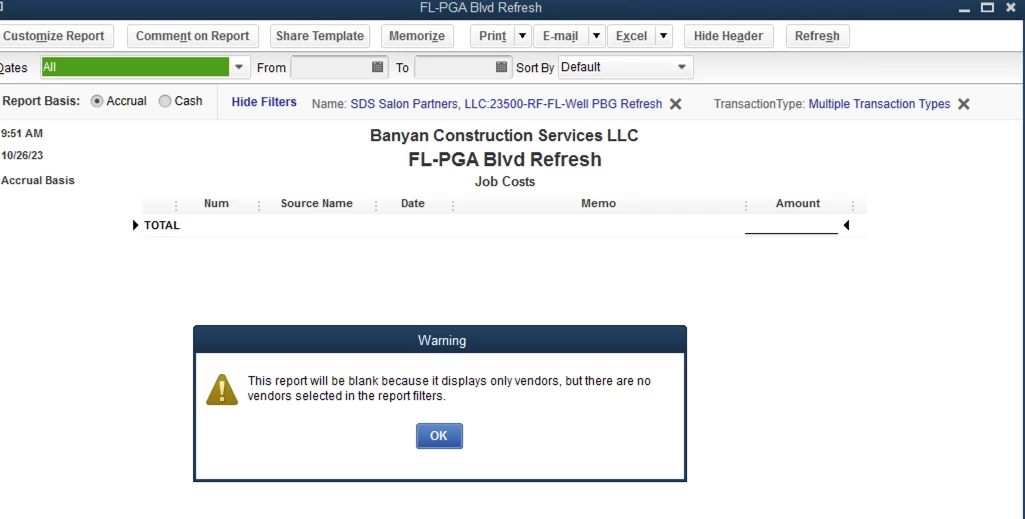
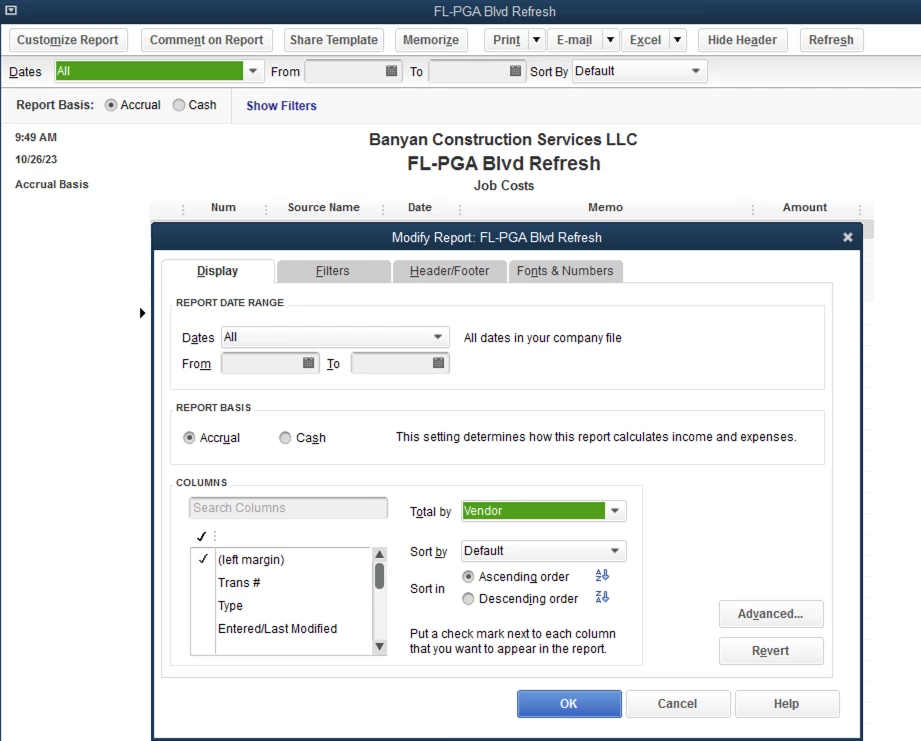
When I run a job cost detail report I would like to total by the vendor. The Column is named "Source Name" on the job cost report. When I click Total by Vendor on the report options, I end up with a blank report. I am able to easily total by Job Cost Item but not by Vendor. This is very frustrating and seems something that should be easy for a job-costing software. 
1 reply

Bryan_M
October 26, 2023

We hear you, @ltarbutton89a.


I see that running a report that will show the total by the vendor has been challenging on your end. Let me share insights and help you run the correct report.


QuickBooks follows the Sources and Targets concept to build company and financial reports. This means the data you see on every report is derived from the details of its source transaction.


The Job Cost Detail report will only show the customer totals per transaction and not by vendors. However, to view the total by the vendor, you can run the Job Costs by Job and Vendor Detail report. 


Here's how:


  1. From the Reports tab above, select Industry Specific.
  2. Choose Contractor Reports.
  3. Select Job Costs by Job and Vendor Detail.
  4. Enter the correct date so the vendor total transaction will show accurately. Or you can click the Customize Report to add and adjust the field.


I'll also add this article if you want to export the report after you're satisfied with it:


If you have additional queries about vendor transaction reports, don't hesitate to get back to us. We'll be happy to help. Keep safe, and enjoy the rest of the week.