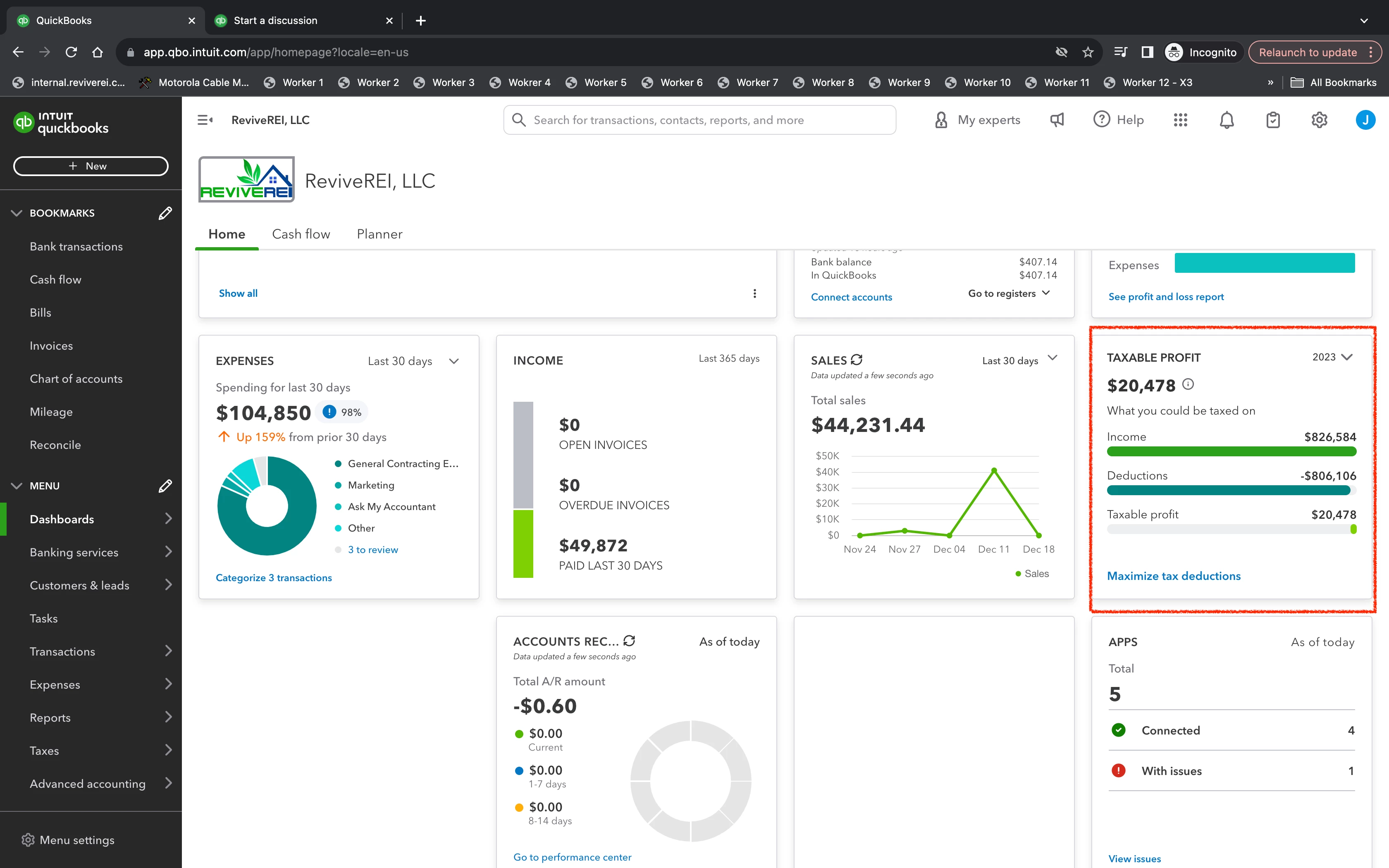
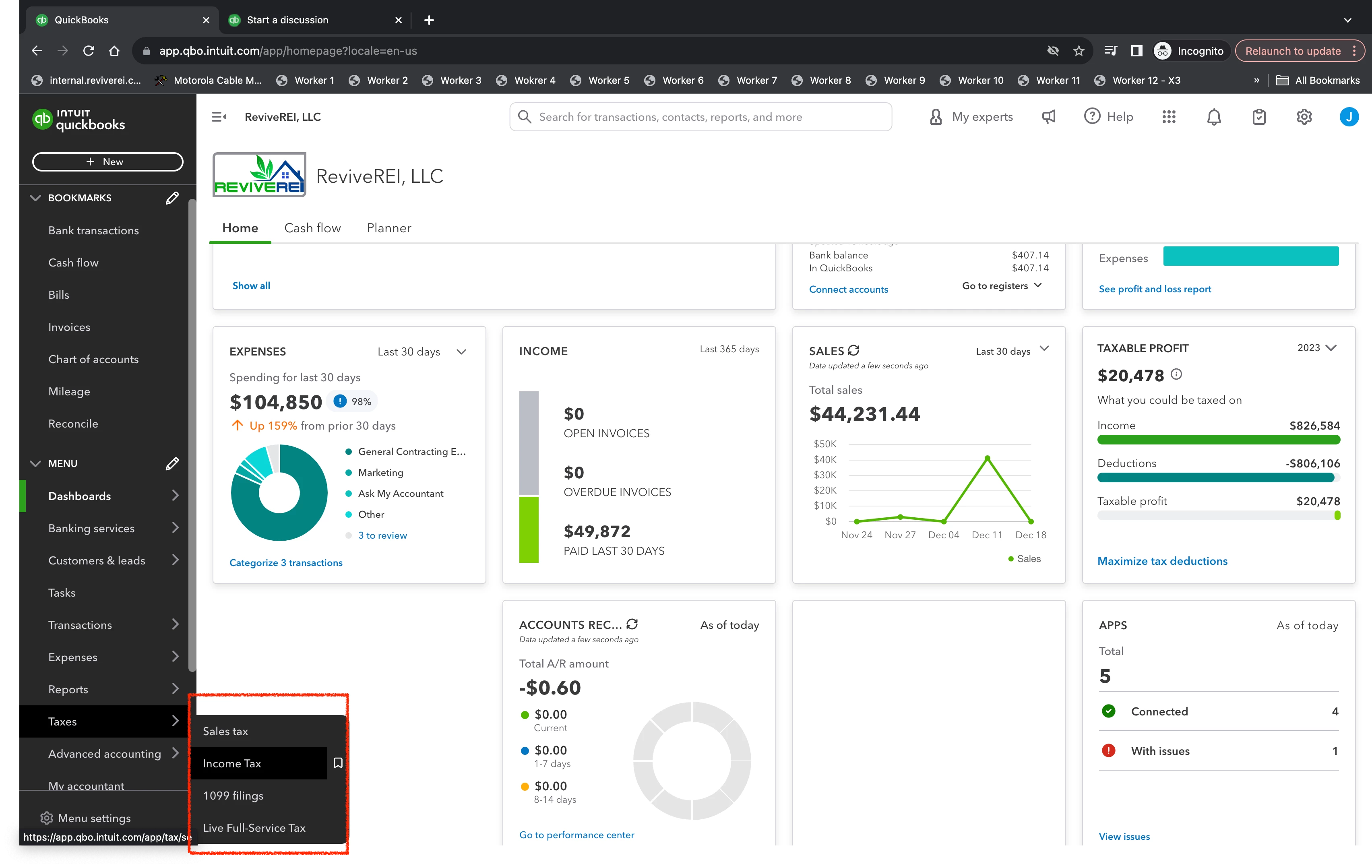
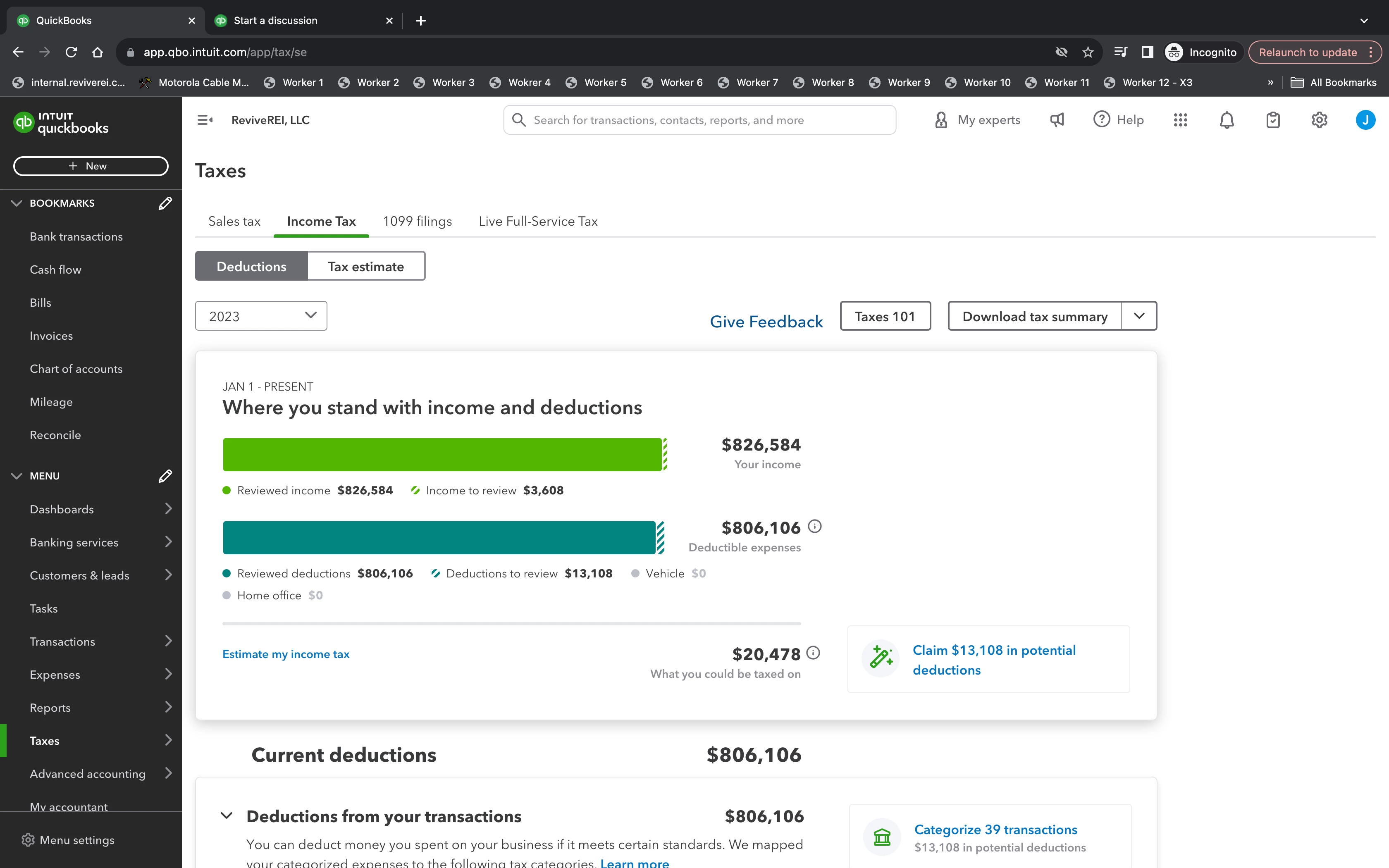
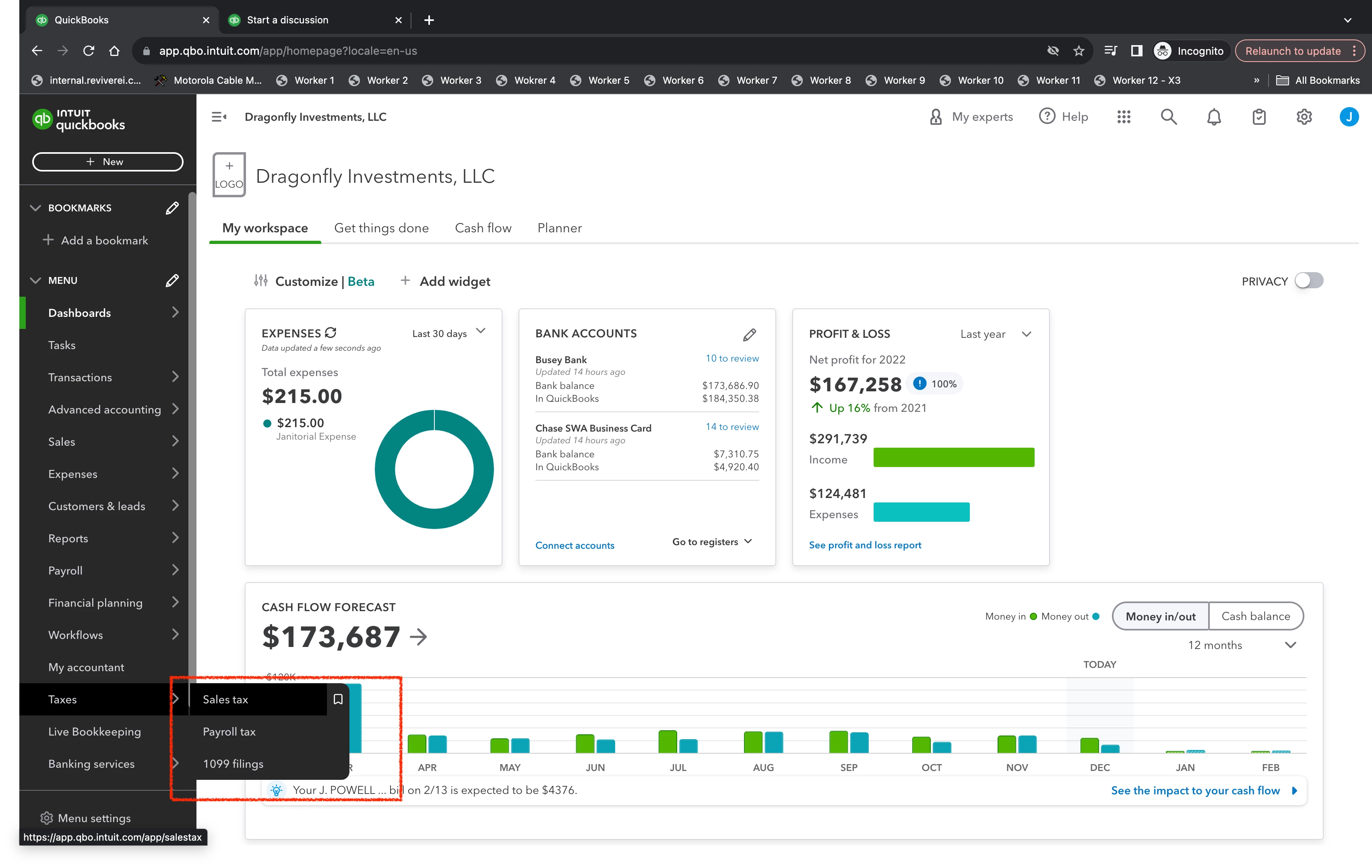
Thanks for bringing this to our attention, ReviveREI. I appreciate the detailed information and screenshots you've shared, so I can get a clearer idea of your concern about the missing income tax option in one of your company files. Let me help you sort things out and provide insights when handling taxes in your account.
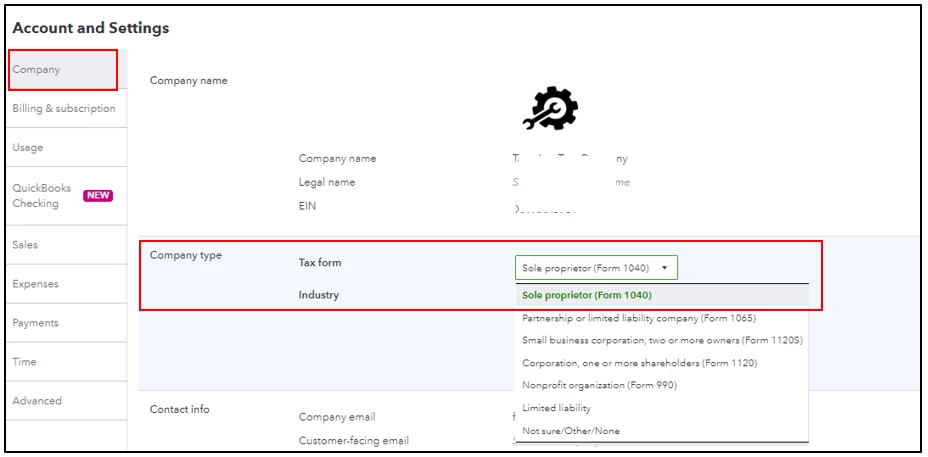
The Income Tax feature in QuickBooks Online can only be available if your Tax form is Sole proprietor (Form 1040) under the company type settings in your account. Self-employed and freelancers are examples of sole proprietorships.
To help you verify the setup, here's how:
- Go to the Gear icon, then choose Accounts and Settings.
- Select Company and click Company Type.
- Review the Tax form field and change it if necessary.
- Click Save, then Done.
In addition to that, you may read through these links to find out more about why this function is only available to sole proprietors in QBO:
Once you see it, you can set them up whenever you're ready. When you create a new account/category for expenses, ensure to select the appropriate detail type. For more information, click this link: Learn where QuickBooks Online detail types appear on your tax forms.
If you use sole proprietor already and the issue persists, I recommend logging your account through a private browser. This way, we can check if it's a browser-related issue. Sometimes, too much cache build-up in your regular browser can cause unexpected behavior in the product. Please refer to the keyboard shortcuts below:
- Ctrl + Shift + N (Google Chrome)
- Ctrl + Shift + P (Firefox)
- Control + Option + P (Safari)
- Ctrl + Shift + P (Microsoft Edge)
Once done, verify if your Income Tax page is already available. If it's solved, return to your regular browser and press the CTRL+ Shift and Delete keys on the keyboard to clear the cache.
I'm adding these references in case you want to utilize them to know the frequently asked questions for taxes and Scheduled C in QuickBooks:
I'll be available anytime in this thread, so you can always reply in the comments below if there's anything else you need assistance with. Just let me know, and I'll make sure to get you covered. Keep safe and have a good one!