katherinejoyceO
Mar 11, 2021 8:12 PM UTC

Hello there, @talk2khurram. 


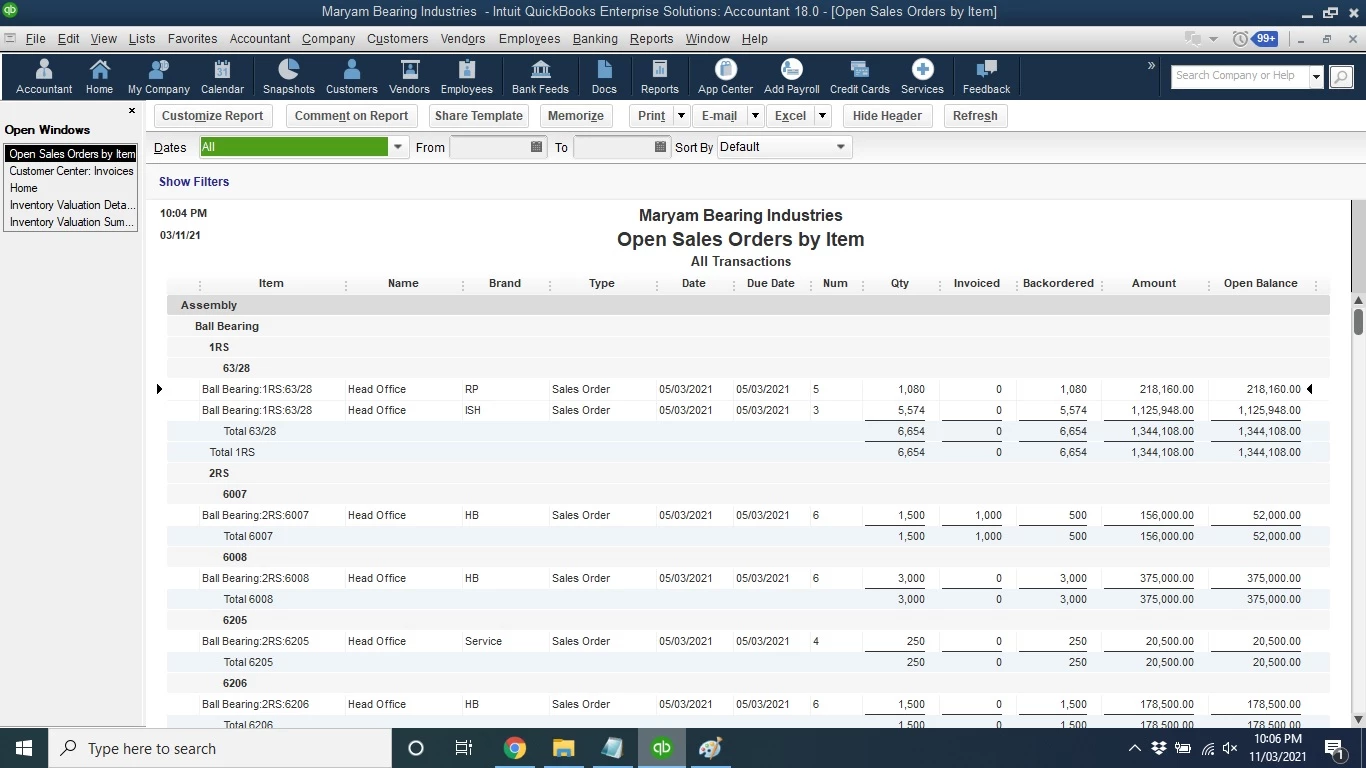
Thanks for taking the time to post here in the Community. The Open Sales Order Report will only display those open and partially invoiced. 


As a workaround, you can run the Transaction Detail report instead. Then, filter the Transaction Type to Sales Order to show both open and closed transactions. 


For future reference, read through this article and learn about customizing your report to show the details that only matter to you and your business. 


Feel free to post more if you have additional concerns. I'd be happy to get back and help. 


4 replies

katherinejoyceO
Mar 11, 2021 8:12 PM UTC

Hello there, @talk2khurram. 


Thanks for taking the time to post here in the Community. The Open Sales Order Report will only display those open and partially invoiced. 


As a workaround, you can run the Transaction Detail report instead. Then, filter the Transaction Type to Sales Order to show both open and closed transactions. 


For future reference, read through this article and learn about customizing your report to show the details that only matter to you and your business. 


Feel free to post more if you have additional concerns. I'd be happy to get back and help. 


Mar 12, 2021 2:52 AM UTC

Hi @katherinejoyceO 


Thanks for providing problem-solving solution.

Jul 21, 2021 6:04 PM UTC

An Open Sales Order by Item report has been run and there are MANY items with very old dates on them.  I cross checked in the Customer info and invoices were created for these items but did not turn SO into an invoice; therefore, lots of open SO.  Is there a way to close multiple SO by Item # or do we have to individually close each SO?  All of these SO are non-inventory items.

Thank you!