QBDT Desktop Pro Plus 2024 Register QuickReport does not display assigned classes
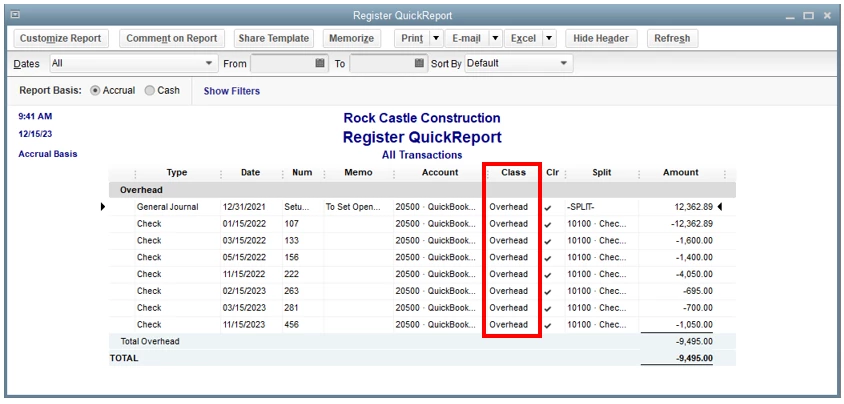
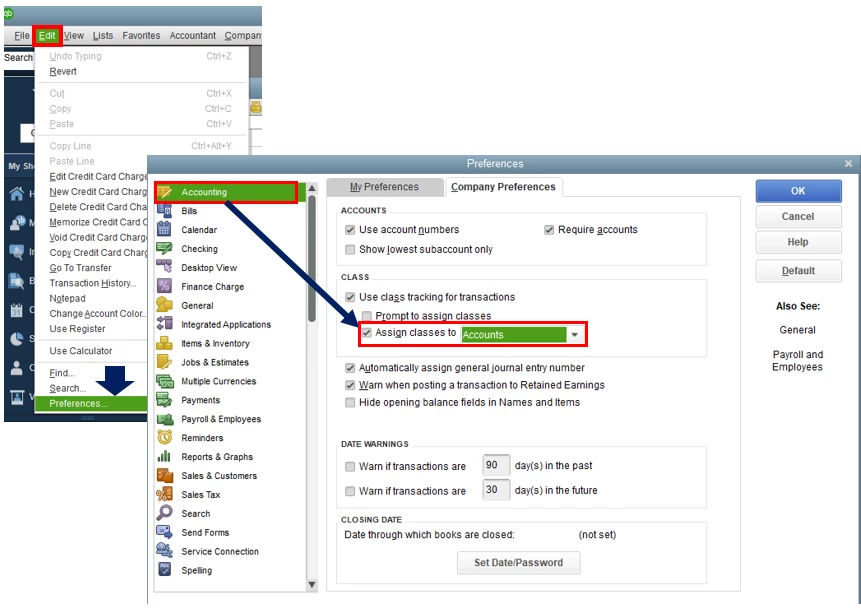
I have a problem with QuuickReport for a credit card register. I assign expenses by class. Open the report, hit the button on the upper left to Customize Report, under Columns select (put a check mark next to) Class. Click OK, hit the Refresh button on the upper right just to make sure. The Class column is displayed on the report, but no data is displayed in that column, despite the fact that many transactions have been assigned a class (I'm trying to finish up year-end by editing transactions with missing classes).
Is there some fundamental error I am making here (I've been using QBDT for 16+ years).
Does anyone know what the workaround is for this?
Chat was useless -- was still validating me after 15 minutes.
Ran updates for QBDT.
Thanks for any help.
Steve