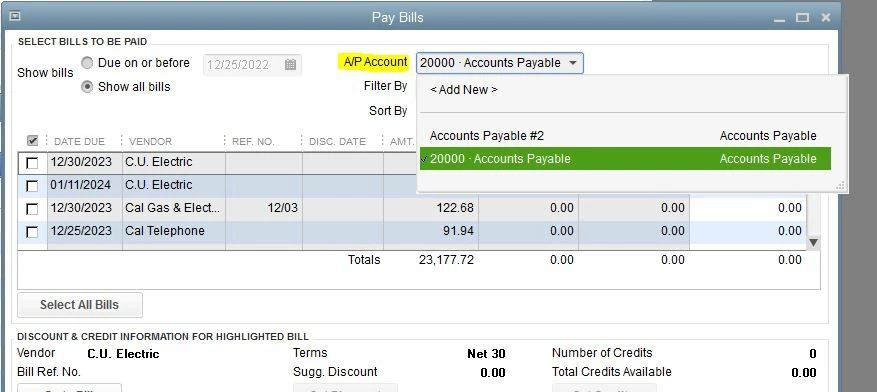
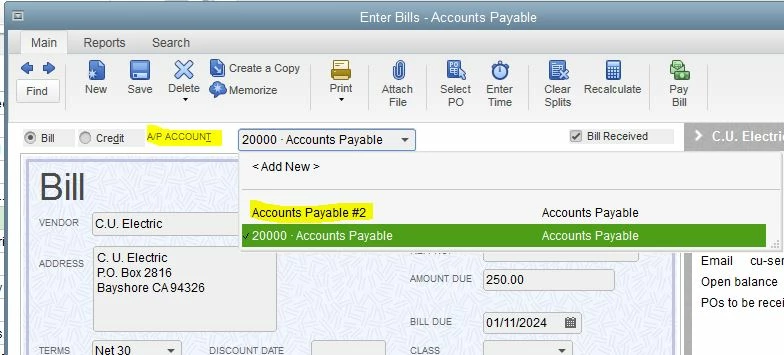
Remove unpaid bills from Pay Bills screen?
We are using the Contractor Edition of QB and for it being for Contractors, it does nothing that contractors need. I've submitted requests to fix this but they've gone unanswered.
One thing that contractors do is they bill their customers and get paid, sometimes, with joint checks. There is normally a minimum 30-60 day period between billing and payment. Meanwhile, those invoices that are to be paid with the joint checks show as unpaid and payable. They are unpaid but they are definitely not payable. There should be a really obvious way to select these bills and show them unpaid but not payable since, again, this is a version specifically for contractors. We have implemented a work-around where we put "JC" in the memo but that helps zero on the Pay Bills screen since the memos are not displayed and of course can not be custom selected to be displayed. So here we are, looking at a screen of bills to pay that absolutely should not be paid.
What is QuickBooks' solution to this? Is there a tick box that needs to be enabled so that these bills can not be paid from specified accounts or so that the specific invoices won't show up on the Pay Bills screen? Ideally, ticking this box will make it so that the selected invoices can be paid but ONLY from a specified account, i.e. a JC Clearing account and not the main banking account, cc or other.