Replacing old Chart of Account
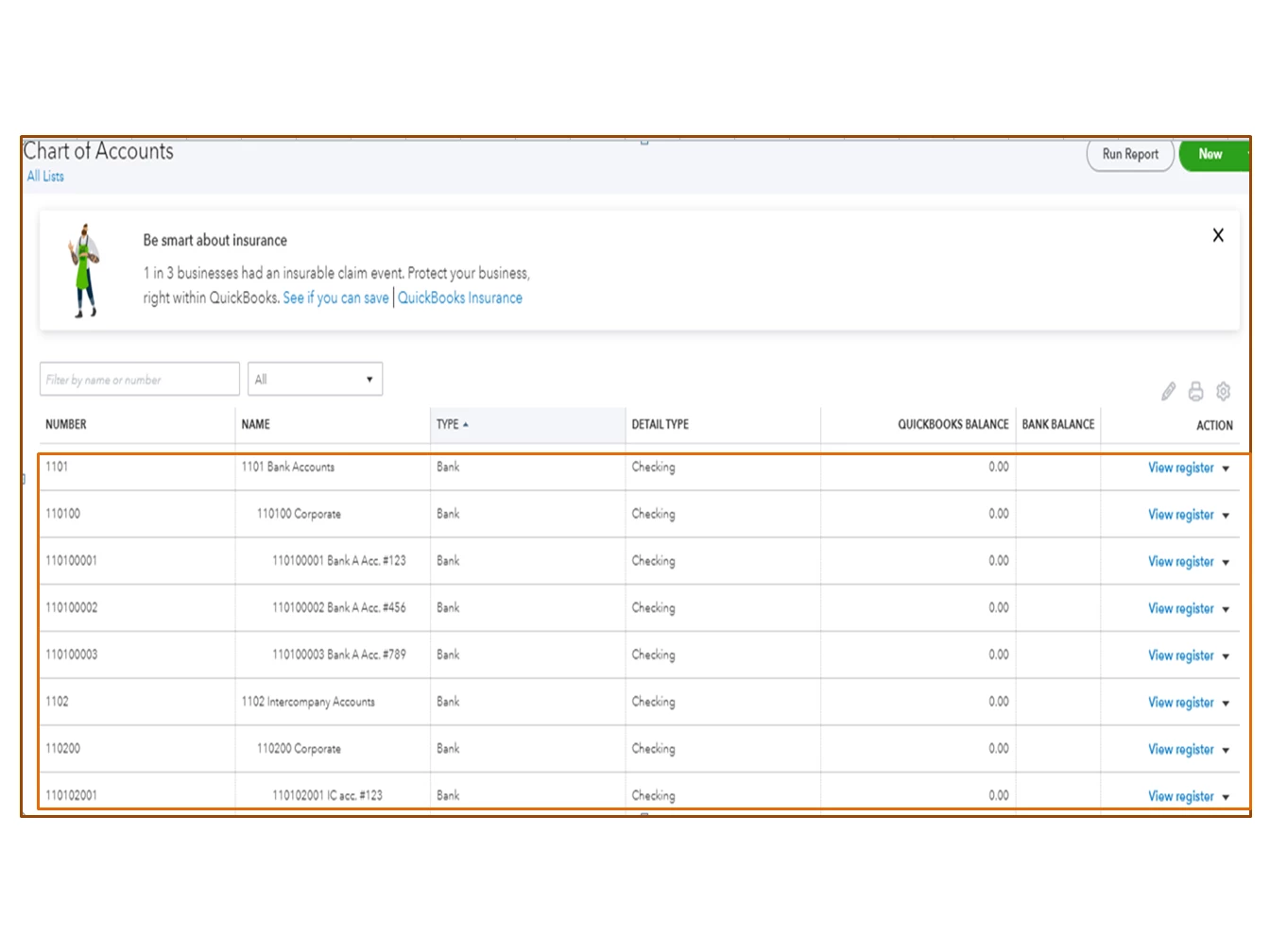
Good morning, following issues talking through the help chat, I am writing for an issue concerning the chart of accounts import.
I am currently subscribed to Quickbooks online for two companies I manage.
Pursuant to an acquisition I must now use my parent company’s CoA for reporting purposes.
I have to bulk import the CoA as I have approximately 4000 accounts in the new CoA, thus manual input is not an option (although I know I may have to manually input balance sheet opening amounts).
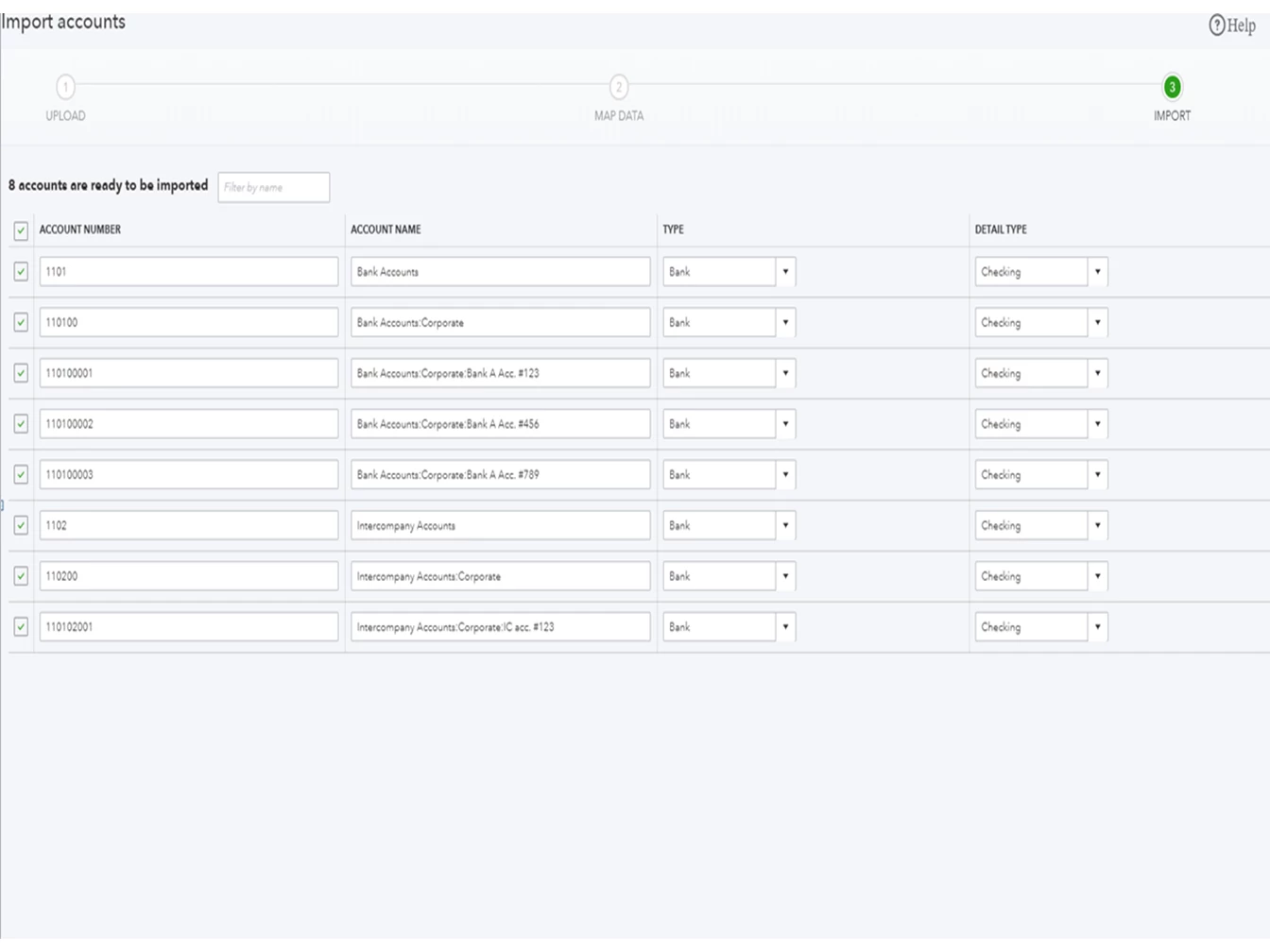
I have formatted the new CoA in excel to what I presume should be Quickbook format and have it ready to be imported.
Once I bulk import, the old CoA should be erased so that it won’t appear on any reports. However I don’t want to lose my historical data just in case I need something in the future.
Also, before adopting the new COA I have to be absolutely sure that the format I have ready in excel will work.
How do you think I can achieve these results?
What could be the correct workflow to achieve my results (besides from opening two new accounts and closing the old ones)?
1. checking my new CoA will be accepted by Quickbooks before bulk importing
2. bulk importing new CoA over the old CoA so that no old account will crop up in my subsequent reports
3. not losing old data (accounts+account values) in case I may need it for any future issue
Let me know if someone can help me out
Kind regards
Paolo