

January 30, 2025
Question

Reporting on Invoice Status?

  • January 30, 2025
  • 1 reply
  • 0 views

I have a user who wants to run a report on Invoice Status.


When I go to create a new report, I see options for

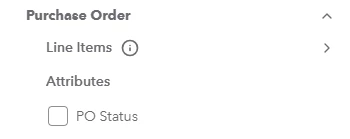
Purchase Order > Attributes > PO Status
 

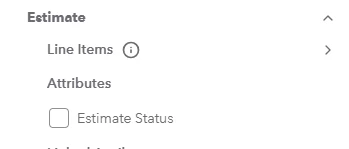
Estimate > Attributes > Estimate Status
 

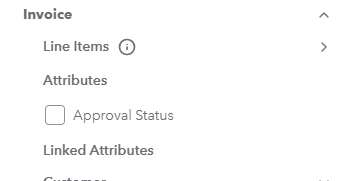
But I do NOT see Invoice Status anywhere. Invoice attributes only show "Approval Status" which is different.
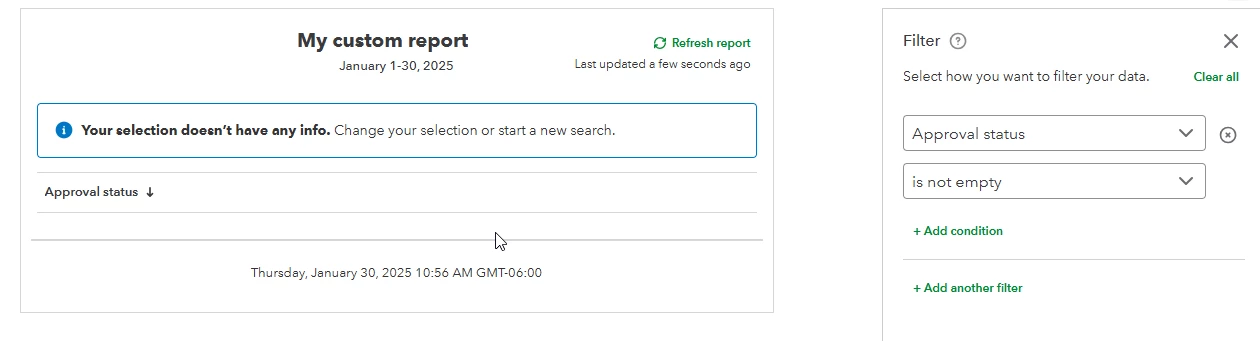
I know this is the wrong field because when I run a report on it it ONLY has blank values.


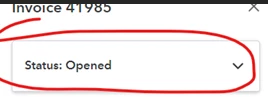
Am I missing something? The user wants to list all Invoices that say "Status: Opened".


1 reply

January 30, 2025

Welcome to the Community, @Queue Bee No.


The option to include the invoice activity when creating a report is currently unavailable. However, you can go to the Invoices tab to view the activity status.


Here's how:


  1. Go to the Sales menu.
  2. Click Invoices.
  3. In the Edit/ Receive Payment drop-down menu, select View Activity.


On the other hand, if you want to view all your unpaid invoices, we can pull up the Open Invoice report. 


I'll walk you through the steps:


  1. Go to the Reports menu,
  2. Select Open Invoices under Who owes you.
  3. Set the appropriate report date.
  4. Add a column or filter as needed.


Moreover, you can check this article for more details when running a report.


You can then now memorize your reports, so you don't have to go back through the customizing process.


Additionally, maintaining precise financial records is crucial to enhancing your accounting methods. I highly recommend you consider utilizing QuickBooks Live Bookkeeping to gain assistance from experts. This service can help streamline your financial management and free up more time for you to concentrate on business expansion.


If you have questions regarding running your reports, don't hesitate to leave a comment below. I'd be glad to help you!