Solved
Street fields in reports
I am trying to build a simple customer address list (for a postal mail merge). When I customize the built-in customer list report and go to "Display" options, there are fields for street, street2, city, state and zipcode. But the report shows blank spaces for street and street2, (city, state & zip are filled in). I have to use Bill to: as the address? (This is inconvenient because sometimes I need a name in 'bill to' for accounts payable, but they're not the primary contact and that messes up the report.)
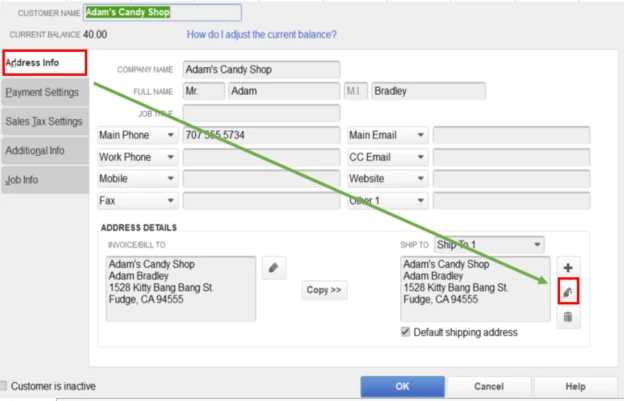
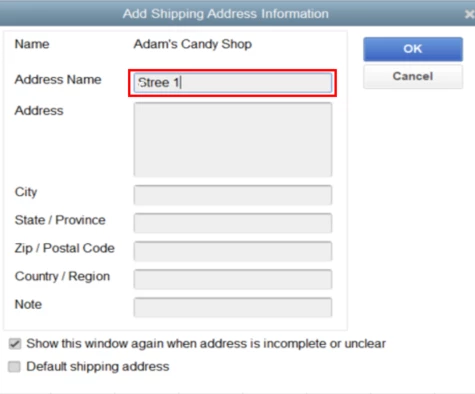
Where in QB Desktop are the street fields? (I know how to make custom fields for customers, but the report already shows them as available. Where are they in a customer record?) [screenshot: https://prnt.sc/sqs915]