Hi Sharaz!
First off, are you looking at QuickBooks Online or QuickBooks Desktop?
QuickBooks Online - Does not have a notion of inventory locations. You could work serial numbers into inventory item name, sales description, or append to SKU. I would not reccomend this. It would be extremly tedious (might as well use a spreadsheet). That said, you will love QuickBooks Online for Invoicing, and reconciling with bank transactions, no-backup pains, and of course the mobility.
QuickBooks Desktop - Has inventory Locations, and you can track Lot/Serial Numbers. To learn more about how to do this in Desktop Versions. Go here:
https://www.accountexnetwork.com/blog/2011/09/quickbooks-2012-serial-number-tracking/
I dont reccomend going with Desktop. Even though it has the capability. You want a system better than Sage 50. Go with quickbooks online and look for cloud-based apps that meet your need. Start with the app store for inventory management/manufacturing apps.
https://apps.intuit.com/category/manufacturing-factory-management?locale=en-US
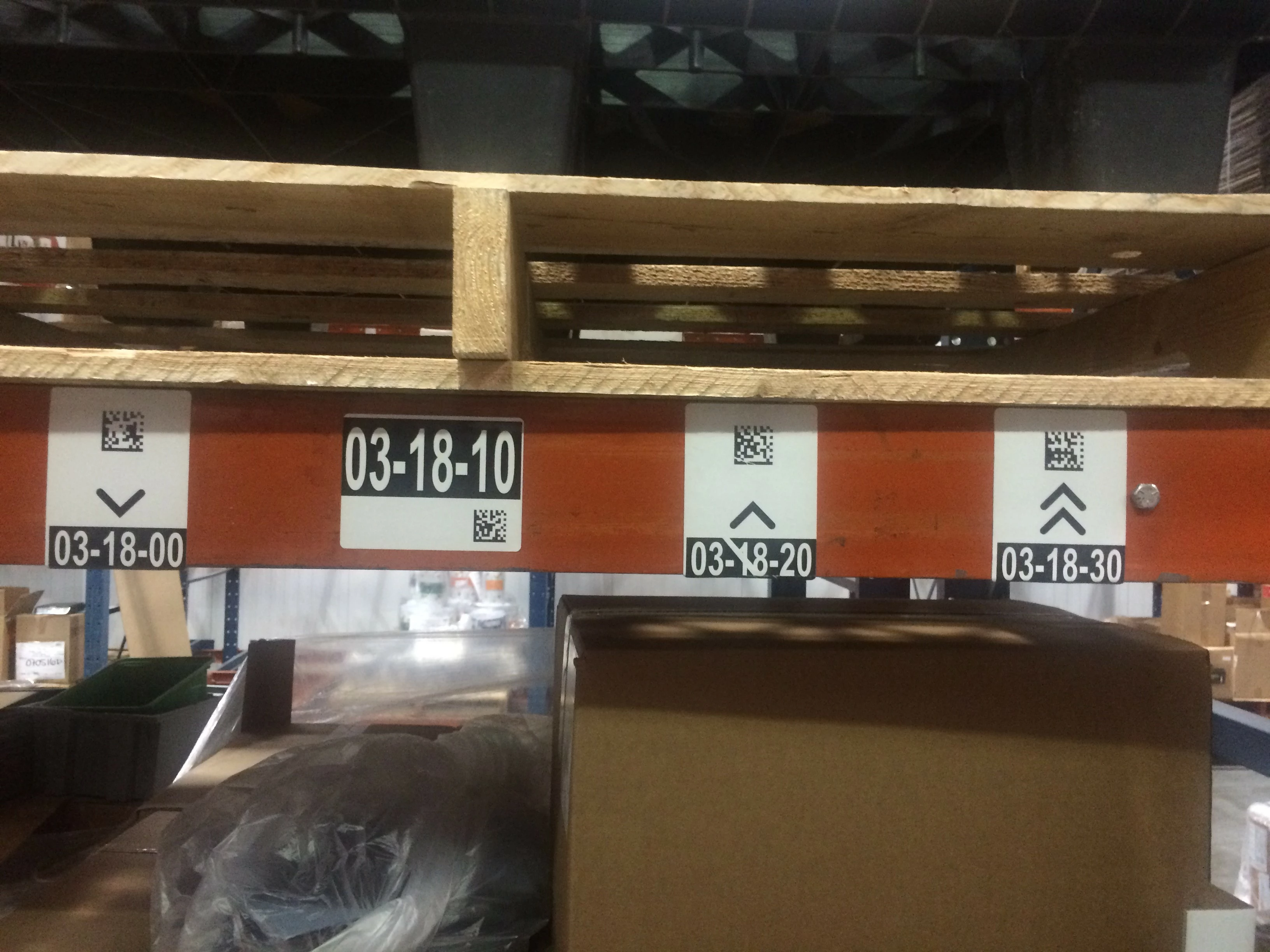
This is an image came from the warehouse of a QuickBooks user running DataNinja to generate seralized barcodes for inventory at reciept in Quickboks, and barcoded locations for scanning inventory in-and-out of bins.
Good Luck! :smileyhappy: