
Solved
Where do I find a saved sales receipt
Original commenter did not share additional details

I'd be happy to walk you through the steps to locate your saved sales receipt.
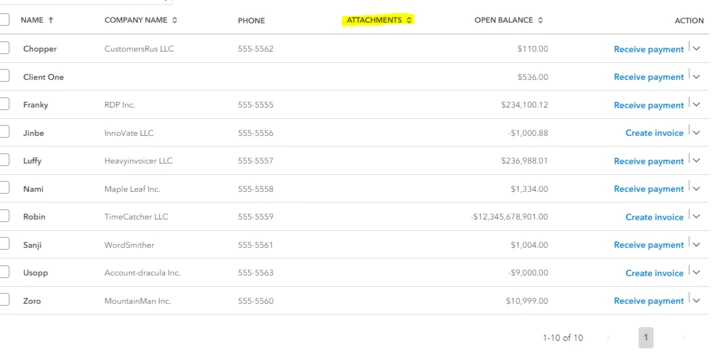
You may view them in the All Sales or go directly to the Customers section. I will provide some screenshots for a better reference. Here is how:

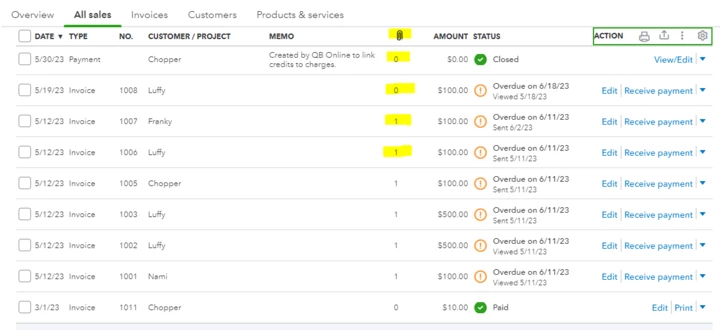
The same goes for the Customer section. Follow these steps:

You can visit this article you can use in the future: Download and save sales forms and statements in QuickBooks Online.
Please do not hesitate to reach out to us again if you have any additional concerns regarding QuickBooks. We are always here to assist you with any questions you may have. Stay safe!
Enter your E-mail address. We'll send you an e-mail with instructions to reset your password.