Account management
Recently active
Original commenter did not share additional details
I want to send a customer a statement of only their open invoices. The system is including half drafted invoices that are not complete and have not been sent to the customer.
Instead- this requires the backup of an entire company and then copying the results of the backup to the new company. Then the new company needs to be reviewed to make sure all the data has come across correctly. Possibly custom reports need to be recreated. All in all, a complex time consuming process for a non-profit that often has little technical staff. At the end of the day, the non-profit is running the exact same software.
Just wanted to import my sales receipts from excel to Quickbooks. Why can't we do as simple as that? We can import invoices but not Sales receipts.
I'm not sure how to accept a check since it's not cash and traditionally it's always gone into undeposited funds until I deposit the check. Is there a way to get undeposited funds or even the bank account to show back up in the app when receiving a payment through the app?
Updated incorrect account number for my bank account prior to pay day, Did not receive my pay. Was instructed to reach out to resolve. Have attempted all morning to get Rep to direct me on how to do so. Please advise.
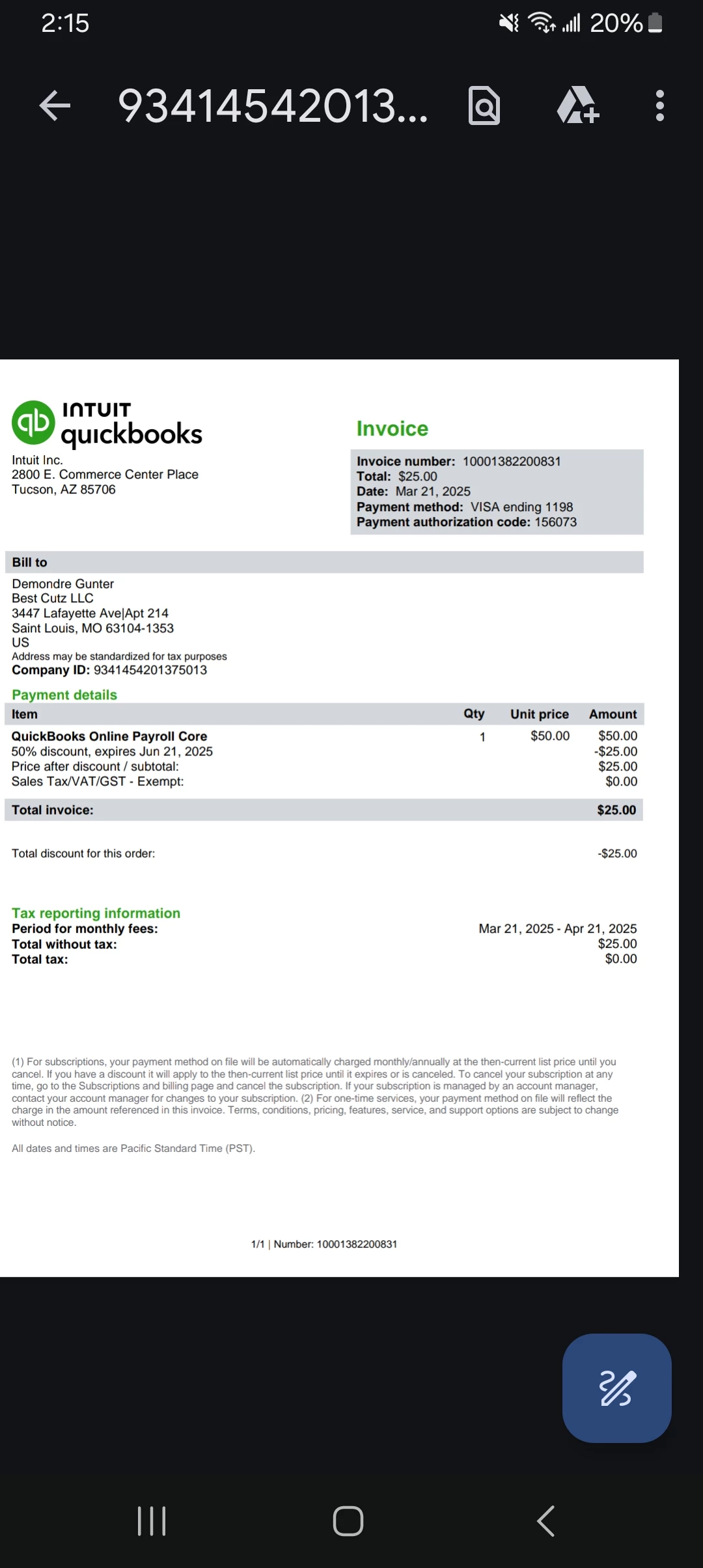
Intuit is charging us for an account that we do not use. Who can we call to resolve?
Attempting to reach the PAYROLL TEAM to discuss my issues with my payroll. I had put in the incorrect account number for my bank account. I have updated in Quickbooks and need to know the next steps to take. I was informed to contract to get this resolved. I was informed from a rep to contract the PAYROLL TEAM with no instruction to do so. I am trying to get this resolved ASAP. Please advise.
When I try to pay more bills a message pops up saying that "the monthly limit has been reached, try again later this month". But I already have the highest tier in QB to pay an unlimited amount of bills via ACH. I tried talking to someone in QB Help, but they said that my "daily limit had been reached"??? and to try again the following day. I did that, but it is still giving me the same message. I am being forced to make payments directly from my bank acount.
I need to rename the existing location which we track against a invoice/bill. How do we do that?
How to unreconcile all accounts all at once
As I slog my way through to a functional QBO configuration, you all have been extraordinary. The next issue: 1) We are a church in Mexico. Our QBO home currency is MX.2) We have a sister U.S. 501(c)(3) and through it, a U.S. bank. That's one of our QBO accounts and it is electronically linked to the bank.3) Pre-QBO, periodically (12 times each year) we have sent money to a Mexican charity as a benevolent gift.4) One of the downloaded transactions from the bank is such a transfer - which usually takes place via PayPal. I do NOT intend to set up a PayPal QBO account because we hope eventually to stop using PayPal.5) I wrongly assumed that if I set up a Mexican charity (which uses $MX) then in QBO I could take the downloaded transaction and send it to the Mexican account - but I got this message: "A customer/vendor you selected is set to Mexican Peso, but the category you selected is set to Mexican Peso. The currencies need to match in order to post. Choos
Ive been using the Self Employed plan and just switched to the Solopreneur plan. All my transactions moved over except now they don't have the receipts attached. In fact it shows I have no receipts at all. I received the email stating my data has finished moving over, but there are no receipts. Please help, how do I get my receipts back
How to remove the page in my QB trying to sell me Quickbooks Bill Pay
Marked paid by mistake. How do I mark it as unpaid?
Since the last QB update all of my "no longer on payroll" employees are showing up on my time clock. I cannot archive them in QB Time.
Something went wrong. Give us a minute and try again.
How i collect my refunds from if they in my quickbook acout